-
-
-
-
-
-
-
-
-
-
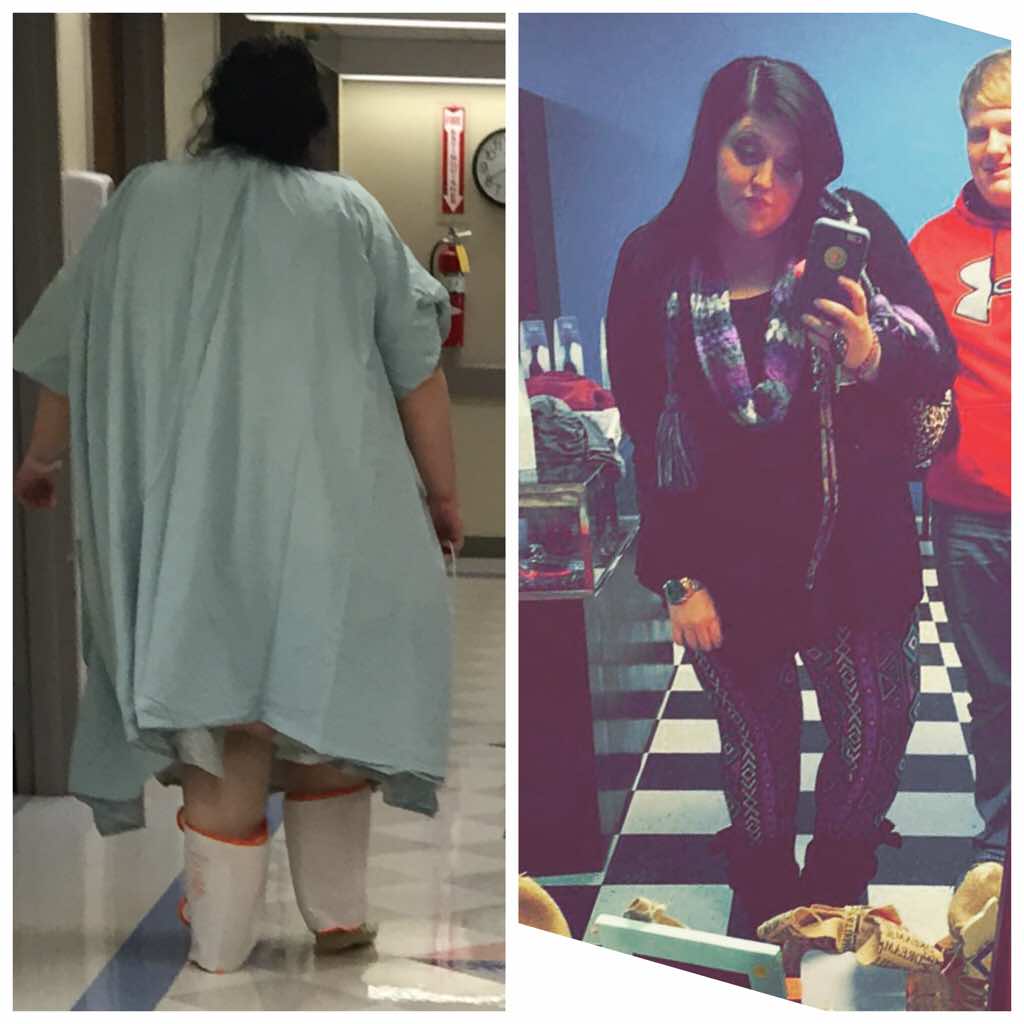
5 months & 124 pounds gone
- 5 months, 100 down, 100 to go
I don't really have one. I don't drink protein shakes, they make me very sick. I eat anything I want to really just small portions (obviously) I walk 2 miles every morning. I started off at 410 so I lost fast because I was so big. But I don't really do it by the book (I know that's wrong but it works for me)- 5 months, 100 down, 100 to go
- 100 pounds
Thank you. & nothing specific really. I walk every morning & that's about it lol.- 100 pounds
- New me
Thank you so much- New me
Lol thank you all ????- New me
Thank you- New me
- Please don't judge
I'm 3 weeks out. & im doing great. But I'm craving a cigarette. Will it kill me? I stopped like 4 months ago. I think if I try one it will make me not want to anymore but I'm scared. But I want it bad ????
Join BariatricPal free
- Ask your own questions
- Reply and follow topics
- Message other members
- No cost, no spam
aligrace94
Pre Op
-
Joined
-
Last visited
Account
Navigation
Search
Configure browser push notifications
Chrome (Android)
- Tap the lock icon next to the address bar.
- Tap Permissions → Notifications.
- Adjust your preference.
Chrome (Desktop)
- Click the padlock icon in the address bar.
- Select Site settings.
- Find Notifications and adjust your preference.
Safari (iOS 16.4+)
- Ensure the site is installed via Add to Home Screen.
- Open Settings App → Notifications.
- Find your app name and adjust your preference.
Safari (macOS)
- Go to Safari → Preferences.
- Click the Websites tab.
- Select Notifications in the sidebar.
- Find this website and adjust your preference.
Edge (Android)
- Tap the lock icon next to the address bar.
- Tap Permissions.
- Find Notifications and adjust your preference.
Edge (Desktop)
- Click the padlock icon in the address bar.
- Click Permissions for this site.
- Find Notifications and adjust your preference.
Firefox (Android)
- Go to Settings → Site permissions.
- Tap Notifications.
- Find this site in the list and adjust your preference.
Firefox (Desktop)
- Open Firefox Settings.
- Search for Notifications.
- Find this site in the list and adjust your preference.