ANewMe9/21
Gastric Sleeve Patients
-
Joined
-
Last visited
Everything posted by ANewMe9/21
-
9/2015 & 7/2016

-
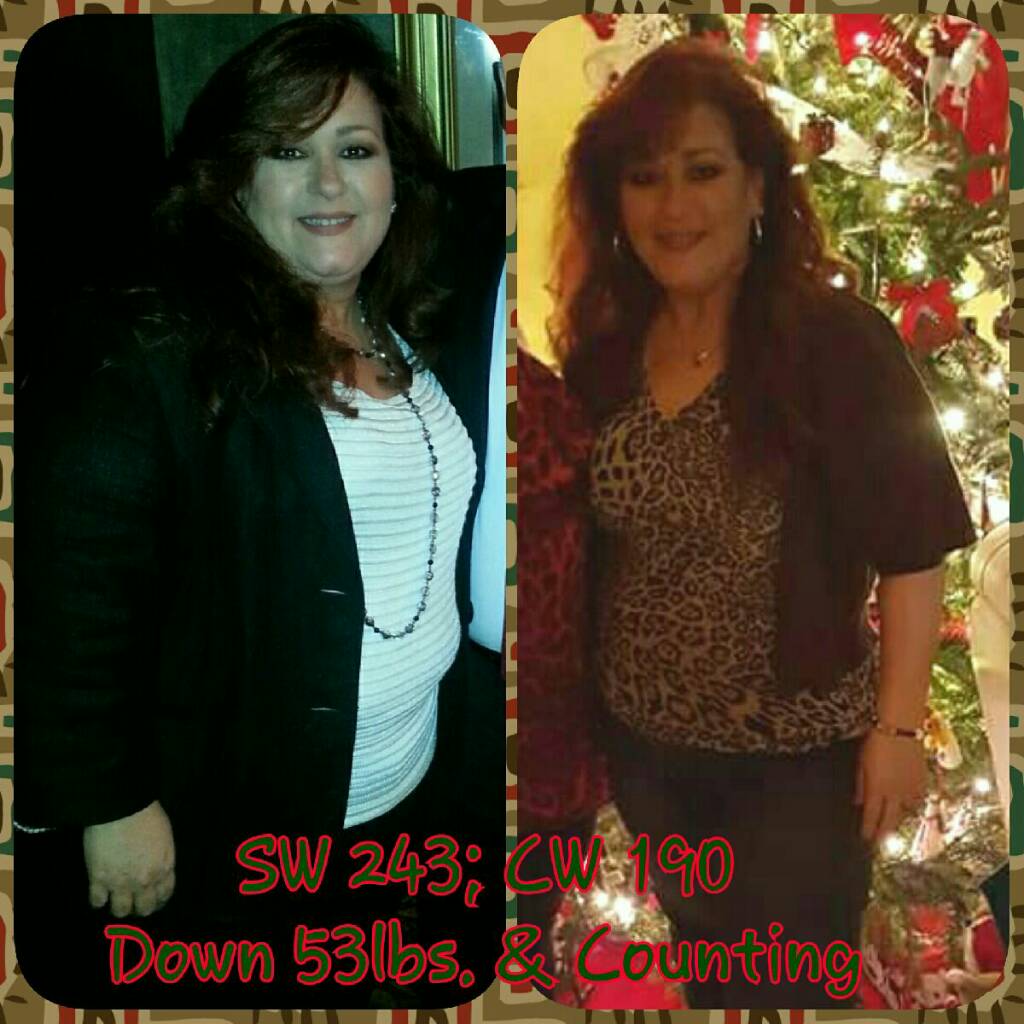
September Sleevers of 2015, as we approach our 1yr Surgiversary, lets look back at some before and after pics.
-
I have a date now Sept 19 Sent from my SM-G920V using the BariatricPal App Congratulations!
-
A lil pricy, but its out there!
-
Welcome to....

-
190
-
189 still I'm in for the next, thx
-
189.6
-
190
-
I'm in fb as "Gigi Jimenez "
-
Life is good!
-
Wow @@desmond Longbottom you look fabulous! All the hard work (liver shrinkage shakes) paid off!
-
@@desmond I'm excited and looking forward in seeing your transformation! It's been such a difficult journey for you. It will be nice to see the fruits of all your hard labor!
-
I encourage everyone to post their pics, because sometimes we just don't see it like others do!
-
You look great!! @
-
191
-
January 2016 - 4mths post-op

-
There is still time to join! First weigh in is this coming Monday!
-
Anyone here doing the challenge?
-
@@vsgSarah3 If you can and when you get a chance (its no big deal) could you please fix my name in the list? It reads ANewMe9/29, it should be ANewMe9/21 -Whenever you can! Thank you! ❤
-
Correction @@tcrehm is called "Valentine's Day Weight Loss Challenge", hosted by vsgsarah3
-
@@tcrehm I think i saw it in the "timeline" or "forum" It's called "Valentine Challenge "
-
@@vsgSarah3 It works! Thank you! ❤
-
@@vsgSarah3 Thank you!
-
No access to link