DeterminedMAMA
Gastric Bypass Patients
-
Joined
-
Last visited
Everything posted by DeterminedMAMA
-
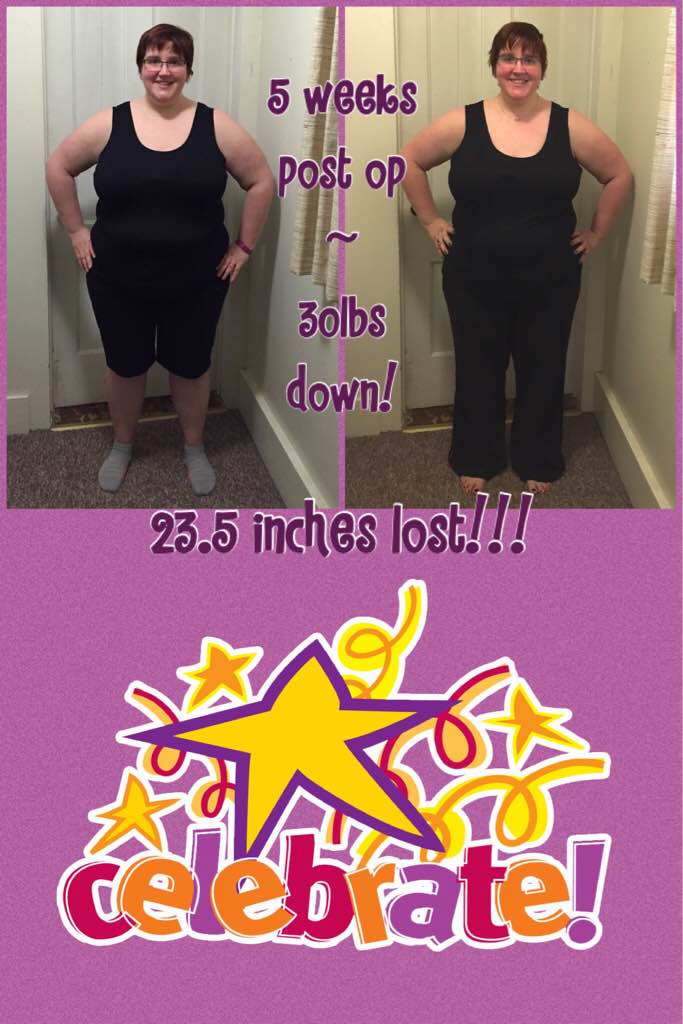
I've had a pretty rough go of it in the first 5 weeks, I've been hospitalized twice for dehydration due to not keeping anything - including water - down, and had a 2nd surgery almost 4 weeks after RNY to fix a stricture and a bowel obstruction. I'm still trying to recover from the 2nd surgery, which has been much more difficult because I wasn't 100% healed from the first, and I was so weak and sick from the complications that arose leading to needing the additional surgery. Today I stepped on the scale and am exactly 30lbs down from surgery day, a total of 60.6lbs down from my highest weight, so there's that! My surgeon is amazing and the group I'm with is the cream of the crop where I live... I wanted nothing but the best when my primary doctor and I explored this avenue last year as a tool to fight my morbid obesity. It's been a real emotional struggle thus far, and I wasn't as prepared for the possibility of complications as I was for the lifestyle changes that I was 110% committed to going into this. I'm glad I found BariatricPal on Facebook and look forward to learning more along the way!