Micdruss
Pre Op
-
Joined
-
Last visited
-
-
-
-
-
-
-
-
-
-
-
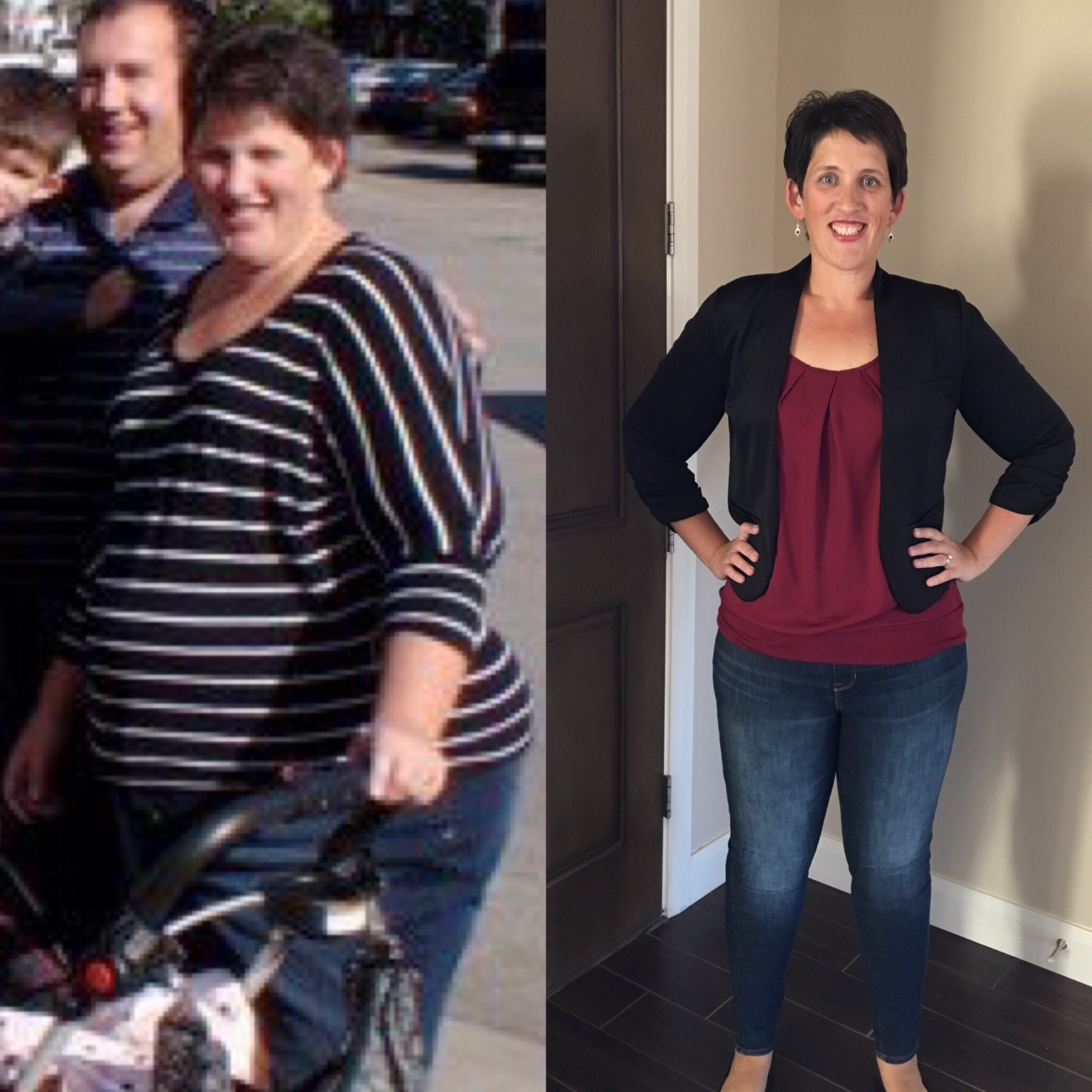
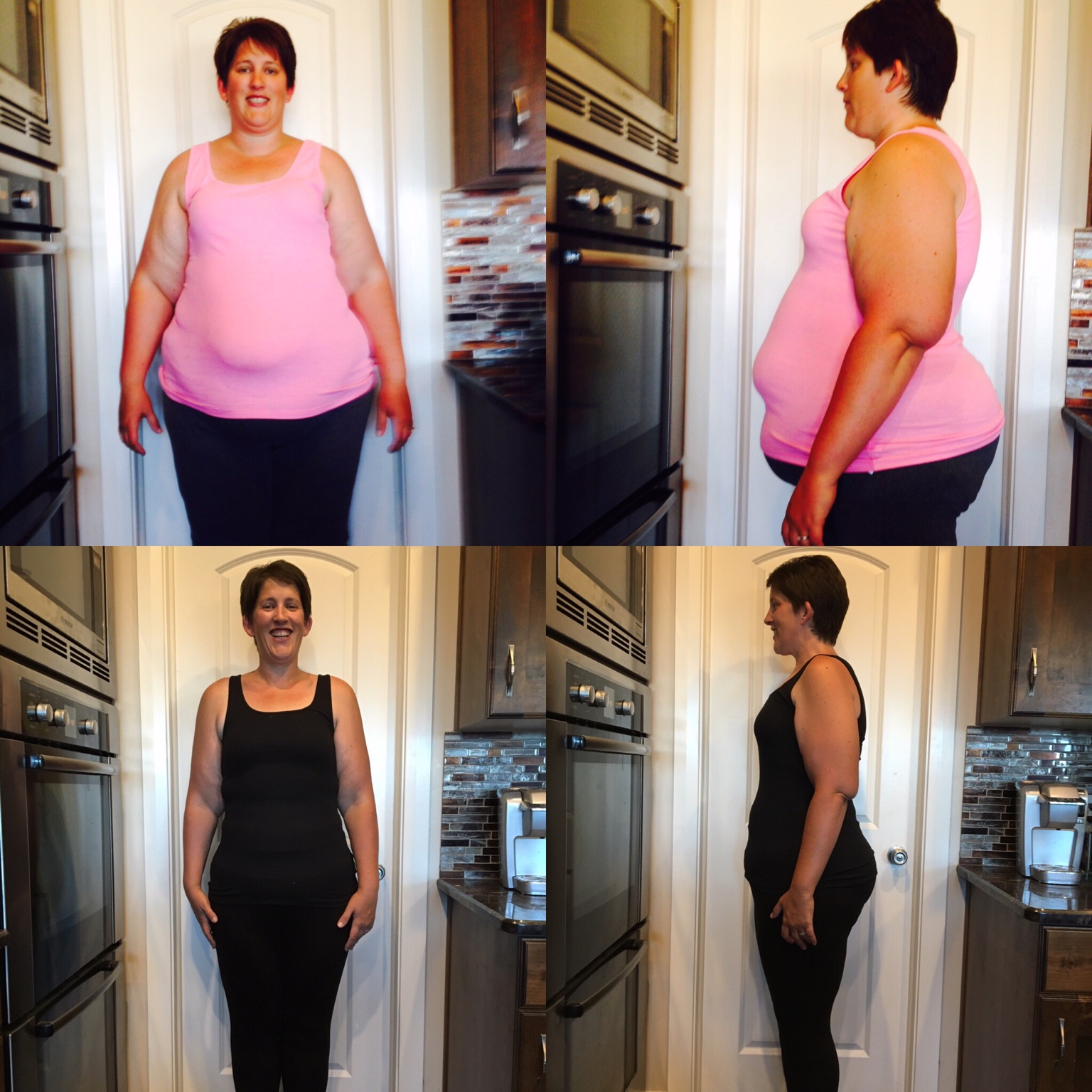
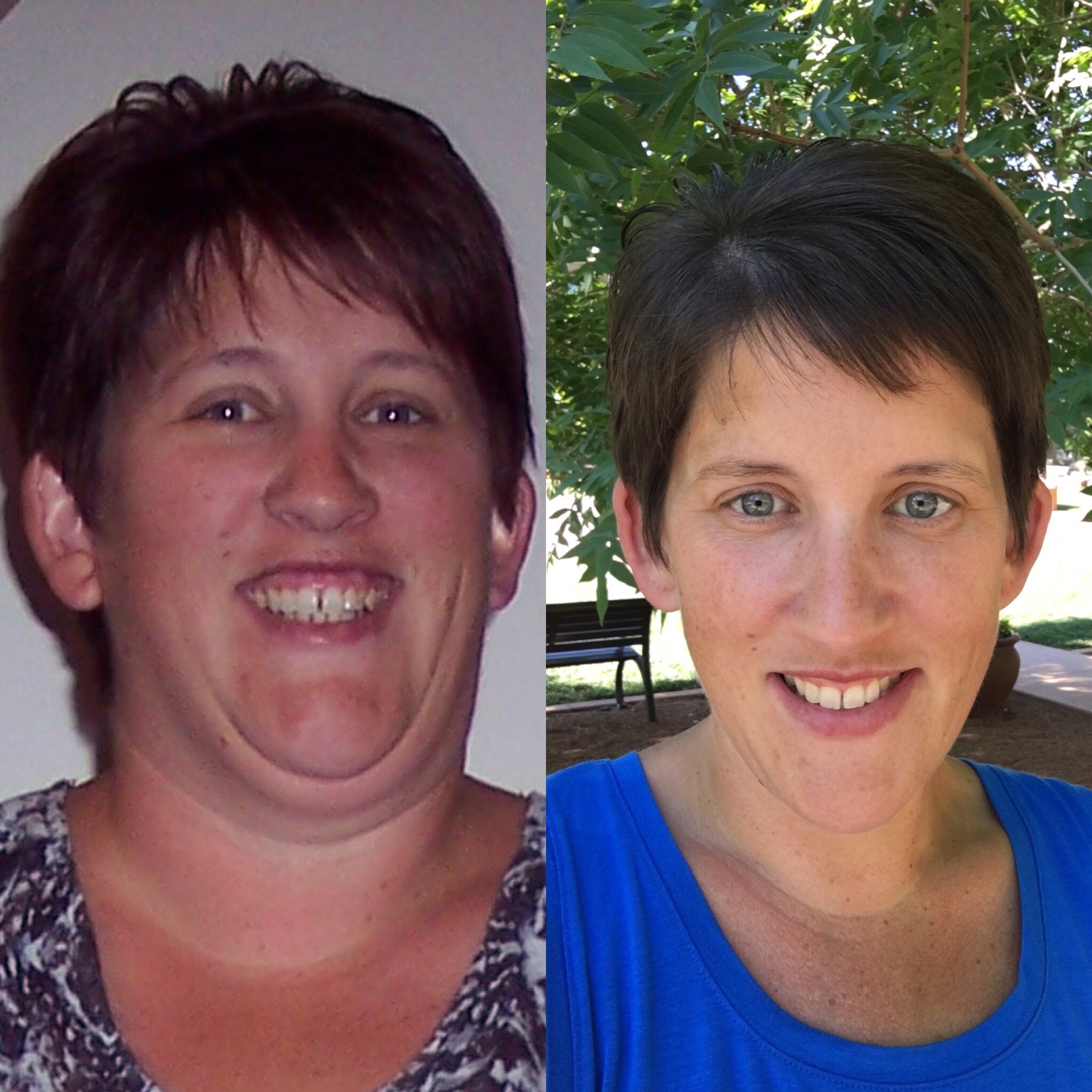
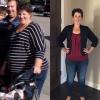
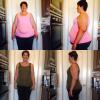
So I still need to lose about 15-25 lbs but I'm down 121 lbs in 18 months!
-
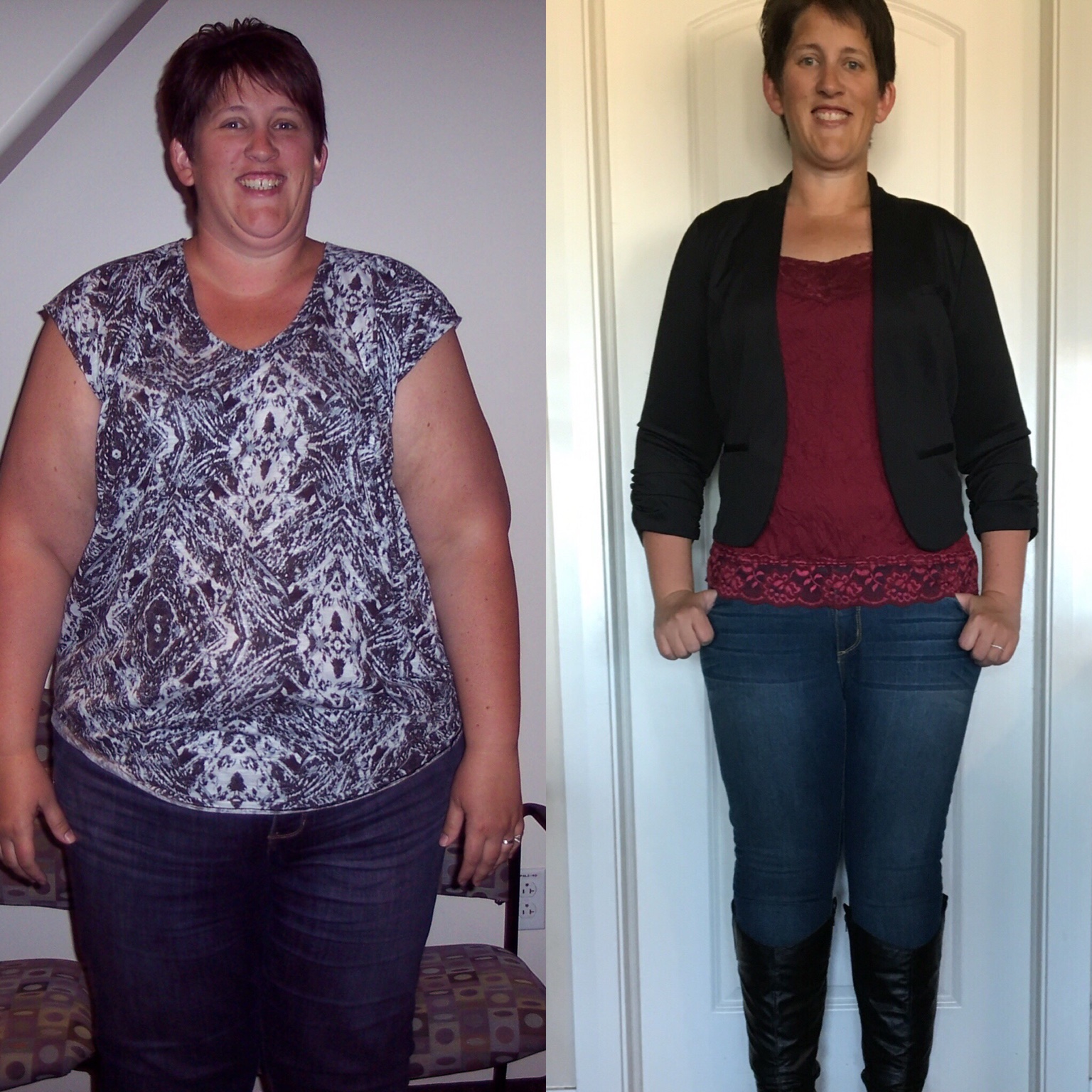
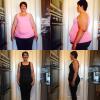
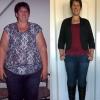
I hit my 1 year on Saturday! It's crazy how fast it went! I've lost about 110 lbs, gone from a 28 to a 16 in pants and am a lot more active than I ever was! I'm definitely still a work in progress with 35-40 lbs to go and I'm still learning, especially now that it's not so easy to lose but I couldn't be happier [emoji2]

-
I'm out of town until Friday so I will just log in a weight next week
-
223 today
-
I'm in! I need to do better on this challenge! Starting weight is 223.5, goal is 212
-
I stayed the same.....I barely moved at all this challenge ????. Well here's to rocking the next one!!!
-
Same this week....My weight isn't budging this month ????
-
223.5 this week
-
Same again this week ????
-
224.8. ????
-
I'm in! Start- 225 Goal - 219.9
-
And you are probably the only person who notices! You look great! Thanks! I notice the most probably because I could probably fit into a Large shirt except for the arms and have to get Xl or Xxl
-
Weight was the same this week
-
My arms are horrible! It's the one thing I want plastics on! I have lost 100 lbs and they are "smaller" but still big. ????
-
I'm 5'10 and would love love love to be an 8 but thinking a 10/12 is more realistic! I'm a 16 right now and started at a size 28w