binleyvelz
Pre Op
-
Joined
-
Last visited
-
-
-
-
-
-
-
-
-
-
-
#badbreath
-
Lol! I think the key is to not push too hard. I have a little. I've dumped once in 7 months and it was from TUNA! Maybe the mayo in the tuna.. Or the Ruffles I was dipping in the tuna.... Anyways.. You are allergic. You know better. You are responsible for your pouch and you know what's bad. Cause you may have the reaction of breaking out in fat. Been there..,right? Sorry. Not to mention Funyuns will never get you laid. True Story.
-
Something may be wrong. It may be. Especially if you're vomiting. This is tough. Know your body. Learn your head. Sounds like you need help from your medical team and that's ok. In fact, it's perfect. Just part of your journey. Listen to your body.
-
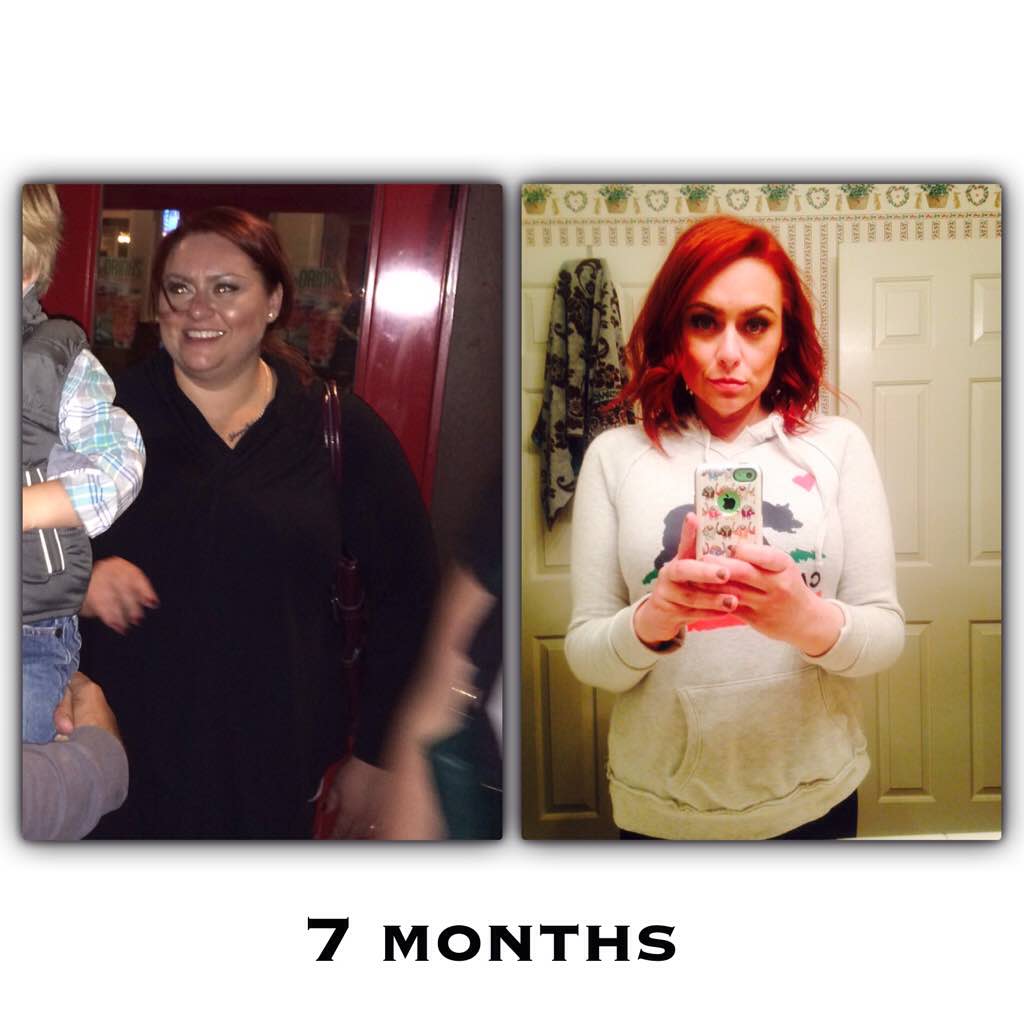
I'm 7 months out and drink about 3 bottles of wine a week. If I go out I drink Vodka in water with a squirt of Mio. I'm very careful if I'm out to drink slowly and I never drink and drive. But I honestly would prefer to drink over eat any day. I just don't because it worries my how much I enjoy it. ????I don't need to get flamed. I know this is an issue and I hope to start an honest conversation with people who are struggling. I heard all the stories of bariatric patients and alcoholism. If I said I had a normal relationship with alcohol before surgery I would be lying. I want to lay this out; Alcohol is an easy alternative to food. I honestly thought that having surgery had "cured" me. I definitely drink less. Obviously, after surgery that means nothing. Food was comforting to me before bypass. It now makes me sick. Pretty much everytime I eat I feel sick. Alcohol on the other hand...I know a lot of people believe deeply in Nioxin but scientifically a shampoo/conditioner can't stop your hair loss or breakage. Our bodies are adjusting. Give it time and in the meantime, eat your protein and drink your WATER. This too shall pass. ❤️This is something that I really want people to understand. I'm a certified colorist and someone who has struggled with this. Coloring your hair breaks down the bonds in your hair. If you're covering grey you break down less bonds than if you lighten your hair. Both do some damage. A Demi hair color which contains no ammonia is your safest bet because it doesn't change the structure of hair. That being said, it won't give you 100% grey coverage. Depending on how much melanin is in your hair and what your wanted outcome..it's just all relative. I noticed hair loss at about 4 months out. By noticed I mean my hair was everywhere except on my head. As a professional I looked closer into this. One thing I learned and noticed on myself is that I wasn't necessarily losing my hair; it was breaking off. Hair is made primarily of protein and the lack of protein causes breakage. I immediately started protein treatments (always took biotin) but the only thing that really helped was reducing weight. So.. If you have long hair, consider taking it shorter. It hurts but it stops the breakage from too much weight and not enough protein structure. If you love your color, continue coloring. Let your stylist know what is going on and they can help. You won't end up bald, trust me. This side effect only lasts about 4 months and it's sooooo worth it.
 Yes. Totally safe. I'd be cautious of the accelerator tho..