yungshi
Pre Op
-
Joined
-
Last visited
-
-
I just had two bites of a Chiquita banana and five minutes later, I was reaching for the closest bag in my car! Definitely way too sweet! I can't tolerate bread but can tolerate whole grain rounds but usually only eat one half of one. I can do steak but really really slow! I cut my pieces into tiny pieces and chew about 25 times. I usually have to end up warming my food again lol. I love love love deli turkey!!
-
-
-
-
Hopefully!
-
I'm pretty sure if I didn't make myself eat, I wouldn't eat at all and wouldn't think twice about it. And I know this surgery wasn't meant to do that. According to MY nutritionist, I'm supposed to be eating by now but I have no appetite/hunger feeling. It's almost like I have to set an alarm to make sure I eat.
-
Lol aggressive and snarky? Ooooh.
-
-
Well obviously I just have to eat the food. If you would've read the post, I said I have no desire to eat.
-
-
Thanks yall! I definitely don't get in all my Protein. That's also a big problem for me. I'm supposed to be at 70-80 grams a day and on some days I may get 1 gram. I have Premier Protein but my no desire to drink really just doesn't help. I'm gonna get back on it though bc I don't want to be bald!
-
-
So I'm almost two months out, surgery was 11/14/14 and I have lost around 30 pounds. The weight loss has slowed up a bit. I go to the gym about 3-4 times a week and also go to the park and walk with my sauna suit. The problem is, I have no desire to eat at all. Eating is not enjoyable for me anymore...I guess that's a good thing. But for the past two weeks or so, I've only been eating one "meal" a day and a few slices of deli turkey when at night. I have no desire to drink anything but I do so I can stay hydrated. I'm just really bored eating the same thing. This coming Saturday will be my "week 8 and beyond" mark and I can basically eat anything that I can tolerate, except steak. Any suggestions?! Thanks
-
-
-
-
-
As of last week, I was down 30 pounds. I try not to weigh myself often.
-
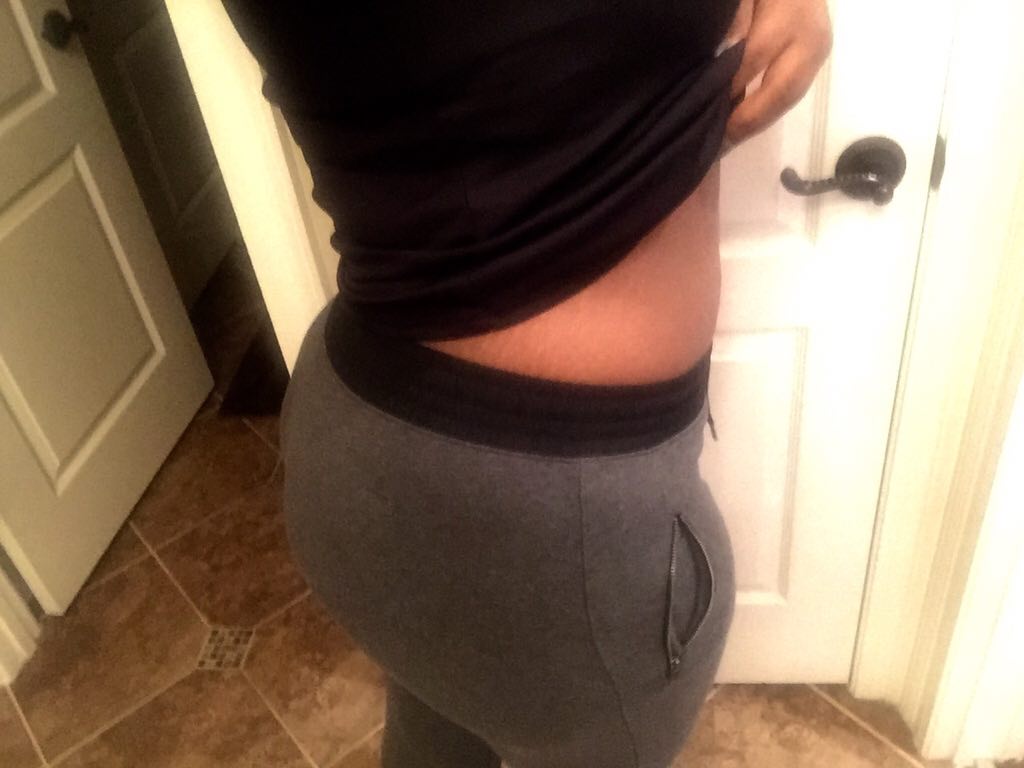
I have no before pics but my after pic makes up for it ☺️ A little over a month out and loving my progress already!

-
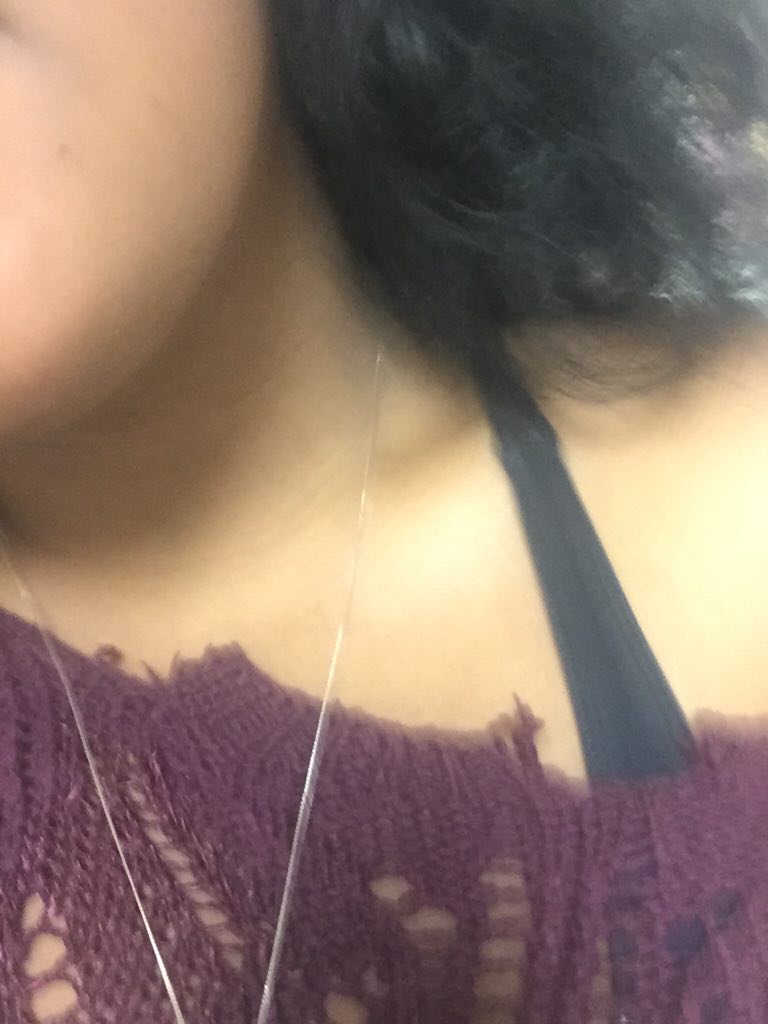
Here's a pic of my collarbone! ????

-
Sending prayers your way!
-
I'M OBSESSED WITH MY COLLARBONES! I'm just shy of being a month out (I make a month on the 14th). I've lost just about 30 pounds so far. I'm basically on losing a pound a day. My collarbones are now showing! My face has gotten noticeably smaller and I've been getting all of the compliments! My aunt even asked if I photoshopped my face on one of my pictures! Yes, I take that as a compliment. My body in general looks smaller, my breasts are pretty much gone with the wind but my booty is still plump! I guess since it's hereditary! I can fit a medium/large now in pants and shirts. Depends on the material. My legs are smaller, stomach smaller, I'm just so happy. 10 pounds away from the 100s!!!!!!!!! I've been toning my arms and legs and I've been walking at the park and on the treadmill at the gym. My diet now includes grits (but not often), oatmeal, red potatoes, cooked vegetables, canned fruit (light), diet gatorade, green tea, crab grape juice. This weekend I add boiled and scrambled eggs, multigrain crackers, Melba toast. Next week I add baked salmon, canned tuna, stuff to that nature. I've been doing really well, keeping everything down. Only thing I really loathe is those damn Protein shakes! I'm just so tired of them. I'm supposed to be at 60 grams a day and I'm getting at least 30 grams. But today I started drinking on premier Protein shake in the morning, and I'll have one later during the day. I get really really really fast. Like after about 5 small spoonfuls of grits or I can eat about 3 pieces of red potatoes. I'm still having problems not drinking with my meals. food makes me thirsty! That's pretty much it though, I need to start my Calcium Vitamins today also. So that's on my to do list. Well wishes!
-
So last Saturday my dietician started me on mushy foods and on my list was boiled red potatoes. So yesterday and today I had some boiled potatoes from a seafood place and I don't know if it's me or something but these damn potatoes are EXTREMELY spicy. I don't know if it's because I haven't had real foods in awhile or something to that fact. Can spiciness cause ulcers? I don't feel sick after I eat the potatoes, I just need a sip of something cold but I know I'm not supposed to drink while eating. Eeehh maybe I'll just stop being lazy and go buy some potatoes and boil them myself.
-
-
Thanks for everyone's responses! I'm sure it was because it was wayyyy too sugary. I may have had 2 or 3 bites and said I was done. I'm gonna stick to the regular plain sweet baked potatoes and small red potatoes. I'm not on vegetables yet, so there's no eating the Protein first then vegetables then starches. The sweet baked potato is in the diet my dietician gave me. My mom had the bypass years ago and I told her about this feeling and she said she gets that feeling when she eats ice cream. I hope everyone had a good Thanksgiving!
-
Ok so my nutritionist moved me up to mushy foods and the other day I had a plain baked sweet potato and had less than half of it. Today is obviously Thanksgiving and I had some home cooked sweet potatoes...some may even call it yams. Right after I finished eating my heart started beating faster than normal for about 15 minutes. This happened only one time before when I ate some scrambled eggs. Is this dumping? Should I be worried about a leak? Helppppppp!!