sashavelez5
Pre Op
-
Joined
-
Last visited
-
-
-
-
-
-
-
-
-
-
Hw:290 cw: 210 i feel like i hit a stall. I am 9 months out and only lost 80 lbs

-
My journey
-
-
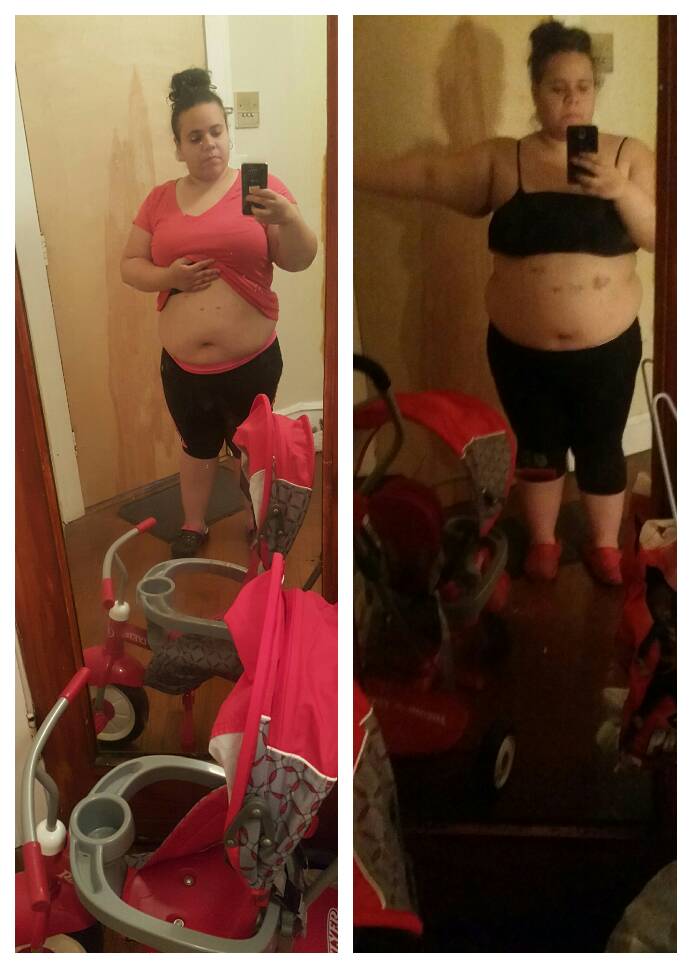
Sw:286 cw:218 surgery date July 16th picture on the right was the day after surgery picture on the left was 3 weeks ago.
-
I usually give it 20 to 30 min because if I mix my drink with my food I get a real bad pain iny chest and in my stomach
-
Hey everyone I was sleeved July 16 sw;286 current wait: 245 a total of 40lbs
-
Hey everyone I was sleeved July 16 and sw:286 cw:245 a total of 40lbs in one month
-
I agree ladies it's pretty hard I feel hungry still I mean yea I eat less but y am I still hungry
-
Lol wow your moving quick I only had a 5 day clear liquid diet before surgery and I have different stages to go through
-
Thank you hun I mean my stomach is pretty sensitive and I get like upper gas pains sometimes but I just can't do, broth anymore.lol
-
1 week post op I had surgery July 16th and I still feel hungry. Like I'm suppose to be on a clear liquid diet which I do but I just couldn't do broth anymore so I switched to cream of chicken which is better and is filling my hunger pains., but I feel like I cheated and scared I won't lose much wait because I messed up my post op stages. Anybody else feel like this?