georgeserlis
Pre Op
-
Joined
-
Last visited
Everything posted by georgeserlis
-
I'm from sydney yayyy!! Good luck to al!!????????????
-
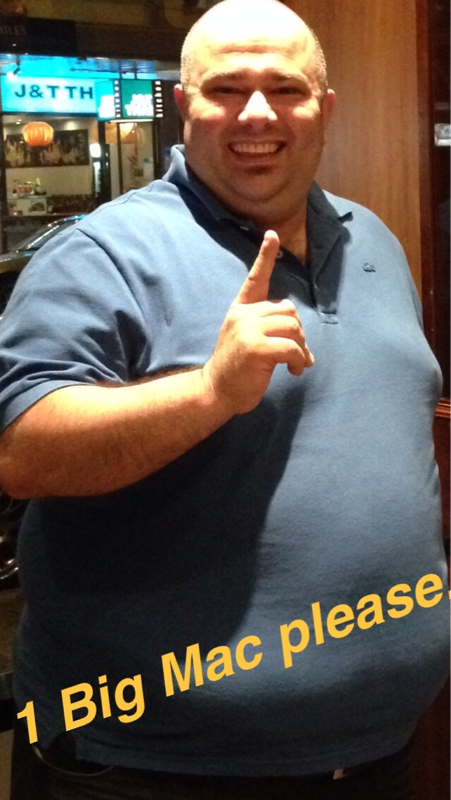
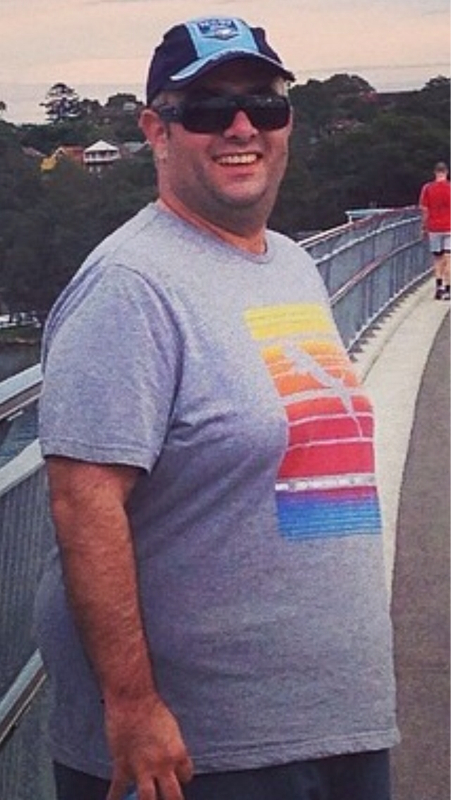
Congratulations I wish you a speedy and healthy recovery!! Just listen to what the doctors and nurses tell you , and walk...????????????Good luck I wish you all the best.. Don't be scared to talk to family and friends about it, I was scared, but you will be surprised how much support they will offer you!!????????????Hi , I'm currently 6 months out too, I started 180 kgs and currently 125kgs , the last 5 weeks I've lost between 700grams and 1,2 kgs. It's gets abit harder to loose weigth but a lot easier to walk and exercise!!Hi my name is George I am 34 years old, I had sleeve surgery done on 4th November 13 (6 months ago) . I weighted 180kgs 2 weeks prior to surgery and now 125kgs and still loosing. I walk everyday 40 mins, clothes fit better , self confidence is higher. Life is so much easier with less weigth!! I currently loose between 700 grams and 1.5 kgs per week. It is very important to watch what you eat now and don't go back to old habits( witch I'm sure we all know about) . If anyone has any questions please feel free to ask!!