Skip to content
View in the app

A better way to browse. Learn more.

BariatricPal

A full-screen app on your home screen with push notifications, badges and more.

To install this app on iOS and iPadOS
  1. Tap the Share icon in Safari
  2. Scroll the menu and tap Add to Home Screen.
  3. Tap Add in the top-right corner.
To install this app on Android
  1. Tap the 3-dot menu (⋮) in the top-right corner of the browser.
  2. Tap Add to Home screen or Install app.
  3. Confirm by tapping Install.
  • Appearance

Join BariatricPal free

  • Ask your own questions
  • Reply and follow topics
  • Message other members
  • No cost, no spam

Mzsondra Fuller

Pre Op
  • Joined

  • Last visited

  1.    SliminDownThick reacted to a post in a topic: May1
  2.    DarbiMolly reacted to a post in a topic: May1
  3.    leenieceymic1 reacted to a post in a topic: May1
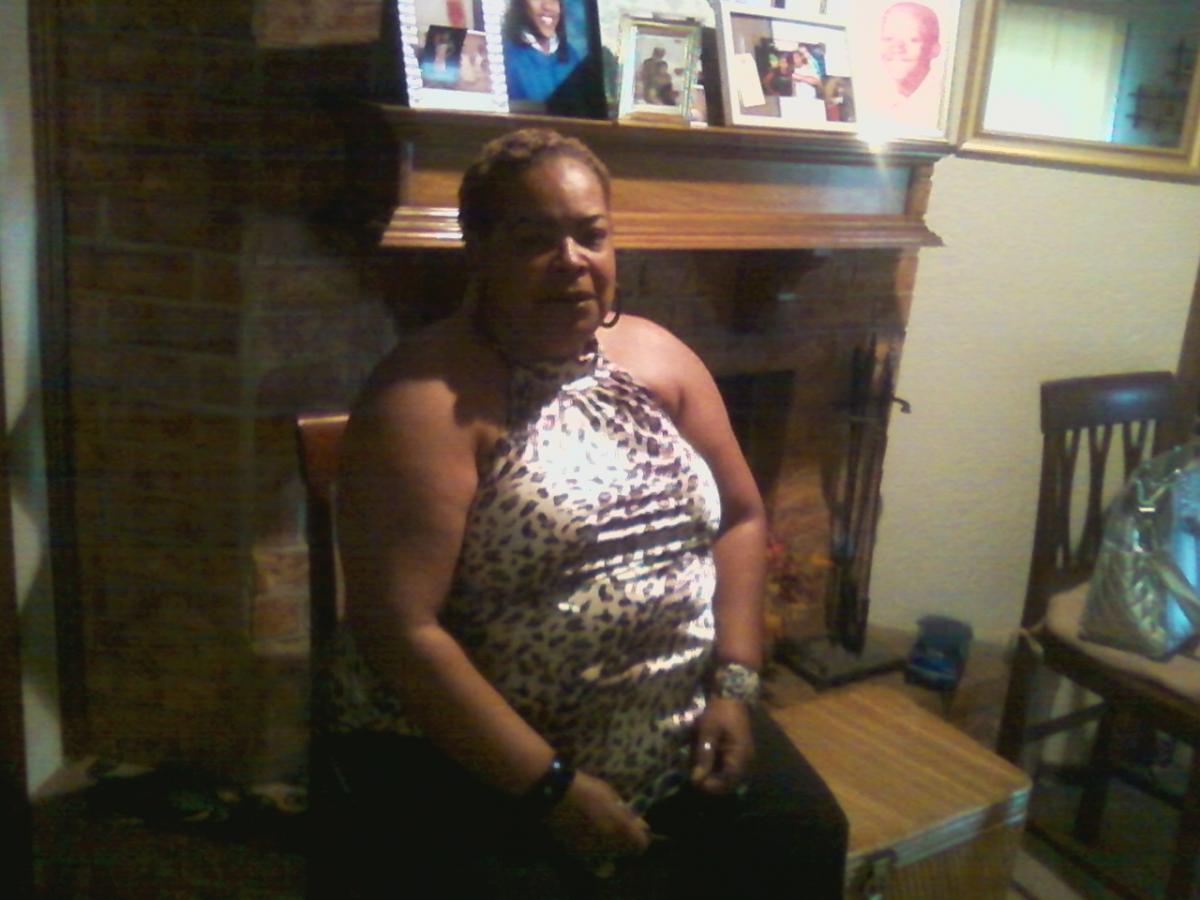
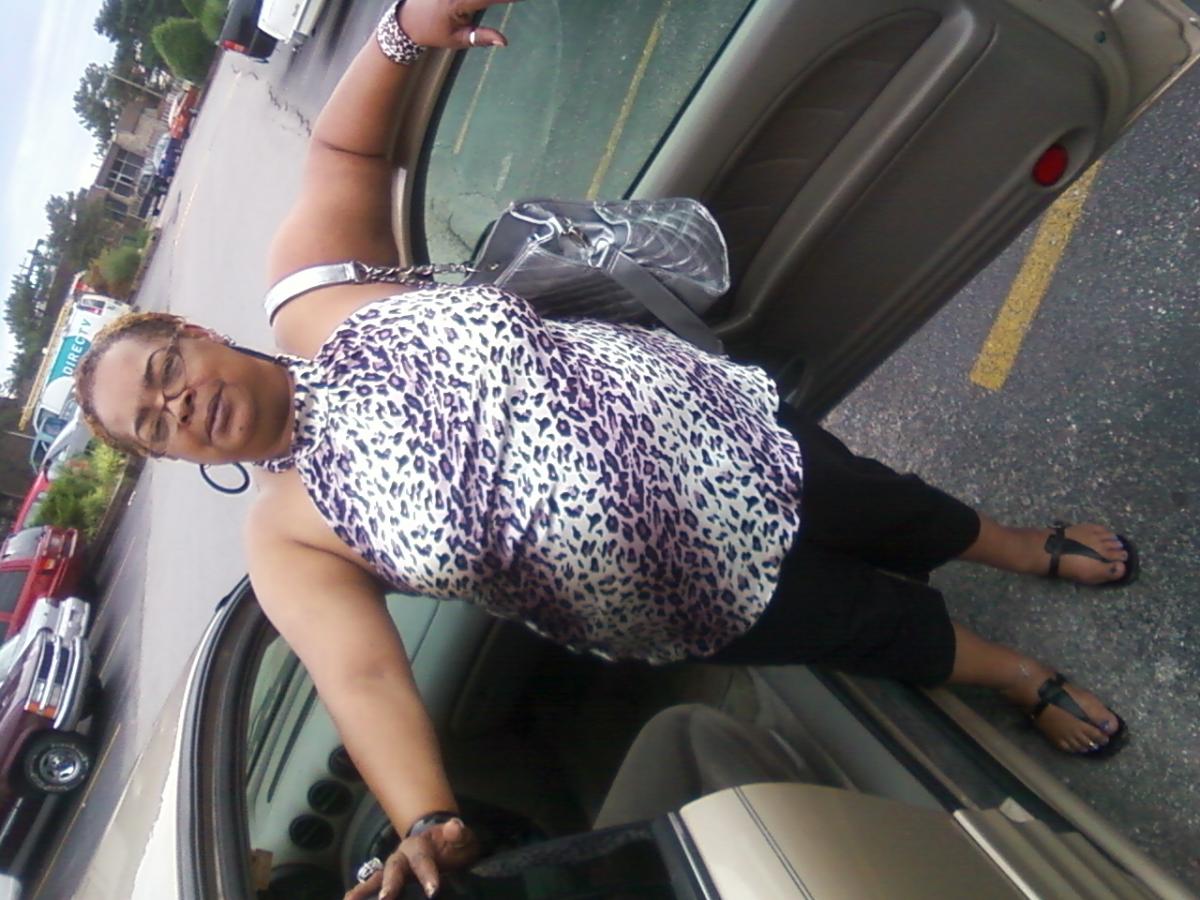
  4. Hello My name is Sondra I am just starting my journey , looking forward to a new me. The reason why I am here I am looking for new friends I am somewhat a baby. My mind is made up I know I have made a dession that is right for me. When I think about how easy it was getting to 273 lbs.. NOW the journey begins here and now to RID myself of the monster with in which I allowed to become out of control. Friends ARE what I need from this day forward looking to meet new and positive people.

Account

Navigation

Search

Search

Configure browser push notifications

Chrome (Android)
  1. Tap the lock icon next to the address bar.
  2. Tap Permissions → Notifications.
  3. Adjust your preference.
Chrome (Desktop)
  1. Click the padlock icon in the address bar.
  2. Select Site settings.
  3. Find Notifications and adjust your preference.