Skip to content
View in the app

A better way to browse. Learn more.

BariatricPal

A full-screen app on your home screen with push notifications, badges and more.

To install this app on iOS and iPadOS
  1. Tap the Share icon in Safari
  2. Scroll the menu and tap Add to Home Screen.
  3. Tap Add in the top-right corner.
To install this app on Android
  1. Tap the 3-dot menu (⋮) in the top-right corner of the browser.
  2. Tap Add to Home screen or Install app.
  3. Confirm by tapping Install.
  • Appearance

Join BariatricPal free

  • Ask your own questions
  • Reply and follow topics
  • Message other members
  • No cost, no spam

cafernandez

Gastric Bypass Patients
  • Joined

  • Last visited

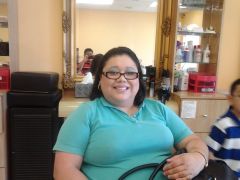
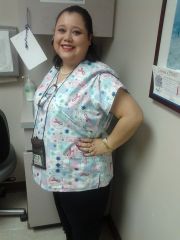
  1. Images added to a gallery album owned by cafernandez in Before and After Gastric Bypass Photos
    cafernandez, a weight loss surgery photo album by cafernandez on BariatricPal. 2 photos in Before and After Gastric Bypass Photos.
  2. Hello guys: I want to let everybody know that I am doing really well. I had lost 30 pounds in 42 days. I have gained more energy. I feel less tired. I am very anxious of seeing the scale moving, but so far I am happy with my progress. I hit plateau for 2 weeks which slow me down a little bit. I take my Vitamins, drink Fluid about 2-3 liters of Water a day and whenever I can I do exercise. I want to hit 50 pounds lost by my second month...... Let us see what it will happen. Good luck to all and thank you for your support. Cordially, Carolina
Account

Navigation

Search

Search

Configure browser push notifications

Chrome (Android)
  1. Tap the lock icon next to the address bar.
  2. Tap Permissions → Notifications.
  3. Adjust your preference.
Chrome (Desktop)
  1. Click the padlock icon in the address bar.
  2. Select Site settings.
  3. Find Notifications and adjust your preference.