Skip to content
View in the app

A better way to browse. Learn more.

BariatricPal

A full-screen app on your home screen with push notifications, badges and more.

To install this app on iOS and iPadOS
  1. Tap the Share icon in Safari
  2. Scroll the menu and tap Add to Home Screen.
  3. Tap Add in the top-right corner.
To install this app on Android
  1. Tap the 3-dot menu (⋮) in the top-right corner of the browser.
  2. Tap Add to Home screen or Install app.
  3. Confirm by tapping Install.
  • Appearance

Join BariatricPal free

  • Ask your own questions
  • Reply and follow topics
  • Message other members
  • No cost, no spam

Francesca37

Gastric Sleeve Patients
  • Joined

  • Last visited

Everything posted by Francesca37

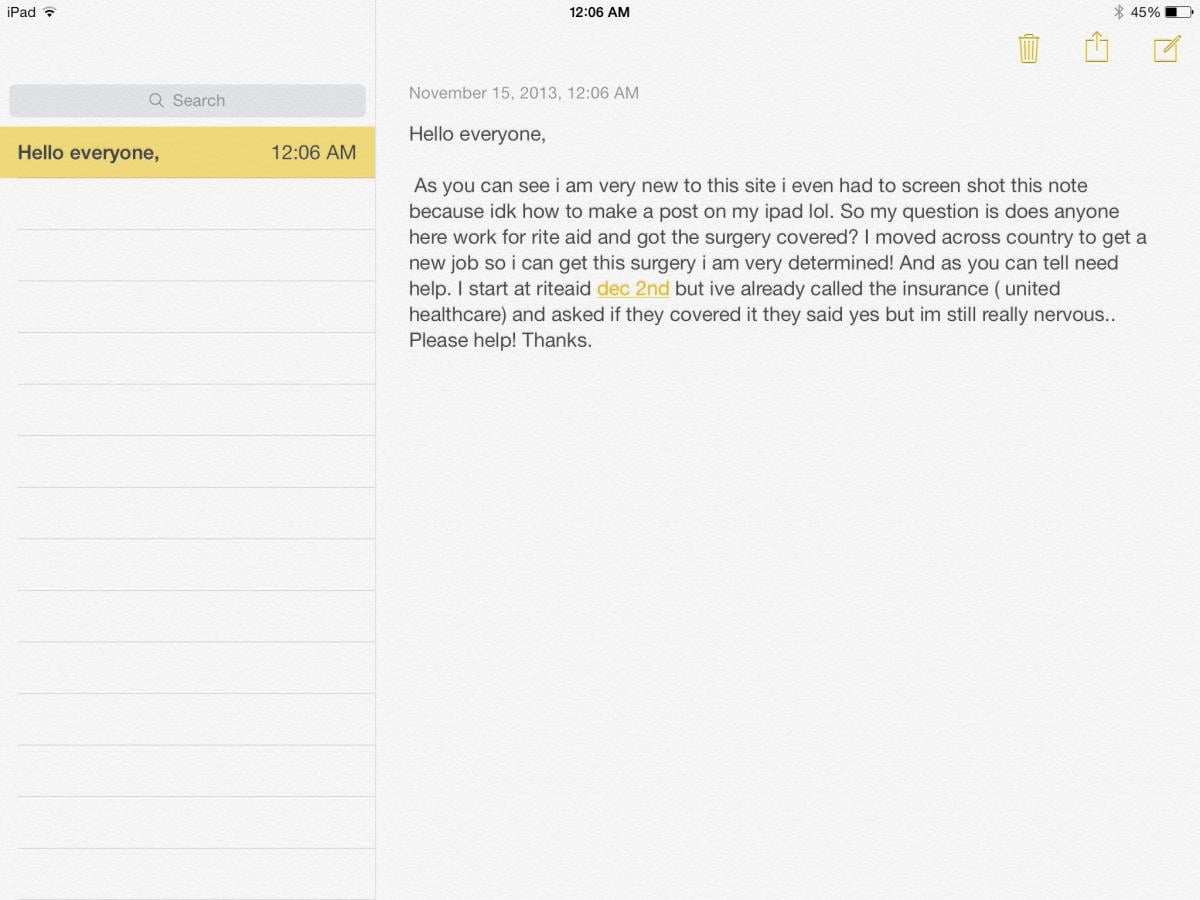
  1. Hello everyone, As you can see i am very new to this site i even had to screen shot this note because idk how to make a post on my ipad lol. So my question is does anyone here work for rite aid and got the surgery covered? I moved across country to get a new job so i can get this surgery i am very determined! And as you can tell need help. I start at riteaid dec 2nd but ive already called the insurance ( united healthcare) and asked if they covered it they said yes but im still really nervous.. Please help! Thanks.
  2. Please click on the picture my questions are there dont know how to use this site yet

Account

Navigation

Search

Search

Configure browser push notifications

Chrome (Android)
  1. Tap the lock icon next to the address bar.
  2. Tap Permissions → Notifications.
  3. Adjust your preference.
Chrome (Desktop)
  1. Click the padlock icon in the address bar.
  2. Select Site settings.
  3. Find Notifications and adjust your preference.