heading180
Gastric Bypass Patients
-
Joined
-
Last visited
-
-
I had a lot of positive support pre op.. I work in corrections and I had a few friends at work go threw this a few months before so it was a lot easier for me I honestly think if people are hating your choice they have no idea how hard it is going to be..a lot of people say that it's the easy way out and that I'm a quiter but I tell them it's the jump start at I needed to start my new life
-
Aww thanks.. (;
-
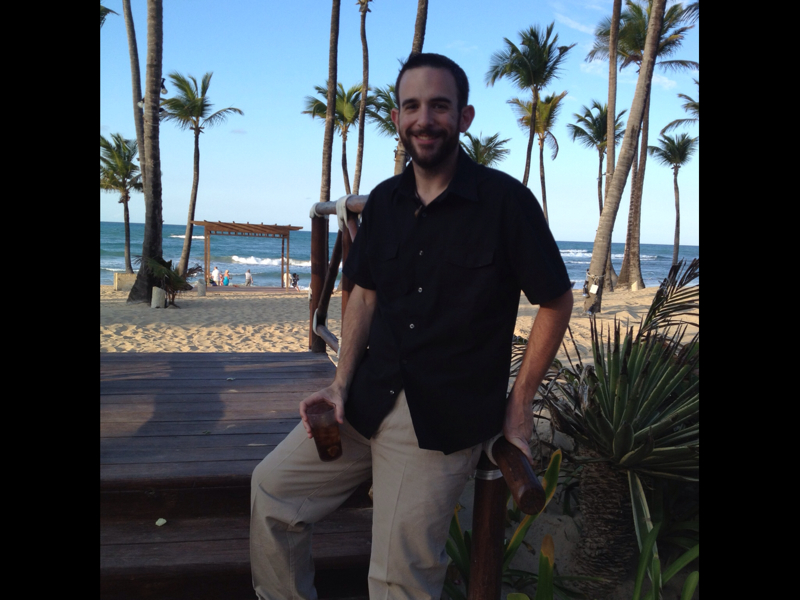
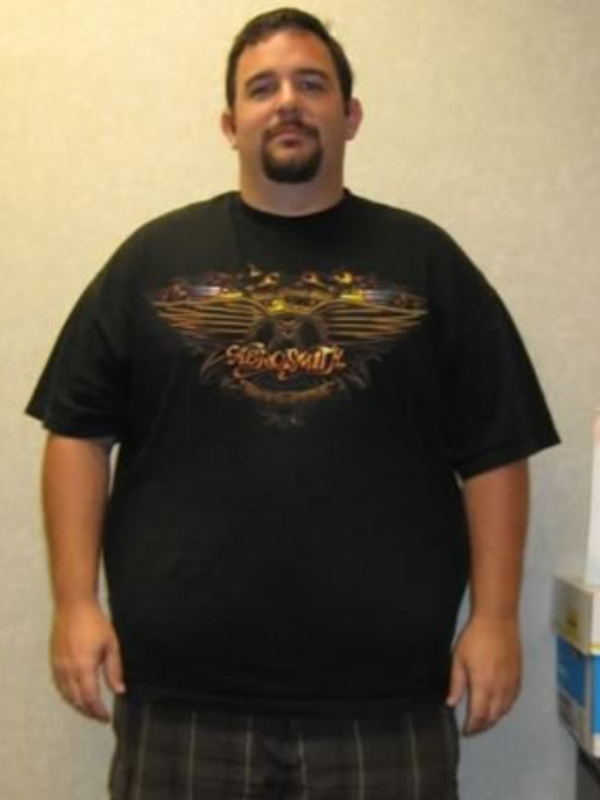
I've lost a total of 165 pounds been the same weight at 182 for the past 8 months so I'm very happy with the results.. Of course I have extra skin but it's nothing that I can't live with..I was comfortable with my eating habits prob a few months after the surgery I just made a choice that the way I was eating and the lifestyle I was choosing was def the wrong decision..at 2 years post op I can pretty much eat anything I want within reason but I really try to stick with lean meats and veggies with as much Protein as possible during the day
-
Hey Jess..ask away!! I had mine done on my 32nd bday! July 26th 2010
-
-
So I just got a iPad and saw this app so I wanted to join ..my name is Todd I'm 34 from Hanover pa..if any of you guys ever have an questions or concerns Feel free to ask I've been through just about everything