
Thick'n'Thin
Gastric Sleeve Patients
-
Joined
-
Last visited
Everything posted by Thick'n'Thin
-
Call the doctor.
-
Hi, OP here. Haven't logged in forever! I began my journey with a segment with Goldstein. I knew I probably wanted the sleeve, and more importantly, knew I did NOT want the band. I tried to ask Goldstein questions any the sleeve and he gave me weak answers, dumbed down, and would redirect the convo to the band. Between the Q&A experience and the heavily band centered presentation- I decided I wanted a doc on board with me. I switched to Neff. I called the office and cancelled my Goldstein appointment and scheduled one with Neff right away. No problem. That was talk years ago me though. It might be different now. Neff is great. I had broken up with my boyfriend the day of my last preop visit. I was a mess. He even has the right words to comfort me then. Compassionate, skilled doctor.
-
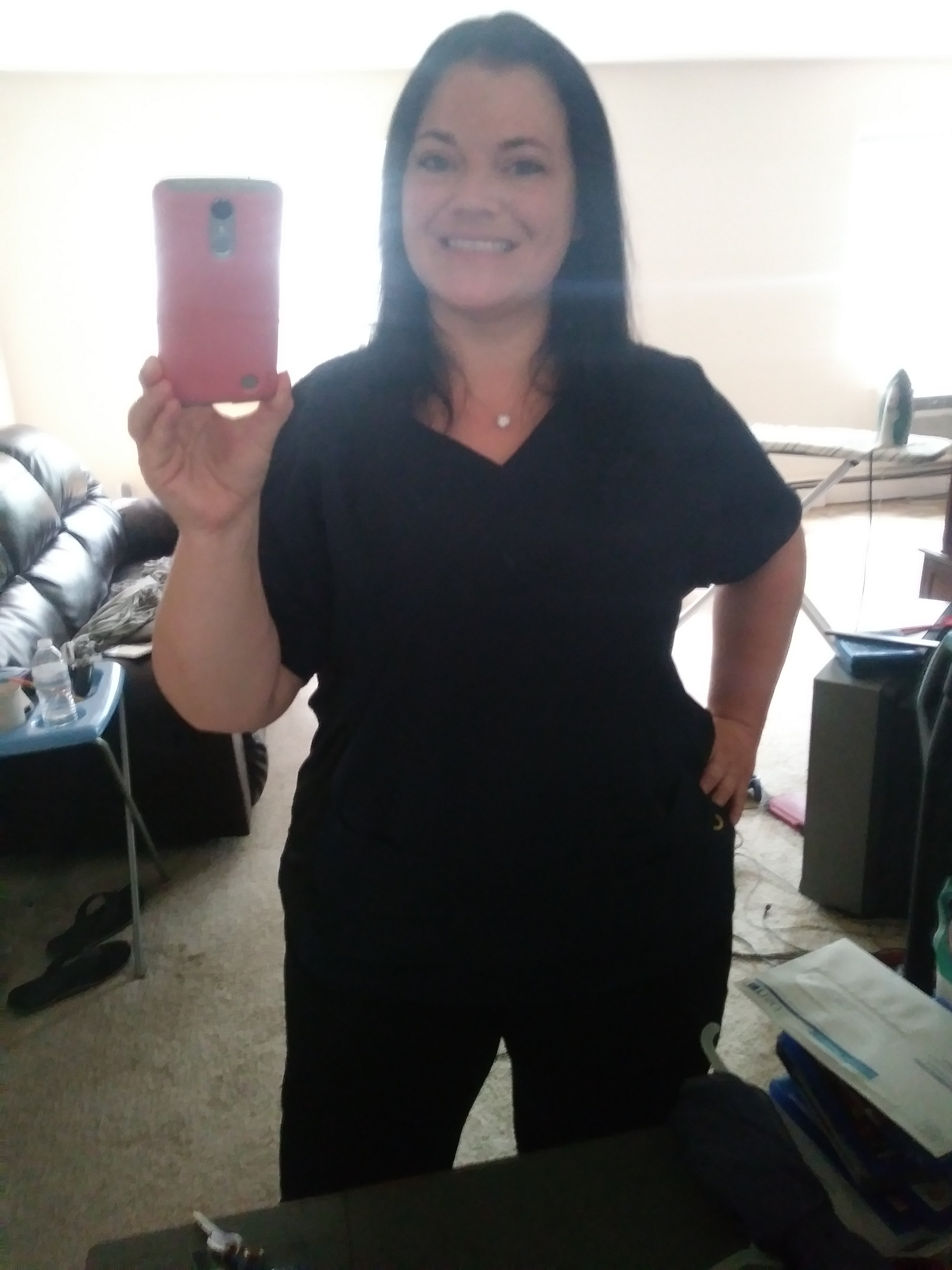
Sorry I've been gone so long. My sleeve is a absolute blessing. I've not been as diligent as I should be. I've gotten my associates, just moved to a new area to continue my education, a huge blessing, and was offered a full time hospice job. So- I hope to get back into a good eating routine and exercise routine now that I have order again. Hw:310 Sw:310 Cw:231 TPL:79 Tpg:150
-
Been a long time. Starting weight: 310 Sw: 297 Cw: 233 TPL: 77 tpg:150
-
Hw:310 Sw: 297 Cw: 235 TPL: 75! Goal pounds lost : 150
-
HW - 310- 12/9/13 SW - 297 12/23/13 CW - 241! TPL - 69 TPG - 150
-
HW 310 SW 297 CW 244 TPL -66 TPG - 150
-
Hw: 310 (12/9) Sw: 297 (12/23) Cw: 245 Pounds lost: 65 Pounds to go: 85... In total that's 150 pound weight loss goal I'm not sure I'd really want to be 160 pounds though. We shall see.
-
Hw: 310 Sw: 297 Cw: 249 61 pounds. Haven't been that low in a few years!
-
Hw: 310 Sw: 297 Cw: 252
-
Hw- 310 Sw- 297 Cw- 254
-
Hw: 310 Sw: 297 Cw: 257
-
Hw: 310 12-9-13 Sw: 297 12-23-13 Cw: 258 52 lbs so far
-
Hw-310 Sw-297 Cw-262
-
Lori is correct. But if you find yourself second guessing just give her a buzz and ask questions, she can tell you whats up. Yes, you will need a swallow study. I drank dye and went under a flourascope. It was neat! I saw myself (my skeleton and muscle) swallowing. It was trippy!
-
I did bnot have trouble being approved. I had no comorbidities but had a BMI of almost 50. But if you have a BMI of 40, and (perhaps) if you've had a BMI over 40 for a period of time (five years?) you should be good. Horizon and the surgeon had me get a weight history for five years from my primary. I got the sleeve. I personally wouldn't get your info from Horizon yourself. When I spoke to them I was misinformed by a CS rep. They told me I needed 1 year supervised diet! Totally untrue. Lori in Neff's office is very knowledgeable of how to get you approved, she's done it many times before. She will be your advocate with Horizon, trust her:) If you'd like to talk on the phone about it PM me your number.
-
When did they chance that rule? In December I was sleeved and only one preop nutritionist appointment was required.
-
I decided to schedule my first appointment in December. Took till March to get an appointment. Not just for food issues but the issues that compel me to comfort myself with food, and lots more. I think it can be helpful to see a therapist, as many of us who have come to the point of surgery experienced some type of disordered eating. Heck, therapy can help everyone potentially, whatever they have going on.
-
Hw 310 Sw 297 Cw 263
-
They no longer require a supervused diet at all. I could have been sleeved in as little as a month and a half if my schedule would have allowed it. There's medical and psychiatric clearance is required between the insurance company and the doctor.
-
Hw 310 Sw 297 Cw 268....about a pound a week ...ugh!
-
Slow and steady... Hw: 310 (12/9) Sw: 297 (12/23) Cw: 268
-
Didn't check in last week, had gained two. This week I'm back down that two old one more. Hopefully I have a whoosh next week, when I'm not retaining fluid. Hw: 310 Sw: 297 Cw: 271
-
Haven't posted much lately but wanted to weigh in : HW: 310 (12/9) SW: 297 (12/23) CW: 272 The sleeve life is rather uneventful for me at this point. I can work out without a problem. I can eat about anything without issue (save for that time I had raw onions in my salad), drink alcohol, coffee. Only thing I haven't had is soda. Thought about trying it yesterday but I figured since I am not Jonesing for it why do it.
-
Hw: 310 Sw: 297 Cw: 274