ttyler1029
Gastric Sleeve Patients
-
Joined
-
Last visited
Everything posted by ttyler1029
-
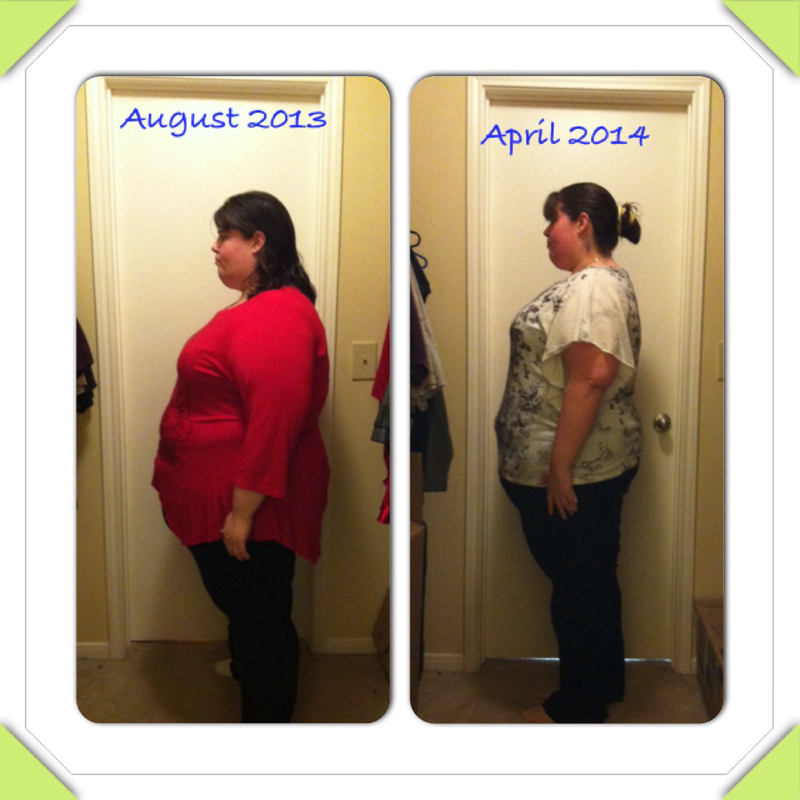
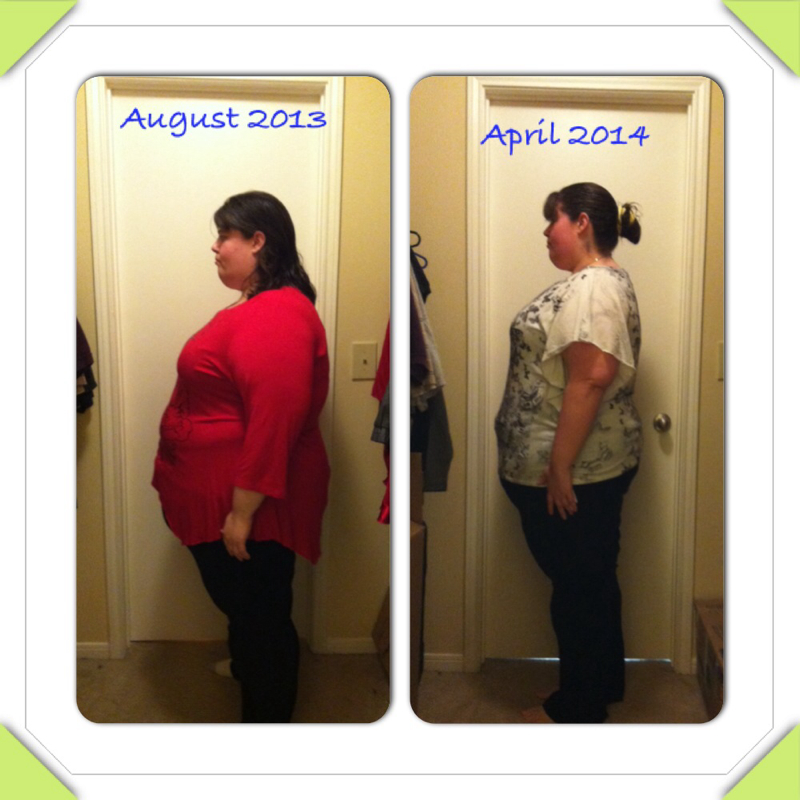
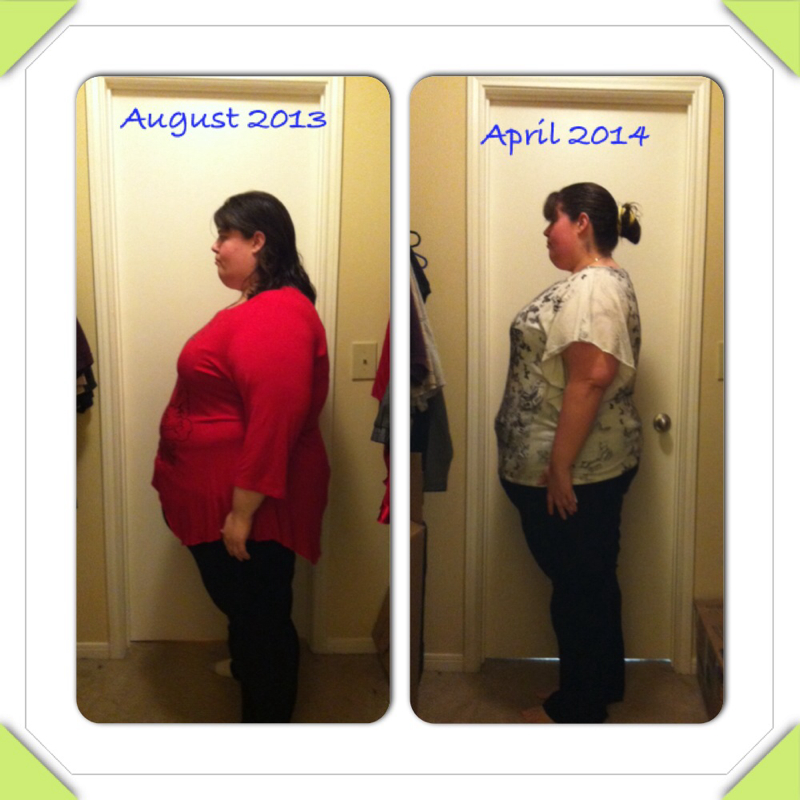
I started at 408, now I'm at 319.... Slowly and steady wins the race!!

-
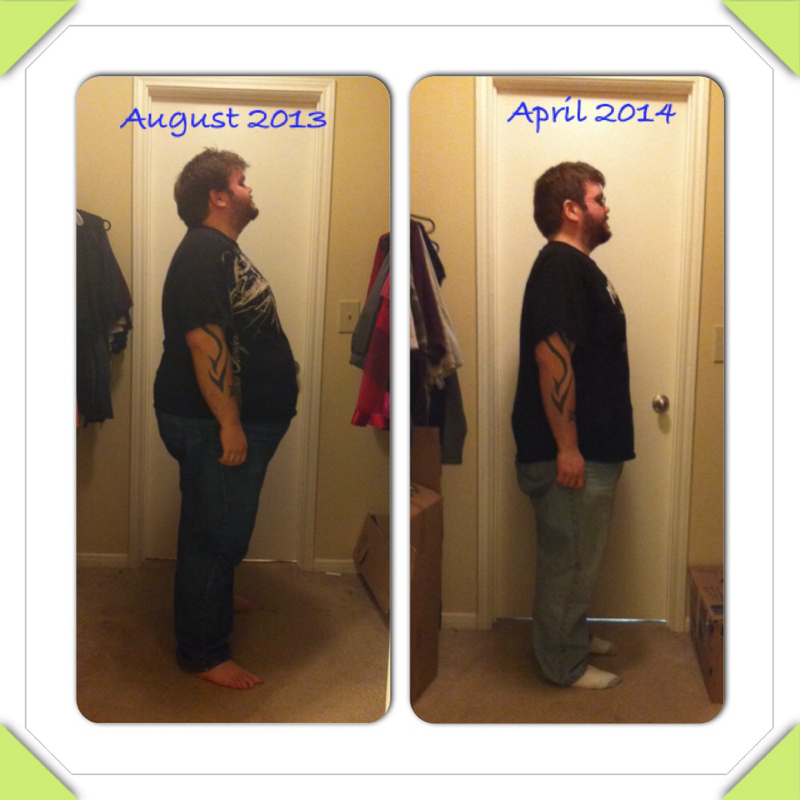
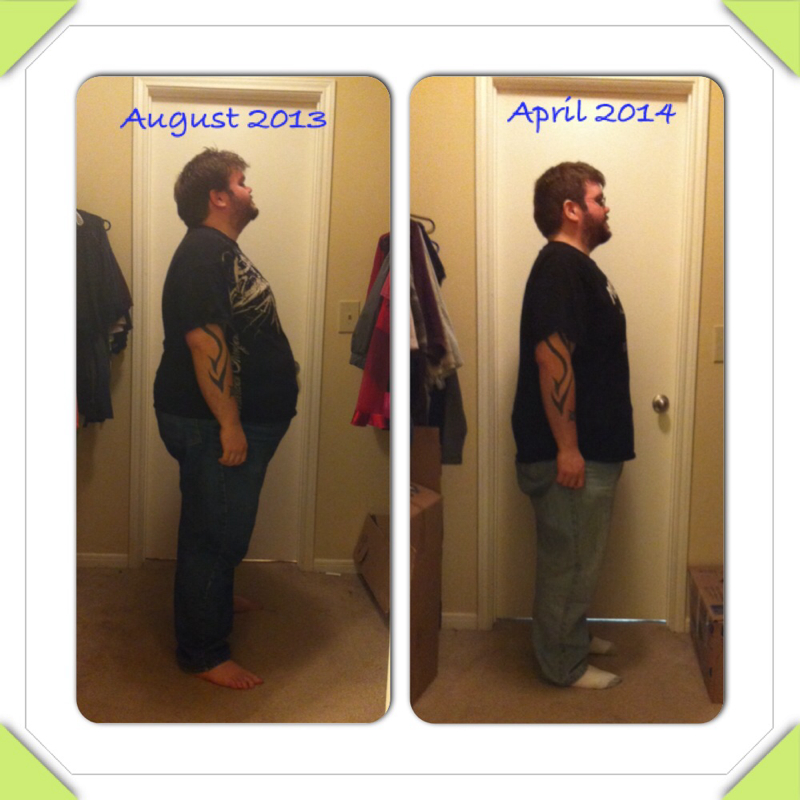
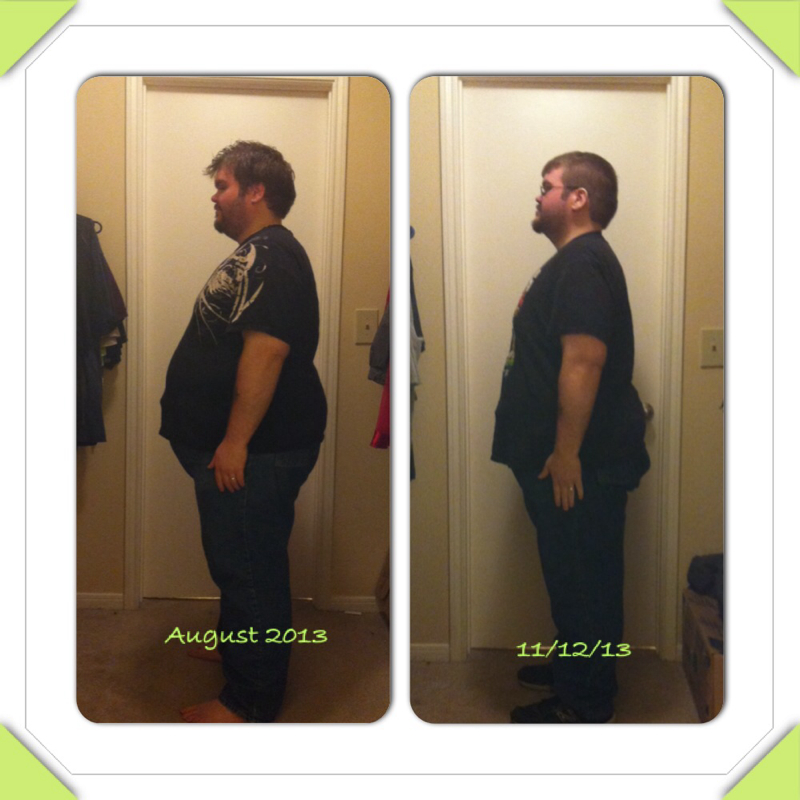
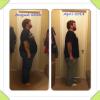
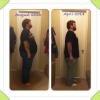
Down 90lbs each, so far!!!

-
My husband and I have each lost about 90lbs ????

-
I did the same thing. I rolled too far over on my side about a month out. It pulled something internal. There was even a small swelling around the incision area. Unfortunately it lasted for about a month. I did pain meds, heat, and basically relaxing as much as possible.
-
My husbands was August 27, 2013...he is down about 75lbs
-
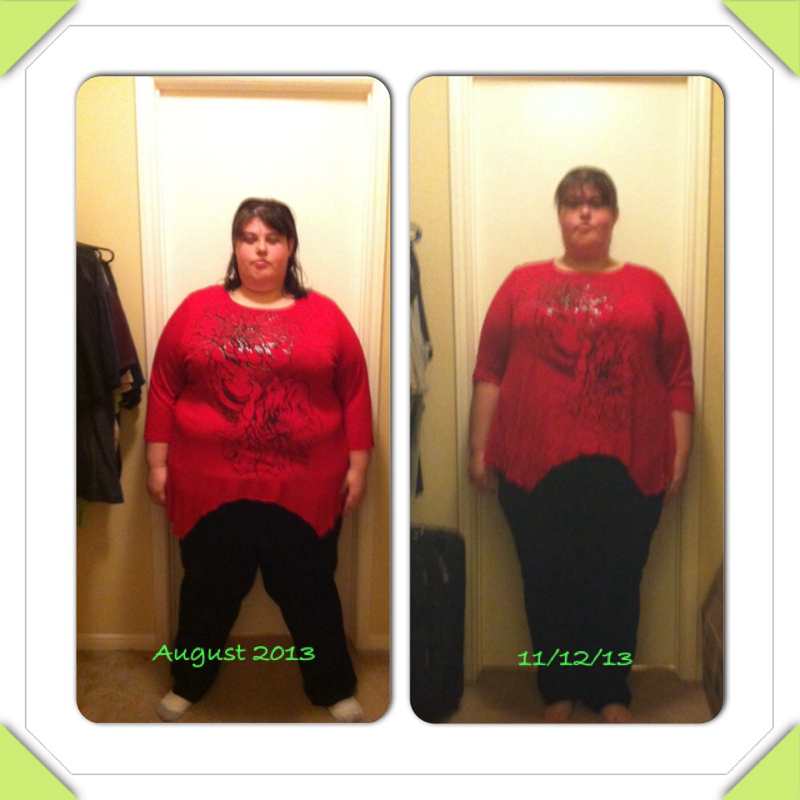
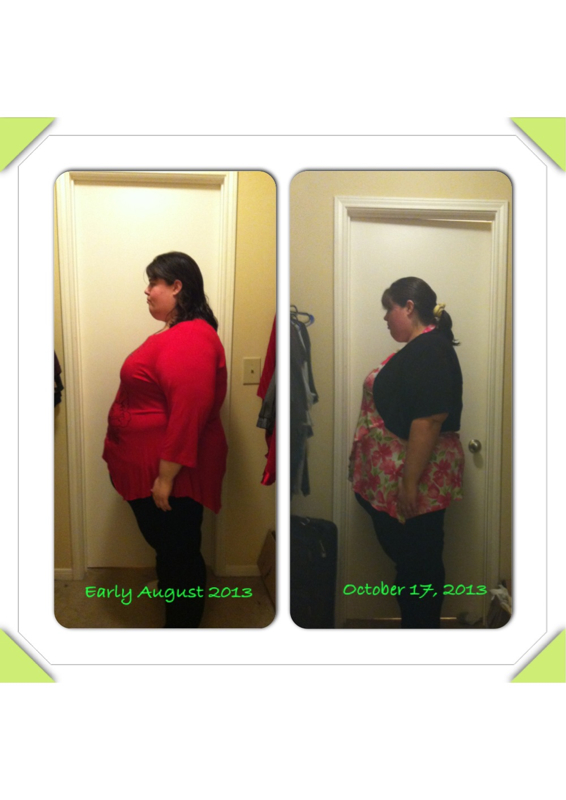
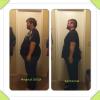
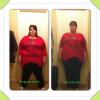
Most current one I have. Surgery was September 23, 2013...down about 80lbs
-
I had similar pain, but mine was on the lower left side. I rolled on my side about 3 weeks out (something I was doing for a week), and I felt a pulling / popping. Felt like someone kicked me in the stomach, was hard to breathe, swelling under the skin etc...called the dr and he said it sounds like a hematoma. Basically told me to use a heating pad and take extra strength Tylenol and it would go away once it re-healed. I just did more than my body was ready for, even if I was already rolling on my side.
-
I'm not seeing much difference yet, but I'm just a couple weeks out.

-
No pain, just numbness. I think it's water retention too. They gave me like 12 bags of fluid at least during my stay. Once the IV came out of the vein and the fluid was pumping under my skin on my arm. Made my whole arm swell.Has anyone else had an issue with your legs and feet swelling after surgery? I was just sleeved on 9/23/13, and got home yesterday. I don't think they were swollen in the hospital.Fighter by Christina aguilara Survivor by destiny's child Roar by Katy perry Crazy b***h by buck cherryAre there any particular songs that just give you the burst of energy you need to start/ keep working out? What music inspires you? I like: Fighter- Christina aguilara Survivor- destiny's child Roar- Katy perry Sail- AWOL nation Standing outside the fire- Garth brooks Most anything nickelback Anything Metallica Please share your inspiration.....My husband is doing bypass on Tuesday, and I am getting sleeved in September. Doing it together is sooo much easier than any diets we have tried aloneI've been supporting my husband on the liquid diet by doing it myself, happy to say its not as bad as I thought we did the 2 shakes a day and one 300 calorie meal last week, and started the 4 shakes a day today. So far I haven't been "ready to rip a co-workers arm off for their pizza" kind of hungry... Like I thought I would be. I have been satisfied the whole timeI read this thread earlier, and went to buy some Isopure to try. Can't say I cared much for it we tried the blue raspberry. I also got the alpine punch and apple melon. Maybe one of those will be better you can get singles to try at vitamin shoppe. They are $4.19 a piece. I like the banana creme muscle milk, poured over ice with just a splash of orange juice... To me, that tastes amazing!!!My husband and I are both getting surgery by Dr. Morton @ Baptist. The hubby is having gastric bypass on August 27th, and I am having the sleeve, hopefully in September. We live in Antioch, just outside of nashville.Haha that's funny... I was born in NY and now live here in the Nashville areaMy husband and I are both using dr Morton at baptist