discoveringme
Gastric Sleeve Patients
-
Joined
-
Last visited
Everything posted by discoveringme
-
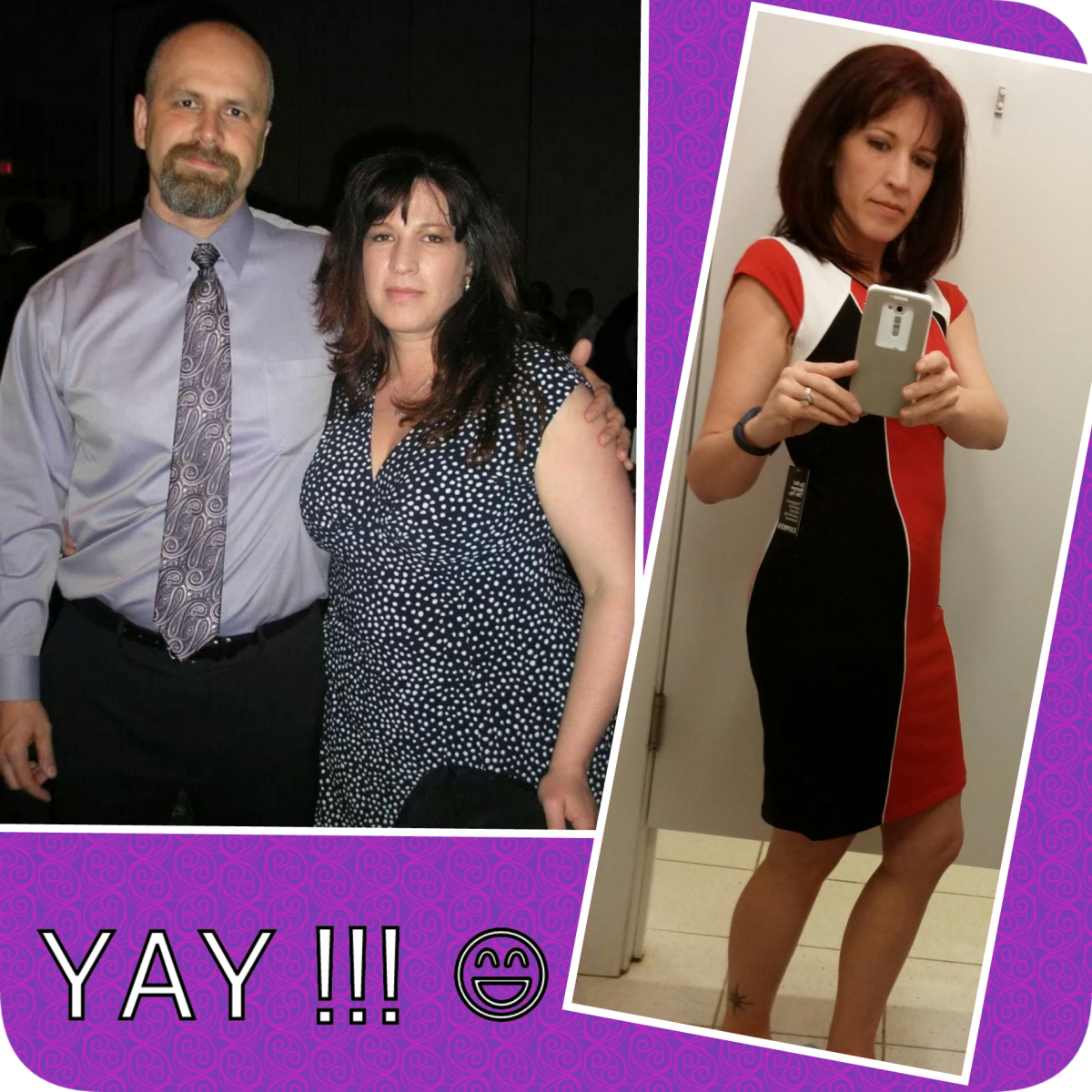
I loved these also when i was getting ready to do the surgery and on my journey of weight loss, they were invaluable inspirations!! I am about 15 months out and holding between 135 and 139 at 5"6 :-) HW 240 ish SW 217... No PS yet, but the saggies hide well anyway lol

-
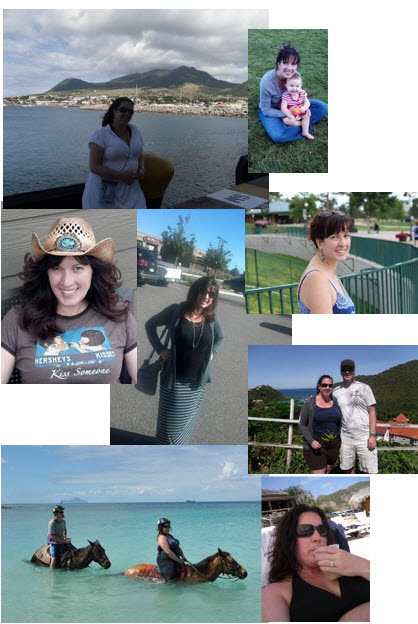
GOAL!, a weight loss surgery photo album by discoveringme on BariatricPal. 4 photos in Member Photo Gallery.
-
discoveringme, a weight loss surgery photo album by discoveringme on BariatricPal. 6 photos in Before and After Gastric Sleeve Photos.
-
Excellent advice and i plan on taking it :-) I do sometimes find myself thinking my old fat girl way " You have done so well! you are almost to goal - go ahead and have that XYZ... what would it hurt??" So far i have been lucky i didn't gain but the times i did that, mainly over the Holidays, it put me in some pretty impressive stalls. It does make sense that what we do now we must always do - thanks for the advice :-)
-
I'm just a few pounds away form goal now and a little over 8 months out. I am thinking about how life will be trying to maintain and not lose but want to at least get to goal before i stress to much about it. The biggest thing read over and over is that people tend to gain 10 to 20 lbs of bounce weight? I wonder how true that really for most VSGers? I can definitely see how easy it could be to gain but i wonder ho hard ti is to simply maintain once you find what works for you? Are we destined to all gain 10 or more lbs after the first couple of years?? I really hope not and intend to try and keep studying up as much as i can, and keep trying to live life as i have when i lost the weight, to stay as close to goal as i can for the long haul. If there are any tips out there i would really be so interested in hearing them?
-
I just had the scariest NSV yesterday coming home from a business trip - i was stopped in customs and in checking my passport they guy says this doesn't look anything like you? I need another form of a picture ID to compare, so i give him my drivers license, and he says - well this looks like her but still not you?? I panicked and just said " I started exercising? " lol there were tons of people around and i really didn't want to get into the details of my WLS?? So he just looked at me funny and said good job and get new pictures. It was the best feeling although those guys really have no sense of humor so it was a little nerve wracking as well. Anyway YAY to my sleeve and YAY to almost goal, i can't believe in only 8 short months how my life has changed :-)
-
There is a fantastic web site that is helping me understand just how normal i am myself these days ( link below ) :-) I'm 17 lbs from my goal i also sort of pulled out of my head? I have surpassed my doctors goal for me by almost 10 lbs now. He told me not to worship the number or the mirror, just keep being healthy. I am still going to try for my goal, 135 is right in the sweet spot for BMI for my height but I am very happy with where i am and how things have been going. Seeing the images on this webpage have also helped get my fat girl brain in sync with the amazing changes that have occurred during this weight loss. She is still there, telling me the same thing when i pull jeans out of the drier or go shopping, but i am working with her. Lovingly as i can :-) They did a great job of categorizing all the different types of bodies and ages etc... to help put some of the differences in perspective. I am shocked to see all the small girls in my age, weight and body type category lol... Maybe this will help you some? :-) http://www.mybodygallery.com/ I should be brave enough to post there also, but not quite there :-)
-
I definitely could kick up the exercise. I will give it a shot also. Thanks !
-
It is so confusing! :-) and awesome with the 3 lbs!!! Thanks so much for your reply! Outside of the couple of days at 1200 calories what do you try to reach for your norm?
-
Hi all, I am hoping to gain a little bit of insight to what others are doing post op around the 5 month marker as far as calories and Protein levels? I had surgery May 21st 2013 - SW 225 CW 161 ( was 159 for a day? ) and GW 135-140. I have been losing slowly the last month and then this last couple of weeks bouncing between 159 and 161. I have never gained a pound in this journey so far so i am really freaked out i am doing something wrong??!! Or maybe i am getting closer to goal and this is how it plays out?? maybe i just need to do something a little different to move things along? Hoping for some advice for those of you that are here now or have been here already :-) I watch every thing i put in my mouth on my fitness pal and use a fitbit to monitor exercise etc... I thought maybe i was not getting enough calories in? Until recently I had my fitness pal goal set to 800 calories, protein 80 - 90 but i was averaging about 60 - 70 gms. I walk a pretty good distance every morning also - usually burn about 300 calories average a day for exercise. I thought maybe it was time to up the calories? maybe i wasn't getting enough in and causing my metabolism to resist a bit more than it had been. So i raised my calorie goal to 1000 calories, and my protein to 80 or 90 gms a day. I suck at hitting the protein goal without a Protein shake and hate drinking them most days but will go back to it if that is what it takes. It feels very scary to bump up my calories and i worry i will gain even more?? I wonder if i bump them up now - what happens at 8 months then at 18 months out when i here others saying they can eat so much more. I feel like i am so close (24 lbs from goal), but that i do have time to keep working on this, its just that GD fat girl that talks way to much, telling me she might come back if i mess this up - man she makes me crazy some days lol....

-
Reading about all this hair loss for others makes me feel a little bit better i think ? I thought i had escaped it also and at 4 months on the nose i think it started really coming out - by 5 months i was getting handfuls when i showered!! Freaked me out so bad i got it cut to a shoulder length from mid back thinking it would be "less weight" on my head blah blah lol it still is coming out but as slowed down a little bit i think. I started taking Biotin and my hairdresser said to be really sure i was getting my Iron levels checked and where they should be. She has seen a lot of women for many reasons losing hair and often it came down to iron levels as well? Interesting and worth a try anyway. I'm really happy with this weight loss but freaked out about the hair loss and also this big stall i am in!! I got to 159 then actually gained??? a couple of pounds back to 161. I watch every thing i put in my mouth on my fitness pal and use a fitbit to monitor exercise etc... Until now i had never actually gained a lb - maybe got stuck but gaining 2 lbs is really not fun. Makes me think of all the times i dieted lost big then gained it all back again.... I thought maybe i was not getting enough calories in? i was averaging 800 net calories of 600 with walking everyday and Protein at about 60 to 70 gms a day. The last 4 days i have tried to bump calories up to 1000 and my protein to 80gms. It feels very scary to bump up my calories and i worry i will gain even more?? Does anyone have advice or thoughts on calories for 5 to 6 months out? What should we be eating to keep the weight loss going?? I knew it would slow as i got closer to goal - but hoping i'm just not done?? I am 24 lbs from goal :-( help.....
-
Everyone is doing so well!! I feel like a slow loser some days, then i see that i have made progress and try to embrace the "journey" :-) I feel 100% better than ever!! SW 225 CW 163 GW 135 Getting closer each month :-) I hope it continues, the stalls make me so very very sad... :-(
-
May 21st - down 26 from weight the day of surgery. It's good to see and read where everyone's head and weight is right now being in similar time frames. I was also thinking maybe i was doing something wrong. The diet changes a lot from post op day one until now and each phase is a bit of an adjustment trying to figure out if you are doing exactly what you need to for your success. It makes me have many doubts and questions on what is normal :-) Then there was head hunger this week for the first time? I think PMS kicking in? but WOW is it scary!! and almost as hard to fight off as it was before VSG... Plus there is that fat girl inside me that dieted a 100 times or more, lost weight but put it back on and keeps telling me it will happen again with this. I feel determined it will not!! She is such a pain in my @ss....
-
May 21, 2013 with Dr. Lopez in Mexico :-)