





DeeJack08
Gastric Sleeve Patients
-
Joined
-
Last visited
Everything posted by DeeJack08
-
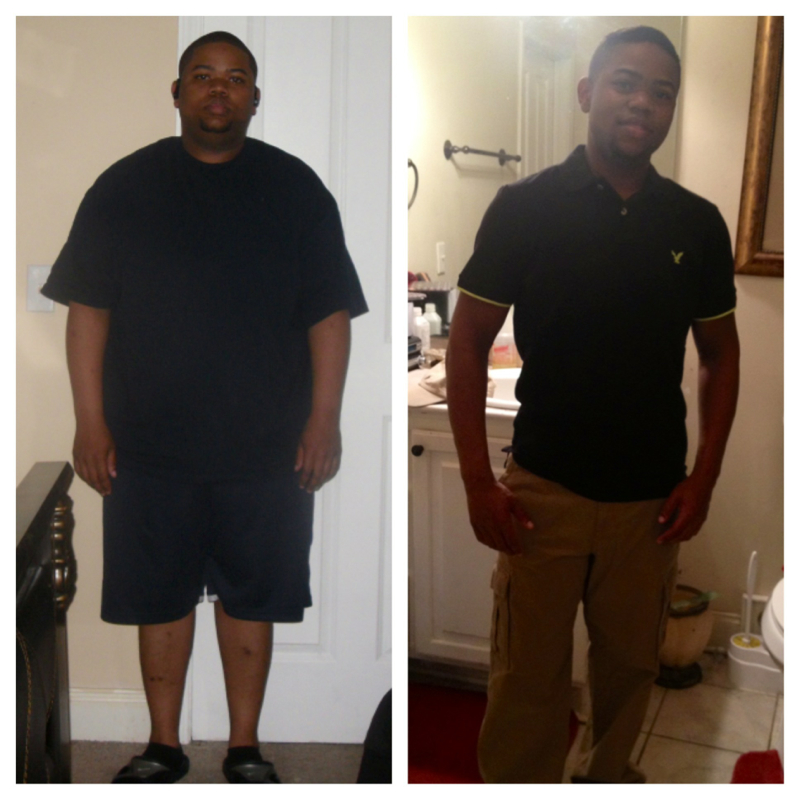
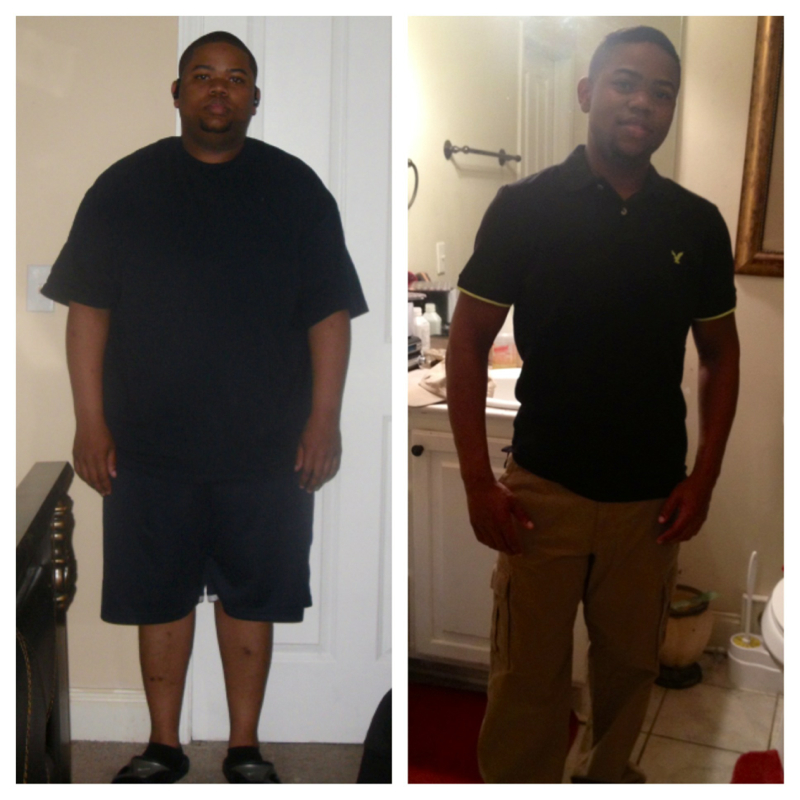
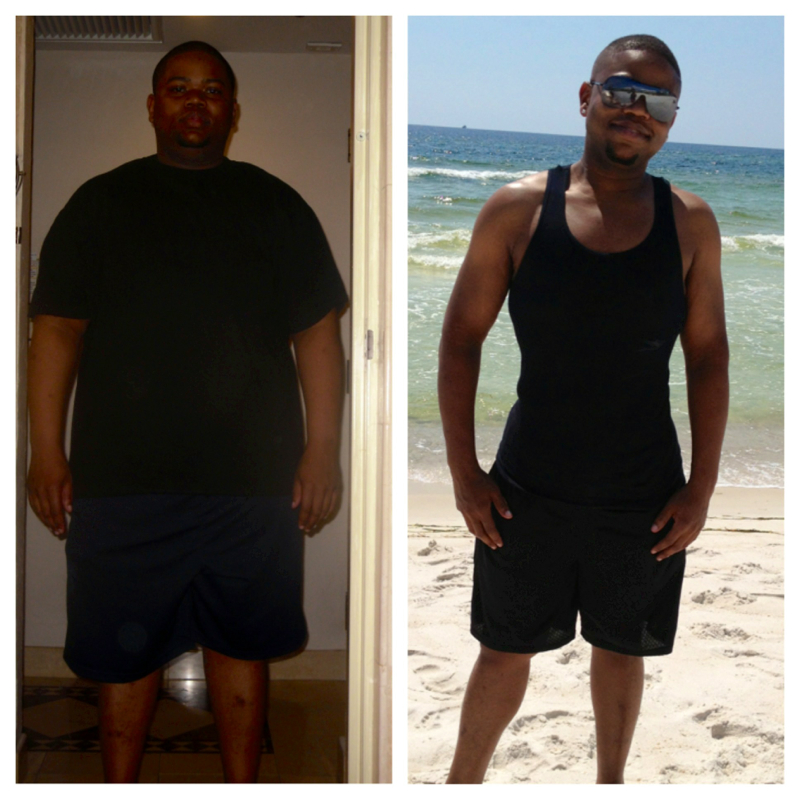
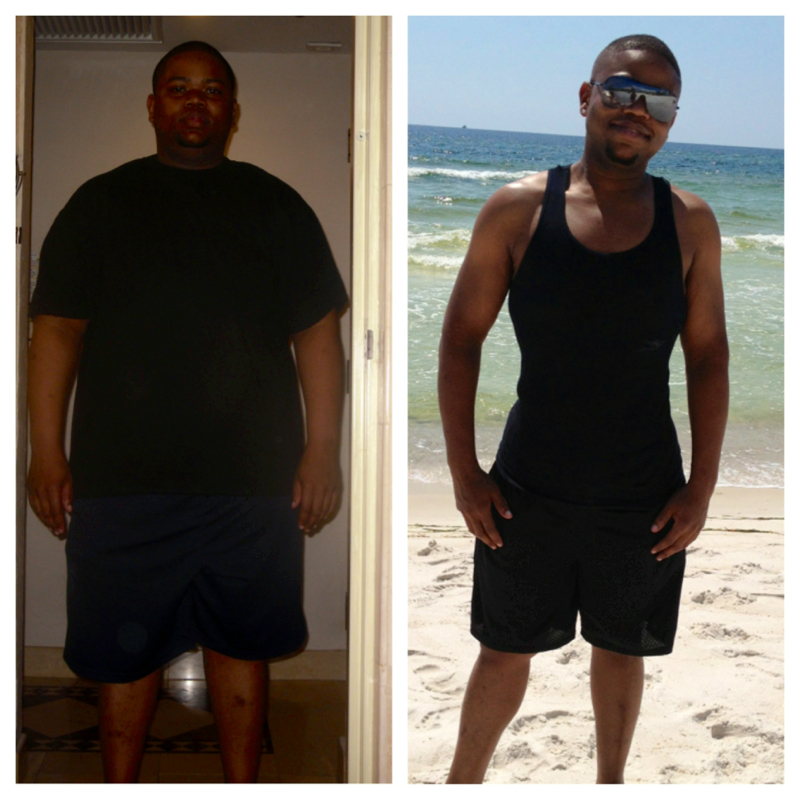
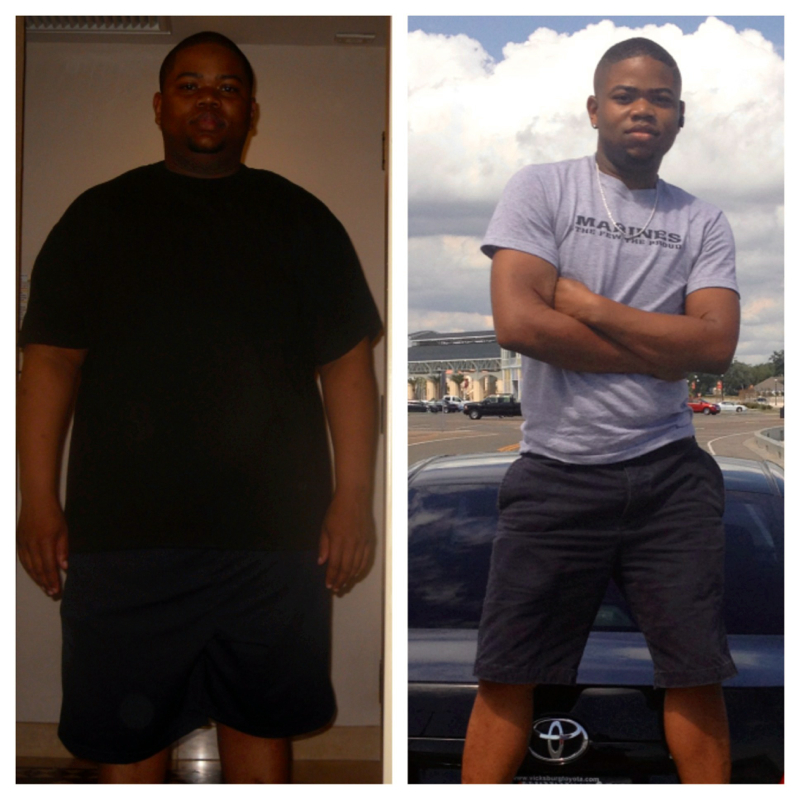
Almost 9 months out n dis is da results so far.
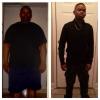
-
How many months post op are u dee?? I'm now 8 months out
-
Thx DebbieG
-
Thx DebbieG
-
Thx
-
SW: 277 CW: 160 GW: 165 I'm 5 pounds under my goal weight

-
Thx
-
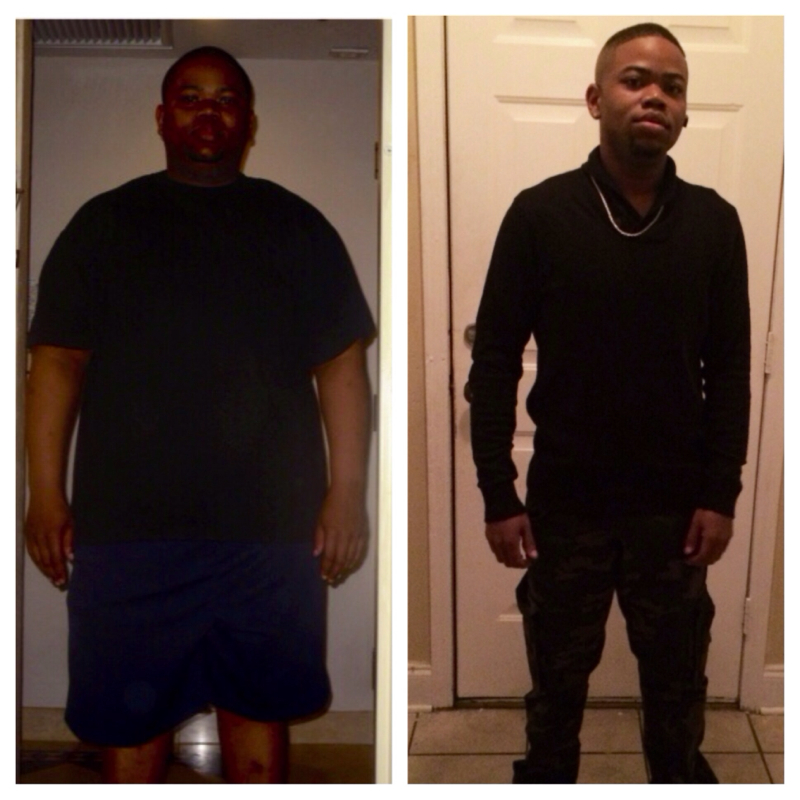
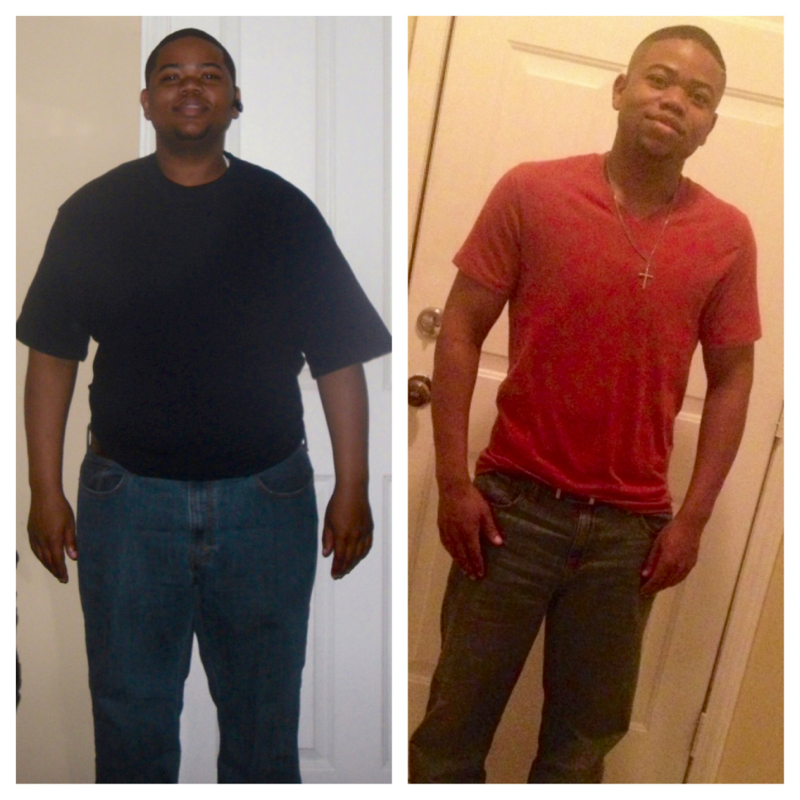
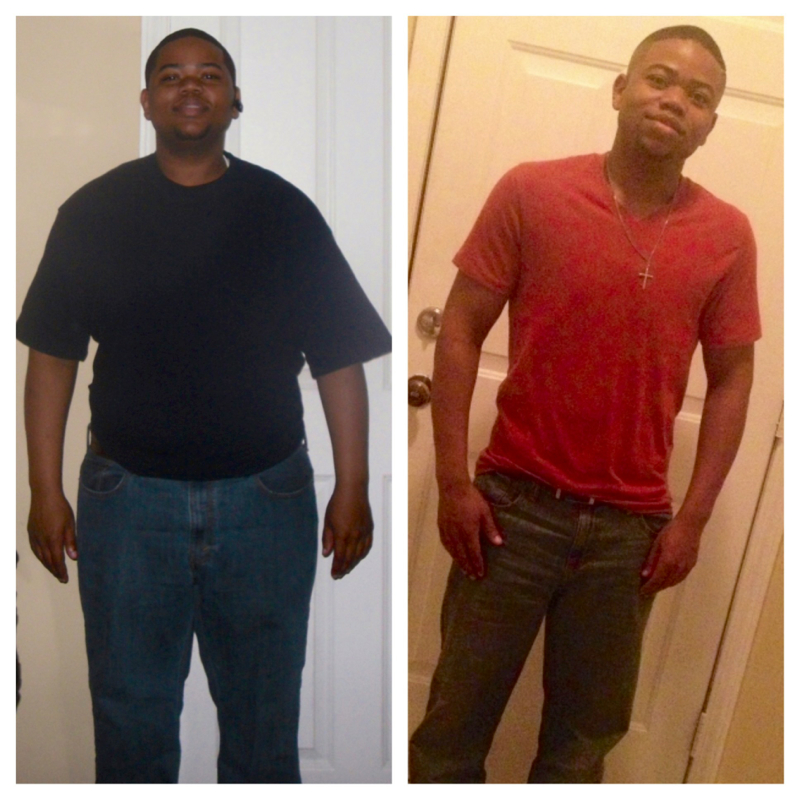
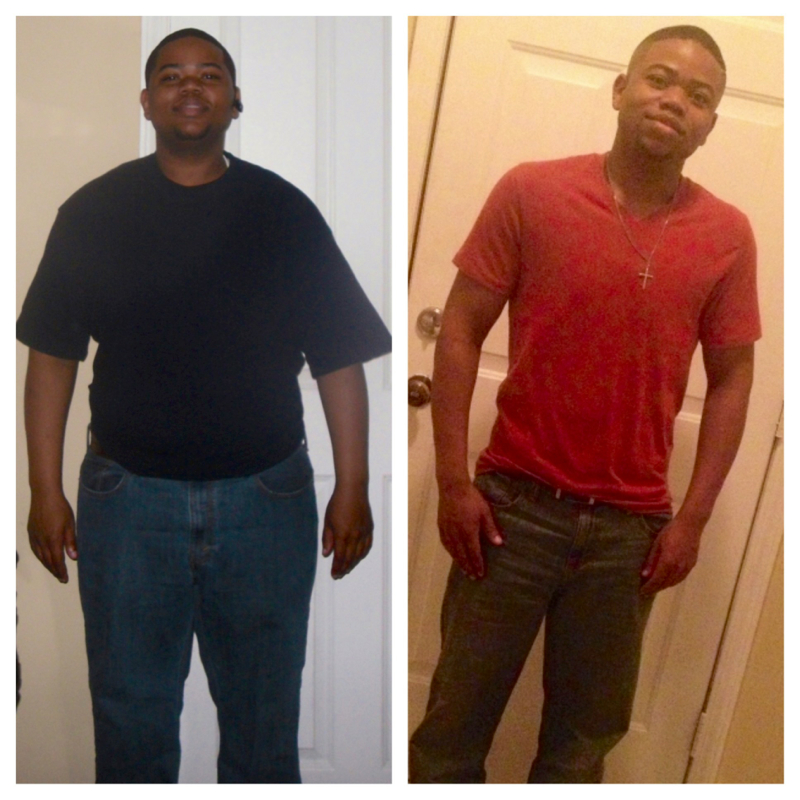
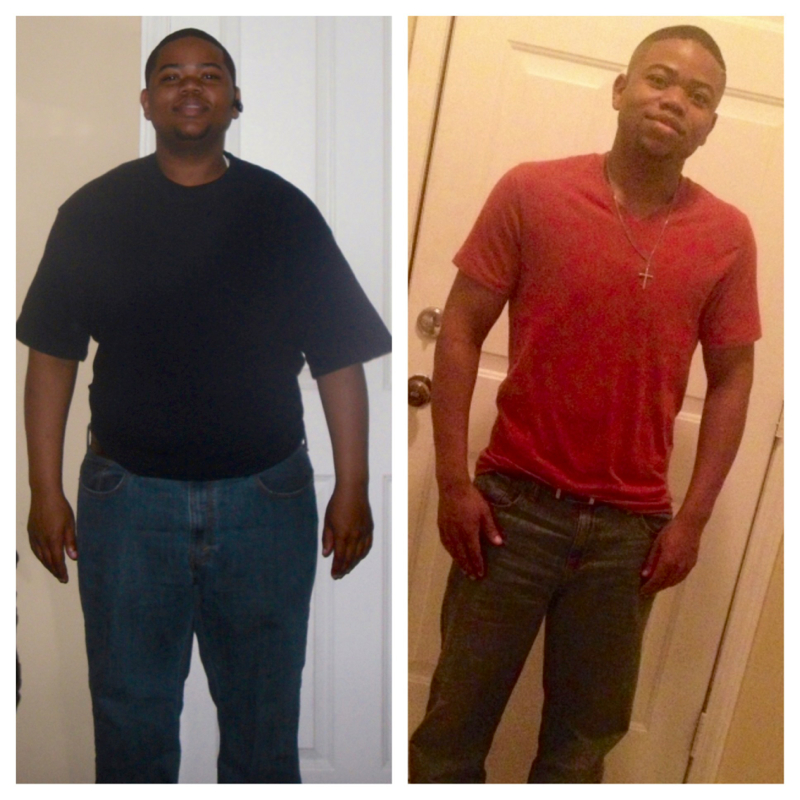
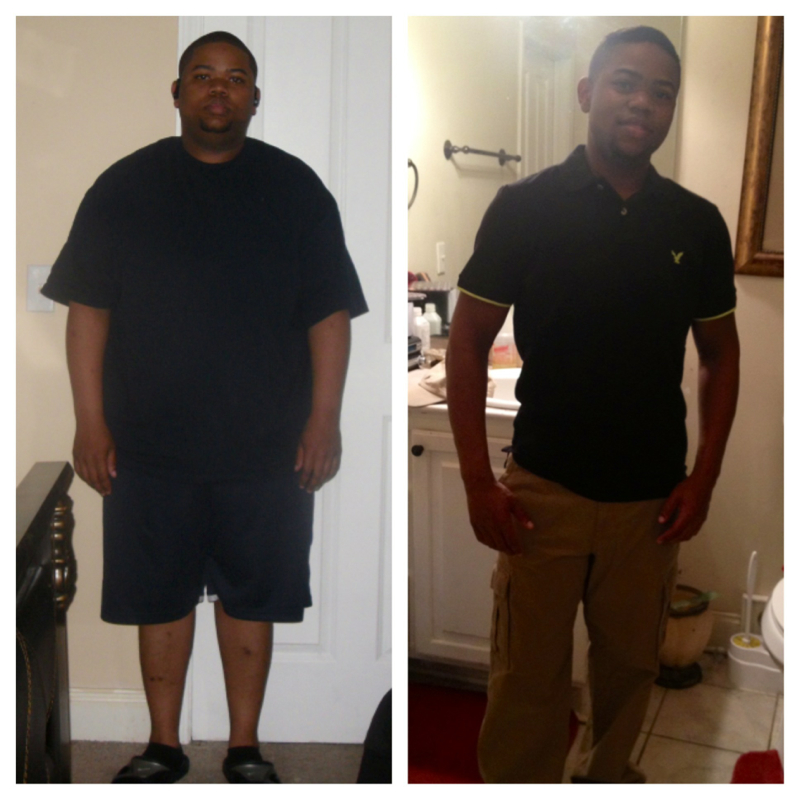
At 8 months out of surgery n a 117 pounds lighter, I do kno dat I made da best decision ever. SW: 277 CW: 160 GW: 165. I'm 5 pounds pass my goal weight. Had Surgery March 19th
 In da stomach area n also da inner thigh but for da most part it's leaving bcuz I workout.Was 277. Now 154. 7 months later
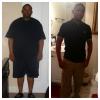 Had surgery March 19th,2013. Was 277. Now 154
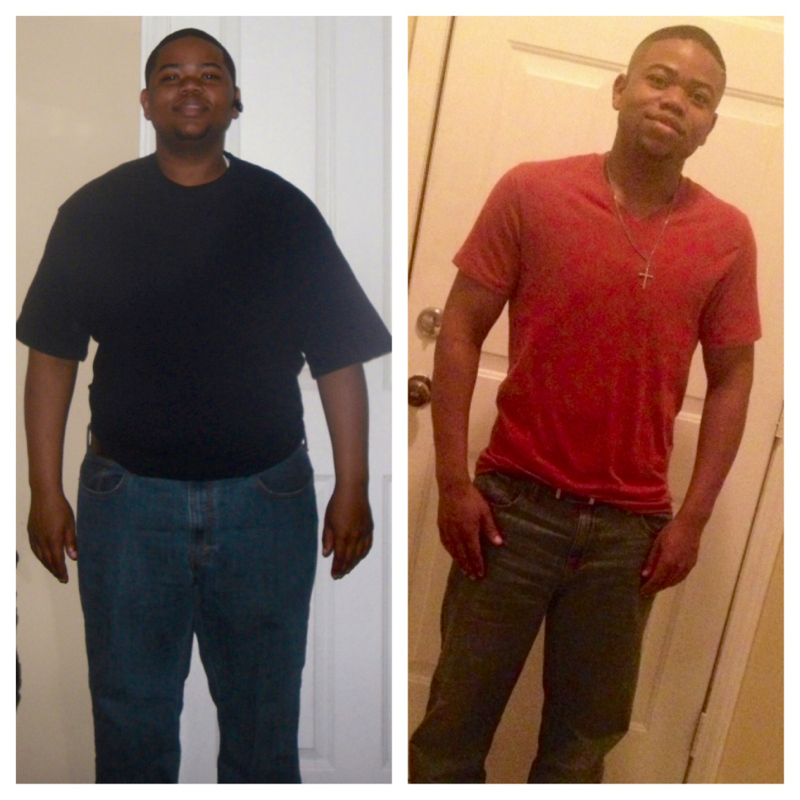
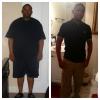 Good job. U look good7 months out. Now 154. Was 277 b4 da surgery. Was a 42 in da waist. Now I'm a 32 in da waist. Was a 3x in shirts. Now I'm a medium. Life has did a 360 for me. 7 months later n I still say no regrets here at all.
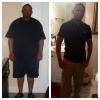 I am. I feel like life has started over for meThx. I sure feel dat wayThx. 6 1/2 months out nowThx. 6 1/2 months out nowI greatly appreciate it. Da best decision I've ever made in my lifeI greatly appreciate it. Da best decision I've ever made in my lifeI went thur Dr. Elias Ortiz on March 19th n I mus say dat his an excellent surgeon. He's young but he knowz his job. He also will make you feel very comfortable b4 n after da surgery. Da best decision I've ever made. Here's a pic of my results so far. I've lost a 119 pounds so far.
Account
Navigation
Search
Configure browser push notifications
Chrome (Android)
- Tap the lock icon next to the address bar.
- Tap Permissions → Notifications.
- Adjust your preference.
Chrome (Desktop)
- Click the padlock icon in the address bar.
- Select Site settings.
- Find Notifications and adjust your preference.
Safari (iOS 16.4+)
- Ensure the site is installed via Add to Home Screen.
- Open Settings App → Notifications.
- Find your app name and adjust your preference.
Safari (macOS)
- Go to Safari → Preferences.
- Click the Websites tab.
- Select Notifications in the sidebar.
- Find this website and adjust your preference.
Edge (Android)
- Tap the lock icon next to the address bar.
- Tap Permissions.
- Find Notifications and adjust your preference.
Edge (Desktop)
- Click the padlock icon in the address bar.
- Click Permissions for this site.
- Find Notifications and adjust your preference.
Firefox (Android)
- Go to Settings → Site permissions.
- Tap Notifications.
- Find this site in the list and adjust your preference.
Firefox (Desktop)
- Open Firefox Settings.
- Search for Notifications.
- Find this site in the list and adjust your preference.