meplus3
Gastric Sleeve Patients
-
Joined
-
Last visited
Everything posted by meplus3
-
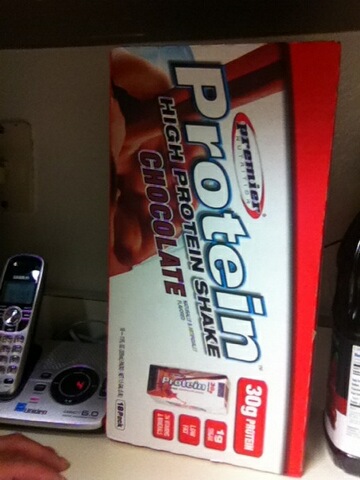
My goal weight is 100 pounds less than what I am now if I lose more then that so be it... if not I'm happy with that!!!! )[ATTACH]6085[/ATTACH] I tried to upload a picture of the shakes let me know if you get them..
 My surgery is also November 19th in California... I'm super excited and super nervous at the same time! I only have to start my liquid diet 2 days prior to my surgery!0 and the protein shakes I will be getting our from Costco... I am using the Flintstones complete with iron chewable vitamins and Tum's auto 1000 for calciumMy surgery is also November 19th... I'm super excited and super nervous at the same time! I only have to start my liquid diet 2 days prior to my surgery!