Haydee
LAP-BAND Patients
-
Joined
-
Last visited
-
hate hate hate this... i've got ads everywhere too. ads IN the posts?? why??? i'm glad to hear you're feeling better pam! lets see, tomorrow is kinda crazy. i told myself i was going to take it easy but i'm a glutton for punishment. I'm making green bean casserole and brocoli rice casserole for both families. juan's family eats at noon and mine eat at four. so. i'll be cooking in the morning and then running back and forth. we eat at juan's family's house, then at mine, then go back for a bit at juan's and finish up with dessert at mine. this is so not happening once sophia comes. we are staying put... oh and i'm huge now and feeling huge and in pain. I have lots of hip pain and my belly is huge and i can barely sleep. i toss from one side to another all night. i sometimes get stabby when it's the middle of the night and i'm exhausted and juan is blissfully asleep. I want to push him off the bed. i'm so so bad. i'm glad i only have about a month left. well i hope everyone has an awesome thanksgiving tomorrow. we are headed to go see my grandparents in mexico early saturday morning!
-
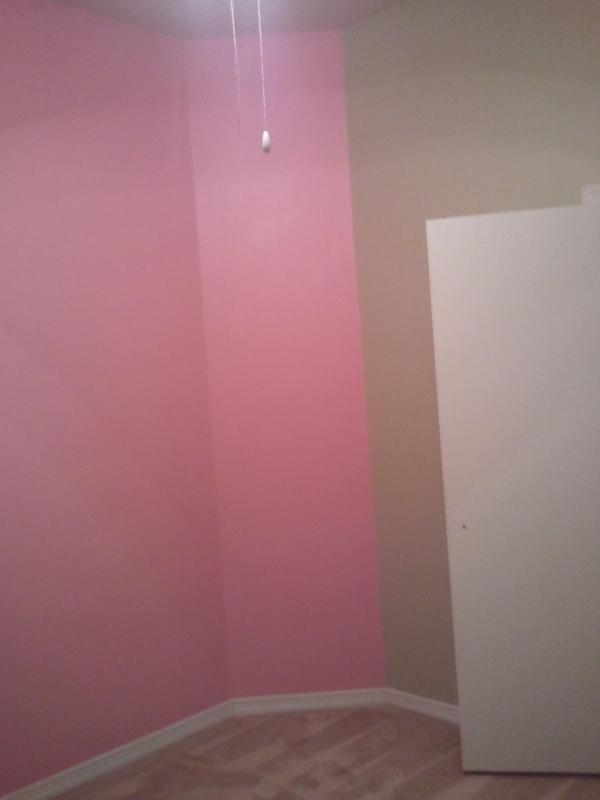
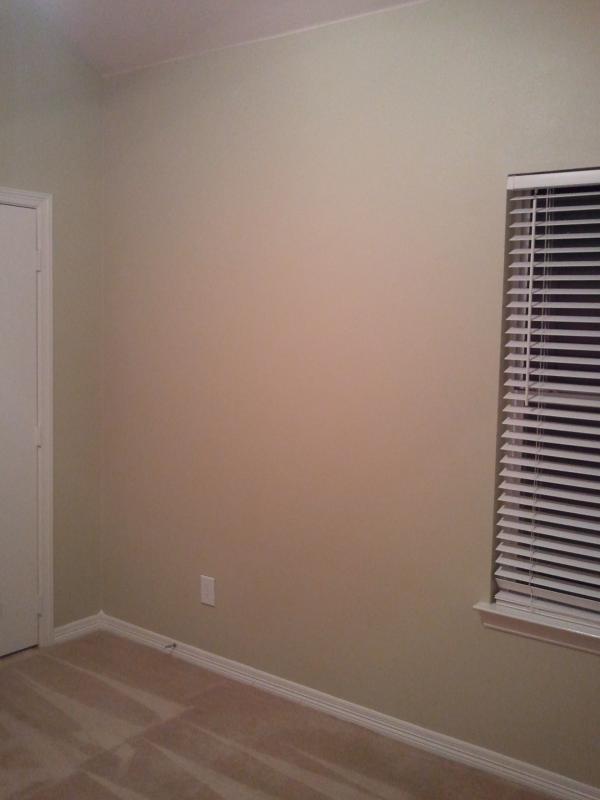
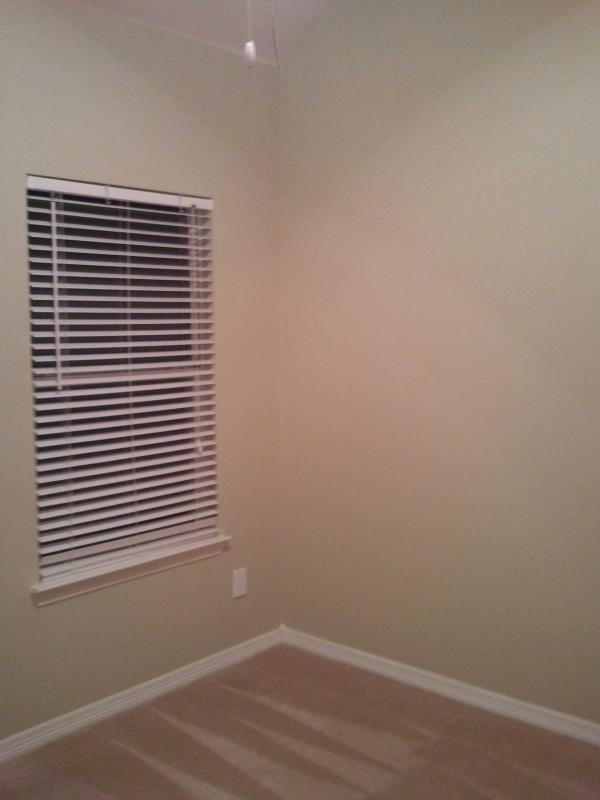
Pam, next Tuesday will come so fast! Blink and it will be here. I'm glad you were able to eat at least a lean cuisine. I'm sure that helps a bit. Michelle, OMG, I can't believe you have a 16 yr old. I can't even begin to imagine... You're such a wonderful mom. I'm excited for him, LOL. Good luck getting everything ready. Jane, I hope you get help for your headaches. Are you sure they aren't symptoms of something else? Laura, I took some pics tonight after Juan finished painting. I'm gonna try to post them. I won on the pink. He's going to change it. I just made a pouty face and showed him the picture of the bedding and how soft the pink was. He agreed that the pink was too harsh for that soft green we picked. So we go back to the drawing board on Thursday...


-
here is the bedding we picked out Glenna Jean Only the Best for your Baby juan is finishing up the painting in the nursery. the pink has grown on me. and anyways the pink wall is going to be almost completely covered by a wall unit/dresser combo. here is the crib: Romina Furniture - From Europe with love! but sophia's furniture is a brown color.
-
Ahhhhh.... Good thoughts for you pam. Have some hot broth see if that helps? Jane, that sounds like a good idea. Ill see if juan is willing to do more in there. I cant help much with the painting procesd and he was getting frustrsted at my indicisiveness (sp?)
-
Oh pam, I really hope things get better for you. I honestly remember sleeping alot when I was doing liquids. It was really the only way for me to cope. :thumbup: just keep your goal in sight at all times. Judy! Glad youre back. I love vacation too but like you am always so happy to be home. Ill have to get on face and look at all your pics... Michelle, poor mom! We would always do stuff like that to my poor mother. I remember one time I volunteered her to make vests for the whole 5th graders for our holiday show. And then completely forgot to tell her until about a week before the show. Ahh she wasnt too happy with me. My weekend was great. juan painted half the nursery. Im not 100% percent happy on the shade of pink we ended up with but we've gone through 6 samples and he was getting pretty frustrated with me. I asked my mom and sisters and they liked it so maybe its just me. Oh and we did end up buying her bedding online. I was making myself crazy with the fabric and juan just said enough was enough. So we sat down and found one that I love love love and so we bought it. Why didnt I do this from the get go?
-
So were you late today jane? Im having issues with my fabric for sophias room. Im so stressed about it that im so ready to just forget about it and just buy a premade set. The furniture comes thursday so im happpyyyy! Pam, how was the burger? It looked delish! Im craving some soul food today. Smothered pork chops, collard greens and mac and cheese. Yum. Im gonna go get that for lunch. I also have a facial scheduled for tonight. Ahhh cant wait. everyone have a great weekend!
-
Oh pam, im salivating for all the details. I want to know everything. How is this going to affect you 20 years down the road? That was always my big question. I'm so so so excited for you. The band helped me get my self esteem back and because of that I was able to make me happy enough with myself in order to be able to be in a healthy relationship with juan. I'm crying as I type this because I can remember the dark hole I was in. But anyways. The band helped me but id also like to finish the job. Anyways, Happy Veterans day! Hope everyone has a great rest of your day!.
-
So frustrating laura! My old navy comes via ups. Michelle, oh my, your granola sounds sooo good. I had a crappy salad for lunch now im craving something else...
-
Good luck pam, im sure youll do great on liquids. Just tell sus to stay out of your way, lol! Hospital tour today! So excited! Seems more real everyday. Im actually gonna be responsible for a human being?! I got a great nights sleep last night. Went to bed at around 9 and woke up at 7. So yummy!
-
Hi ladies! What a wonderful monday.... Not! Lol Michelle, so sorry to hear about your sons injury... Im so glad it wasnt worse though. Ill have to download little bee. I need a good read... pam, glad your evil was a hit. I think I might make it as a thank you to my office for my shower. Laura, when will you get your results? Im sooooo sleepy today. My shower was great on saturday. Lots of good food and good cake. Sophia got lots of clothes and blankets. We got four bouncy chairs, three monitors and some other stuff duplicated. So we got some exchanging to do. Im about to keel over from sleep. I waited up for juan to arrive last night. He didnt make it home till two.
-
Soooo glad its friday! Im ready for the weekend. I have a small wedding in the morning and then a huge wedding in the evening tomorrow. But im not working the big wedding. Also my baby shower! Yay! And hunting season starts tomorrow. There is a mass exodus of men leaving tonight for their deer blinds. Juan is so excited, lol. Judy, I hope everything is well with kris. Keeping her in my prayers. Jane, Ill cut back on lots of things but my uverse tv is one thing that I would never change. I love me my shows! Everyone have a great weekend!
-
that doesnt work for me. My big belly raises the hem up too much in the front. I have lots of wrap dresses and baby dolls since those are flattering on me but I went through and tried them all on last week and no go. I ended up ordering two from target and had to get them shipped overnight. Grrrrrr. Jane, im mostly getting tons of cute stuff. People just see pink stuff and they want that instead of a boring bottle, lol. Luckily weve been buying lots of little essentials and my sisters, juans brothers, my parents and juans mom have bought lots of the nessesities. Pack and play, swing, ect... Ok this phone doesnt like posting? I have such a hard time getting it on...
-
Ok, im quitting, this aint working.for me ri dj ht now
-
Grr... Having trouble posting today. Take a nap during my lunch hour
-
Correction: baby's furniture... My phone auto corrects stuff...