mgilbert0429
LAP-BAND Patients
-
Joined
-
Last visited
Everything posted by mgilbert0429
-
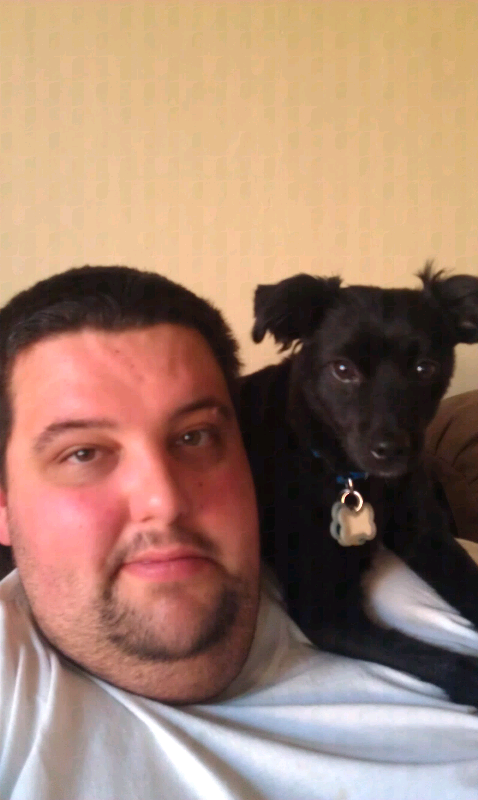
Haha. Jean, his name is Bubba. He's soooo vicious. Lol.
-
Thanks Tom. That's very generous of you.
-
I'm excited. I'm lucky to the fact that even as crazy heavy as I am...I've been lucky to avoid the diseases associated with obesity thus far. No diabetes...no crazy high blood pressure....its my hopes that getting this going now....will help keep those from surfacing. I'm excited for me....my fiance....our lives together....roller coasters...and cheaper clothes! Lol. Thanks everyone for your words of support.
-
Best of luck to you! I'm excited to meet with my potential surgeoun. This has been a long time coming!
-
Thank you all for the warm welocome! How far are you guys in the banding process?
-
Good luck! Very exciting/stressful time.
-
My name is Mike. I live in California and I just scheduled my fist appointment with a surgeon to discuss my needs. I have a bmi at 69+ right now....and need to do something as I fear my life depends on it. I am engaged to be married next june....and hope to feel better about my life with my soon to be wife. I look forward to chatting with you all as we go through this journey together. [ATTACH]24485[/ATTACH]