





roczy
LAP-BAND Patients
-
Joined
-
Last visited
Everything posted by roczy
-
Ive spoken to my doctor, I was in the hospital for 5 days two weeks ago they did an endoscopy she did a ct scan and everything is normal she doesn't know where my pain is coming from and doesn't understand why I'm always so uncomfortable when I eat. And I told her about my rapid weightloss and she wasnt too worried about that just about my pain she wants to go in and check my stomach surgically but my insurance was cut off and i am unable to see her until my insurance gets reinstated. I'm stressed out hungry and in pain I can't take it anymore! Original Weight- 257 pre-op : 240 CURRENT WEIGHT :163lbs GW: 125lbs
-
I completely understand, I'm down 100lbs since surgery 6 months ago, I feel like I don't know who I'm looking at in the mirror anymore, and with all my complications after surgery, the constant pain and everything it feels as if my weightloss is going to continue rapid.. It's worrisome and scary ! Original Weight- 257 pre-op : 240 CURRENT WEIGHT :163lbs GW: 125lbs
-
Is anyone having constant pains? I'm always in painnnnn I'm almost 6 months post op and I can barely eat a thing! I'm losing weight so rapidly it sucks ! Original Weight- 257 pre-op : 240 CURRENT WEIGHT :163lbs GW: 125lbs
-
*
-
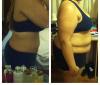
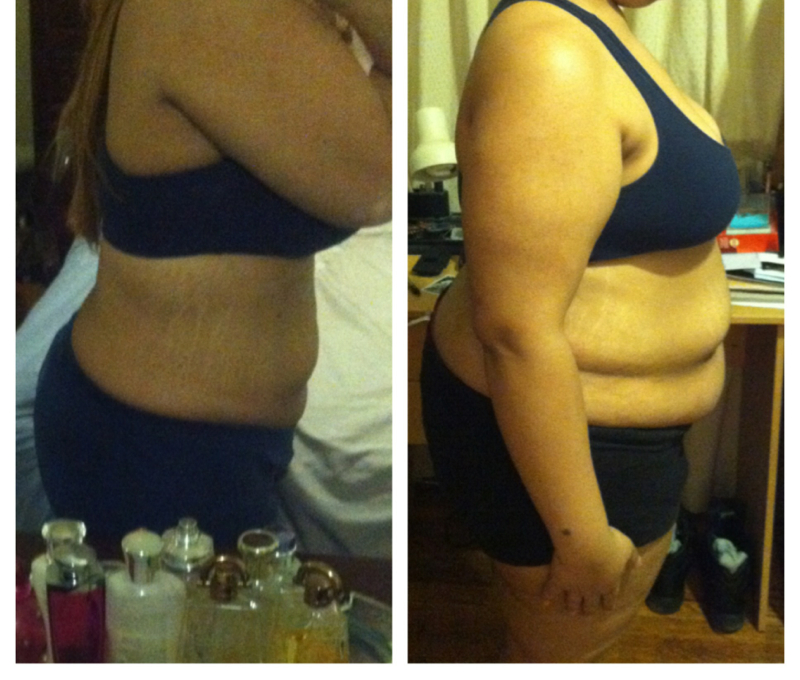
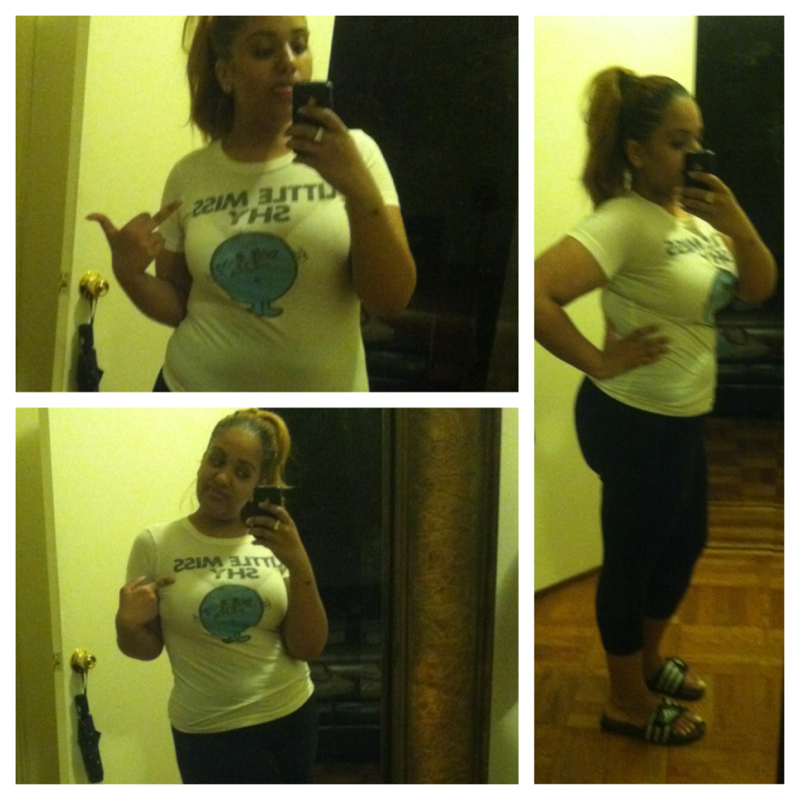
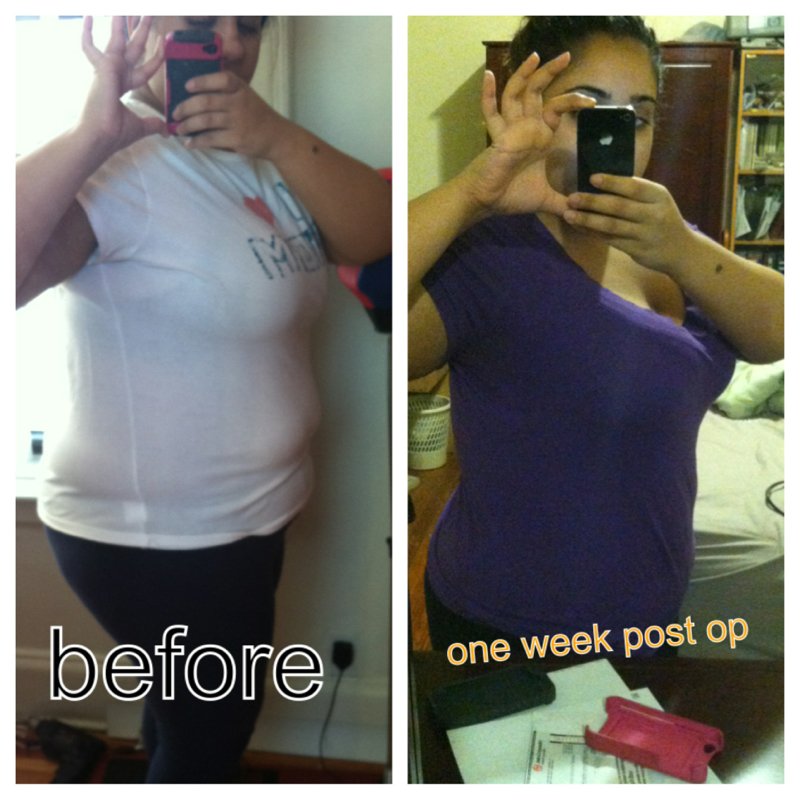
Hello Everyone! I know I've been so neglectful to this forum I haven't been on in months, but if you guys only knew the hell I've been through.. Here goes nothing, having this gastric bypass surgery, has been a gift yet a curse... I love the weight loss but the complications that are going with it, are out of this world! Yes I've lost 77lbs, yes I look AWESOME! But.. I was constantly sick... always in pain, Unable to eat..correctly, Nausea has not gone away to date, i was going an entire week without having a bowl movement and I have come close to losing my life TWICE! I have been like this since surgery.. I became completely depressed, which is why I stopped coming on the site, stopped talking to almost everyone I know all together. I was always sick and didn't want to burden anyone with it. Being that there was nothing the doctors could do but give me meds that weren't working. EXACTLY TWO MONTHS after surgery, it was discovered that I had pancreatitis and slush in my gallbladder. This was due to my rapid weight loss.. 257-207 in 2 months was a lil more than my body was use to..I was in the hospital for 8 days and my surgeon decided to take my gallbladder out, I was stressed out due to the fact that the scars I had from the gastric bypass were almost gone and now here they come about to slice me open but my surgeon did an amazing job and used my same incisions from the previous surgery to open me up and take the gallbladder out. During surgery I coded. (Of course) but I'm here to tell the story so on we go, the first few days after surgery I felt awesome even went clubbing! But soon after DOWN went my health I believe I lost about 15lbs after in a few days (after being stuck @ 200lbs for weeks) I couldn't eat sleep, NADA the nausea was at its worse! The doctor prescribed some strong nausea meds, and guess what happened? The pharmacy gave me the wrong prescription... They gave me blood pressure meds that I was taking 3-4 times a day! My potassium and magnesium levels dropped to dangerously low levels I had to be admitted to the hospital yet again! I had to be put on an annoying heart monitor.. & I CODED AGAIN! But I'm glad to say that I've been without incident for a week or so.. I'm hoping this continues! I wonder how everyone on here has Been feeling and coping ! ? Here are my pics! Original Weight- 257 pre-op : 240 CURRENT WEIGHT 180lbs



-
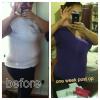
Ok, so the pain has subsided i am more comfortable with myself, but I HATE Protein SHAKES! I feel unreasonably weak when I don't have my protein but the taste is unbearable and I've tried so many different ones and nothing works! I have yet to throw up, but I started having bowl movements on Monday and again today,*claps hands* I am now down to 217lbs from 238 pre-op
-
Oo and I'm down to 222 from 238 that I had last Sunday is that normal ?
-
I'm feeling weak & I think that's what's causing my depression, I'm hoping my doctor says I can go on puree foods when I see her on Thursday! Because I'm not getting much energy from any of these liquids! :-(
-
Yea they tried to give me Tylenol with codine but i flipped out when I tasted it, it was way too sweet and it upset my stomach way too much
-
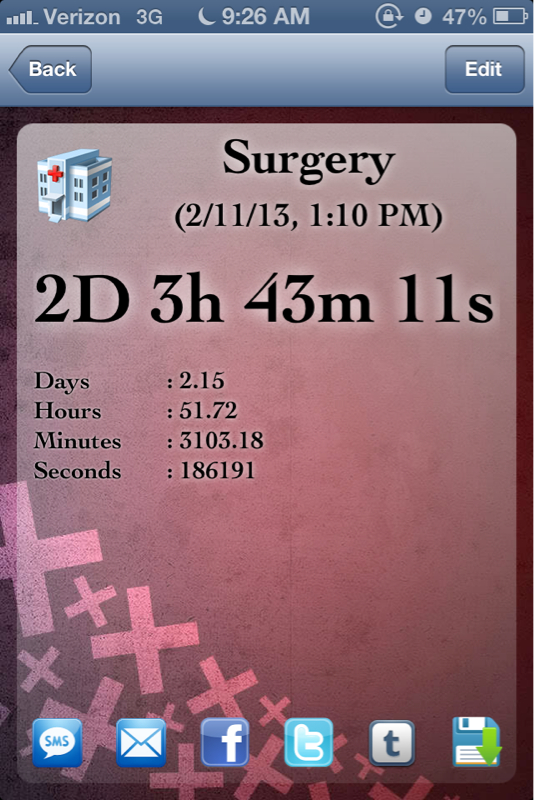
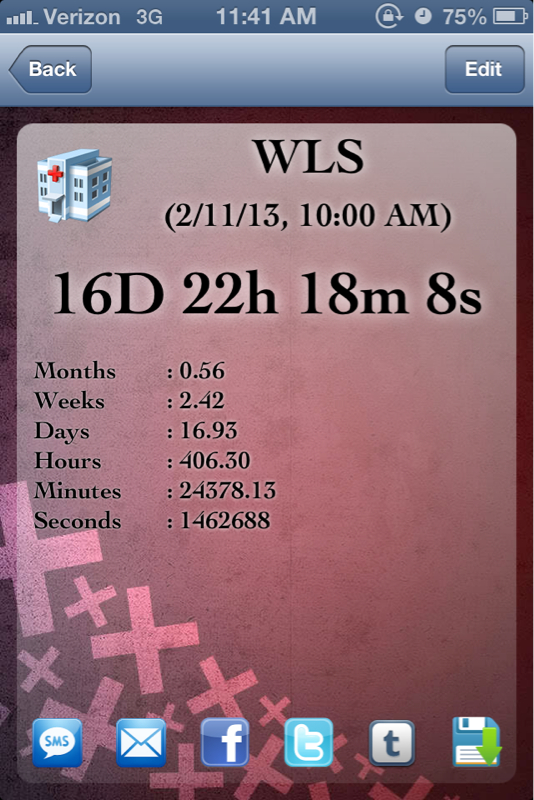
OMG! &EVERYTHING STINKS!!! All foods smell so bad ! I get so queasy!!! JeeZe!I had surgery on Monday February 11th 2013! I am 3 days post op, came home yesterday @ 4pm, & I am MISERABLE!!!! I regret doing the surgery with every inch of me, I am in so much pain, I can barely breathe! I sleep, that's all I do, that's how my body copes with pain is sleep. But it's uncomfortable, I'm having horrible nightmares, I've become anti social I don't want anyone to speak to me or text me or ANYTHING I just want everyone to back off! I don't drink much because as soon as I do I start burping and farting, I guess I'm just upset because they didn't regulate my pain at the hospital, the morphine drip did absolutely no justice, I didn't receive an ounce of relief until I got my percocets yesterday morning and even though I'm still so freaking uncomfortable I'm so MISERABLE I'm becoming emotional all I wanna do is cry and scream I regret this so bad. :'( I rather be fat and have my comfort foods ! I hope when the pain subsides all these feelings go away I really don't want to regret this for the rest of my life. :'( CW: 235lbs Surgery Date: 2/11/13 Goal Weight:130lbs@ the hospital waiting... Just waiting... Images of cheeseburgers and French fries do not leave my brain I am so hungry!! JeeZe CW: 235lbs Surgery Date: 2/11/13 Goal Weight:130lbsGood luck! CW: 235lbs Surgery Date: 2/11/13 Goal Weight:130lbsGood luck! CW: 235lbs Surgery Date: 2/11/13 Goal Weight:130lbsI can't sleep either! 8hrs til my surgeryyyy! I'm so scared! CW: 235lbs Surgery Date: 2/11/13 Goal Weight:130lbsI am getting so antsy!! CW: 235lbs Surgery Date: 2/11/13 Goal Weight:130lbs
 This app is driving me absolutely insane ive been trying to post stuff for at least a week and a half and I can't the whole app shuts down !!! I got my surgery time!! It's Monday @ 1:10pm! I am a lil scared of something going wrong during surgery because I did not follow my pre-op diet @ all, I have 2 more days left, I will be doing the pre op diet to a T, and also I have to drink citrate magnesium on Sunday to clear out bowels and I hope it helps & that nothing goes wrong! Good luck to everyone!!! CW: 235lbs Surgery Date: 2/11/13 Goal Weight:130lbs:-) 2/11/13
 Just called my surgeons assistant, and she confirmed my February 11th Surgery Date!!!! & Feb 4th is my pre-op Class! Im so anxious excited, nervous, happy, scared, i swear every emotion is running through me! 2/11/13I feel like i ate TOO MUCH! Blah!!!! I wanna throw up! 2/11/13


Account
Navigation
Search
Configure browser push notifications
Chrome (Android)
- Tap the lock icon next to the address bar.
- Tap Permissions → Notifications.
- Adjust your preference.
Chrome (Desktop)
- Click the padlock icon in the address bar.
- Select Site settings.
- Find Notifications and adjust your preference.
Safari (iOS 16.4+)
- Ensure the site is installed via Add to Home Screen.
- Open Settings App → Notifications.
- Find your app name and adjust your preference.
Safari (macOS)
- Go to Safari → Preferences.
- Click the Websites tab.
- Select Notifications in the sidebar.
- Find this website and adjust your preference.
Edge (Android)
- Tap the lock icon next to the address bar.
- Tap Permissions.
- Find Notifications and adjust your preference.
Edge (Desktop)
- Click the padlock icon in the address bar.
- Click Permissions for this site.
- Find Notifications and adjust your preference.
Firefox (Android)
- Go to Settings → Site permissions.
- Tap Notifications.
- Find this site in the list and adjust your preference.
Firefox (Desktop)
- Open Firefox Settings.
- Search for Notifications.
- Find this site in the list and adjust your preference.