





Skip to content
View in the app

A better way to browse. Learn more.

BariatricPal

A full-screen app on your home screen with push notifications, badges and more.

To install this app on iOS and iPadOS
  1. Tap the Share icon in Safari
  2. Scroll the menu and tap Add to Home Screen.
  3. Tap Add in the top-right corner.
To install this app on Android
  1. Tap the 3-dot menu (⋮) in the top-right corner of the browser.
  2. Tap Add to Home screen or Install app.
  3. Confirm by tapping Install.
  • Appearance

2023-Jun-11

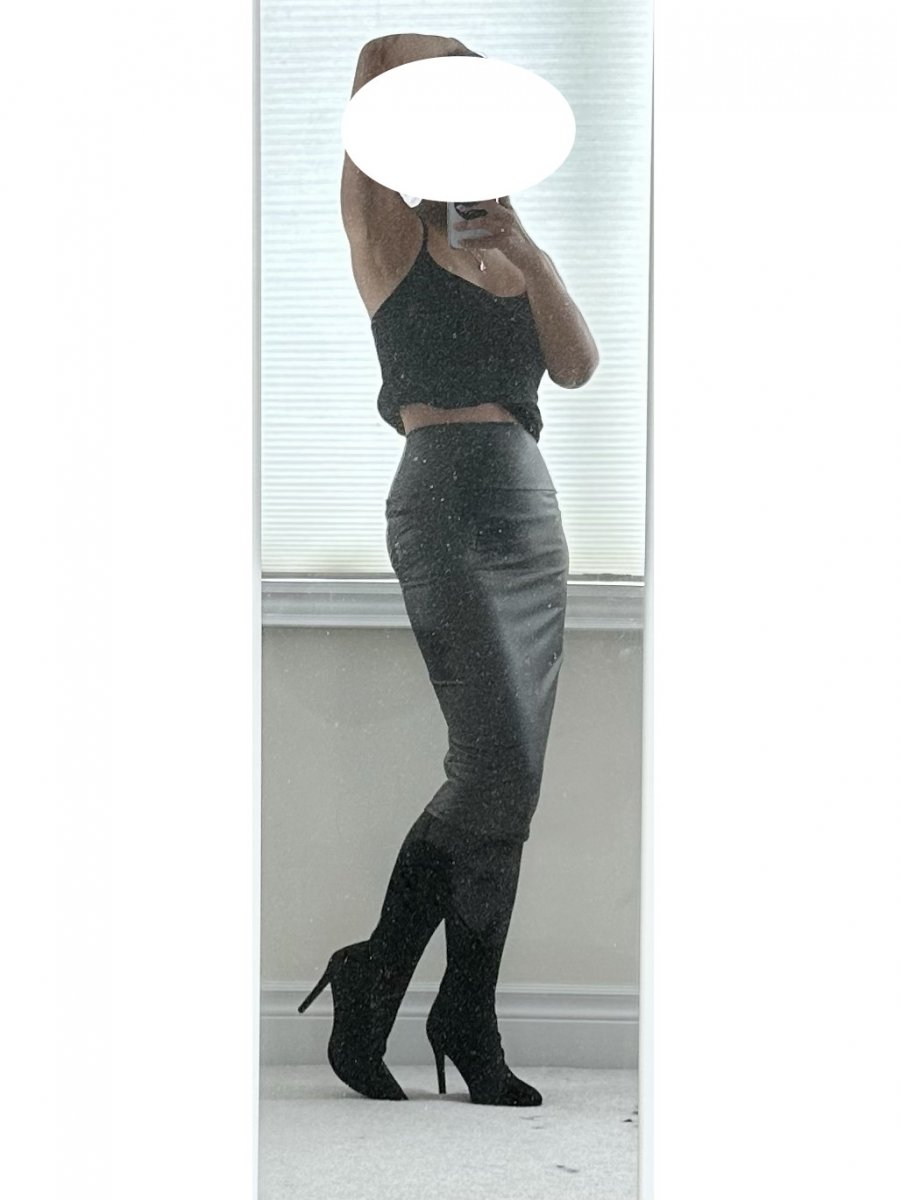
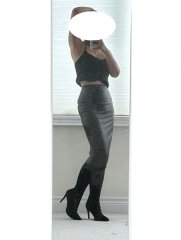
couldn't resist a deal. picked up these "sock stilettos" at the mall today for $30 CDN. i have absolutely no where to wear them, so i'm just playing dress up at home. paired them with a faux leather skirt which i also bought on a whim a couple years back which i have worn in public a total of ONE time, ha. if it wasn't for this OOTD thread, human eyes would not be laid on like 3/4 of my wardrobe ?. i need to get out (and dress up!) more. p.s. pro tip: wear super high heels will make you look taller and skinner than you really are!

From the album:

ms.sss OOTDs

· 138 images

Photo Information

  • Taken with Apple iPhone 14 Pro
  • Focal Length 6.9 mm
  • Exposure Time 1/120
  • Aperture f/1.8
  • ISO Speed 80

Account

Navigation

Search

Search

Configure browser push notifications

Chrome (Android)
  1. Tap the lock icon next to the address bar.
  2. Tap Permissions → Notifications.
  3. Adjust your preference.
Chrome (Desktop)
  1. Click the padlock icon in the address bar.
  2. Select Site settings.
  3. Find Notifications and adjust your preference.