





Skip to content
View in the app

A better way to browse. Learn more.

BariatricPal

A full-screen app on your home screen with push notifications, badges and more.

To install this app on iOS and iPadOS
  1. Tap the Share icon in Safari
  2. Scroll the menu and tap Add to Home Screen.
  3. Tap Add in the top-right corner.
To install this app on Android
  1. Tap the 3-dot menu (⋮) in the top-right corner of the browser.
  2. Tap Add to Home screen or Install app.
  3. Confirm by tapping Install.
  • Appearance

2021-Sep-30

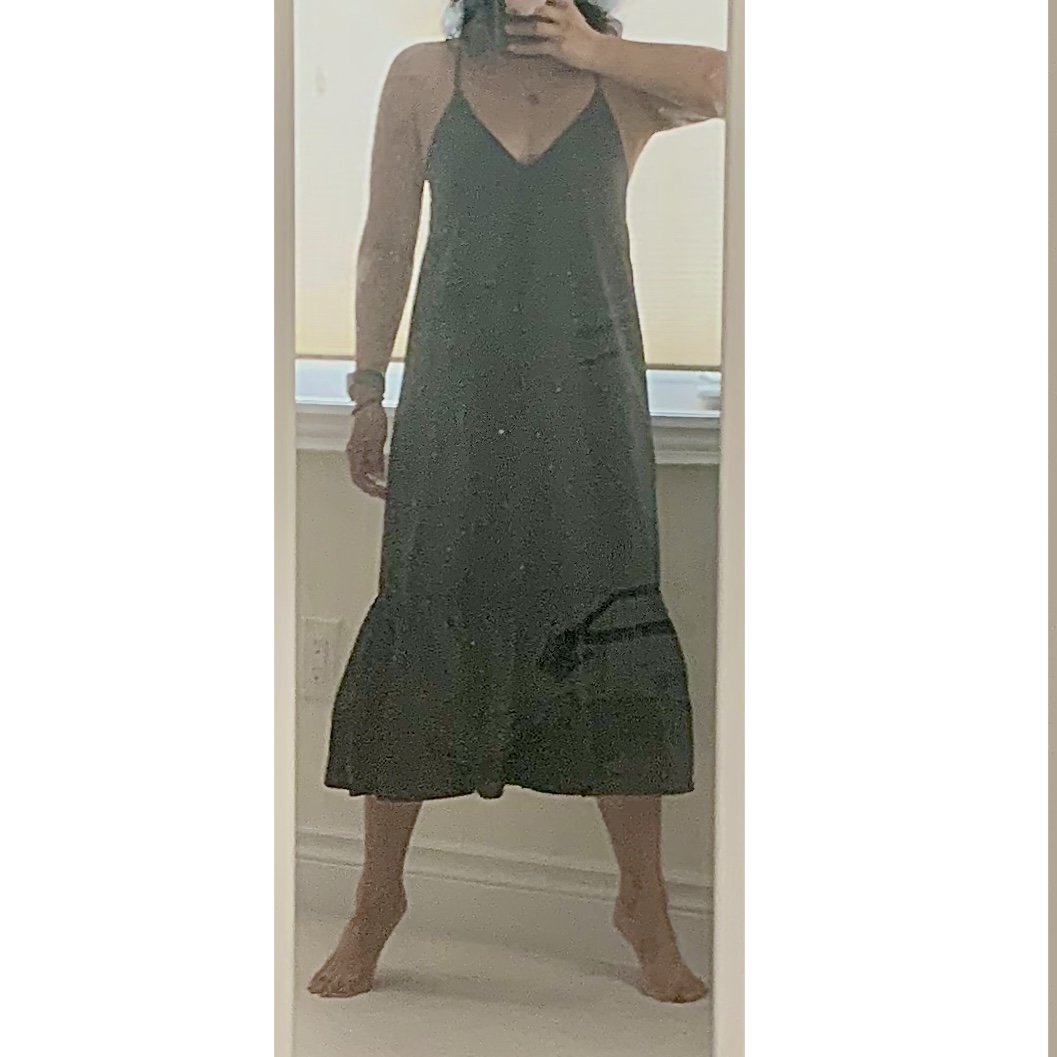
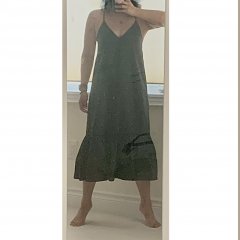
Soooo back when I was bigger I would have NEVER worn a dress like this cuz I felt it did nothing for my shape other than advertise me as a circus tent of sorts. I usually wear more fitted clothes since getting smaller, cuz, well, i can, and I like to show off my bod, lol. But i am super pleased to be able to wear this today and not feel like a tent, ha! P.s. to yes, its hard to see in this pic due to lightning and my dirty mirror, but trust me, its super-cute ?

From the album:

ms.sss OOTDs

· 138 images

Photo Information

  • Taken with Apple iPhone XR
  • Focal Length 4.3 mm
  • Exposure Time 1/46
  • Aperture f/1.8
  • ISO Speed 400

Account

Navigation

Search

Search

Configure browser push notifications

Chrome (Android)
  1. Tap the lock icon next to the address bar.
  2. Tap Permissions → Notifications.
  3. Adjust your preference.
Chrome (Desktop)
  1. Click the padlock icon in the address bar.
  2. Select Site settings.
  3. Find Notifications and adjust your preference.