





Skip to content
View in the app

A better way to browse. Learn more.

BariatricPal

A full-screen app on your home screen with push notifications, badges and more.

To install this app on iOS and iPadOS
  1. Tap the Share icon in Safari
  2. Scroll the menu and tap Add to Home Screen.
  3. Tap Add in the top-right corner.
To install this app on Android
  1. Tap the 3-dot menu (⋮) in the top-right corner of the browser.
  2. Tap Add to Home screen or Install app.
  3. Confirm by tapping Install.
  • Appearance

17-Sep-2020

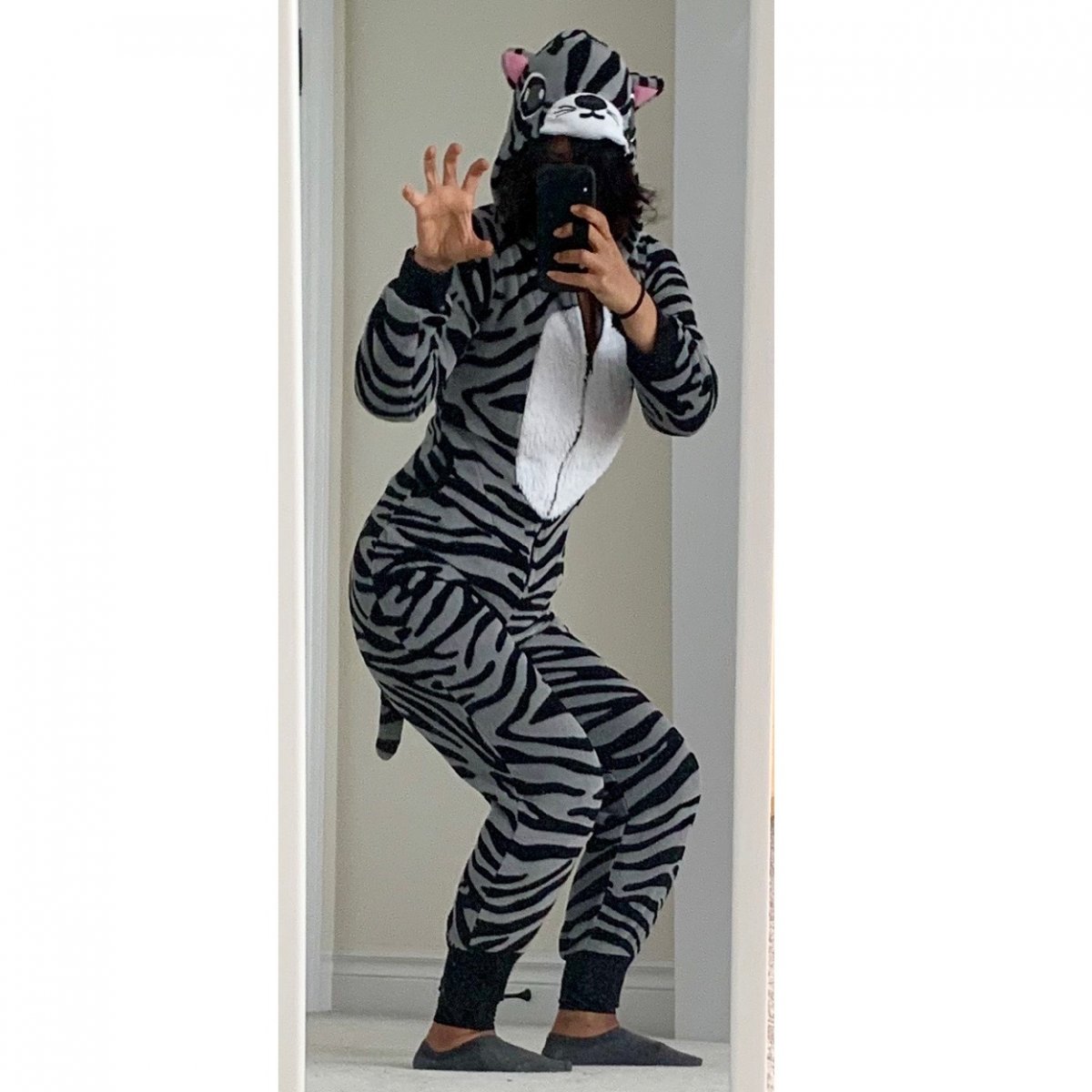
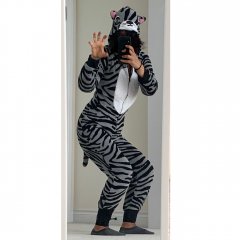
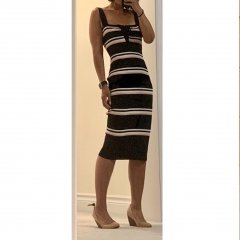
For sh*ts and giggles! Been cleaning out our closets the past couple days (there are SIX garbage bags of clothes to be donated from my closet alone!), and tried on the Kid’s old 6th grade Halloween costume ??. Rawr! (It fit her much looser back then than on me now...good thing u can’t see my face as I am suffering from a serious wedgie...lololololzzz)

From the album:

ms.sss OOTDs

· 138 images

Account

Navigation

Search

Search

Configure browser push notifications

Chrome (Android)
  1. Tap the lock icon next to the address bar.
  2. Tap Permissions → Notifications.
  3. Adjust your preference.
Chrome (Desktop)
  1. Click the padlock icon in the address bar.
  2. Select Site settings.
  3. Find Notifications and adjust your preference.