




Skip to content
View in the app

A better way to browse. Learn more.

BariatricPal

A full-screen app on your home screen with push notifications, badges and more.

To install this app on iOS and iPadOS
  1. Tap the Share icon in Safari
  2. Scroll the menu and tap Add to Home Screen.
  3. Tap Add in the top-right corner.
To install this app on Android
  1. Tap the 3-dot menu (⋮) in the top-right corner of the browser.
  2. Tap Add to Home screen or Install app.
  3. Confirm by tapping Install.
  • Appearance

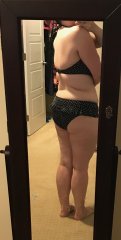
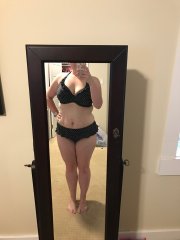
7 Months Post

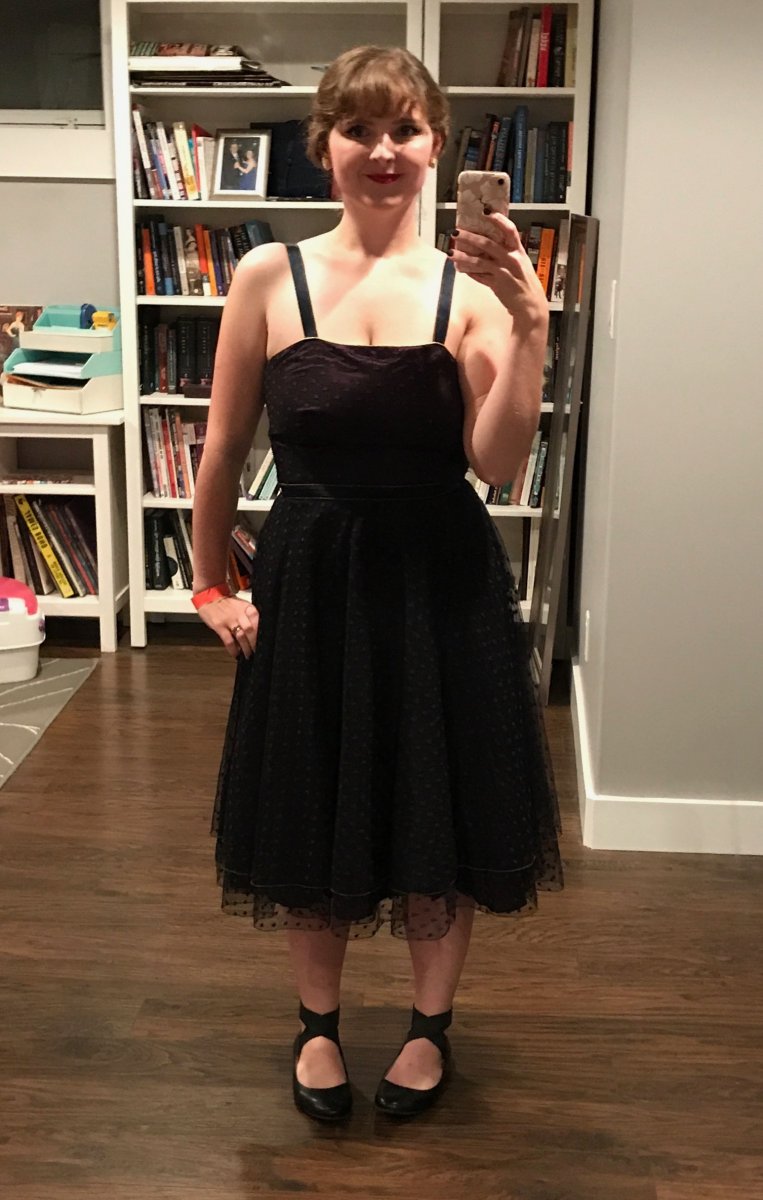
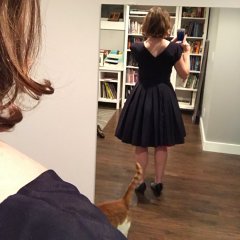
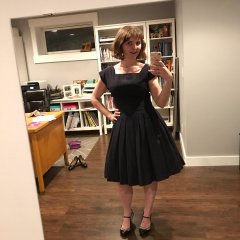
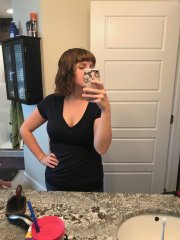
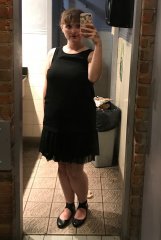
I bought this beautiful vintage dress a few months back but it wouldn't zip up AT ALL, however it was too beautiful and rare a find to pass up, so I bought it and tucked it into the back of my closet. Fast forward to this weekend, there's a formal dance at the swing dancing school I go to... and it fit! Perfectly! I felt like an absolute star all night in this beautiful little dress and my new dancing shoes (not pictured LOL). Definitely wasn't short of partners at the dance!

138lbs and wearing a (vintage) size 12 dress. (Definitely wayyyyy smaller than a modern 12!)


From the album:

After

· 18 images

Photo Information

  • Taken with Apple iPhone 7
  • Focal Length 4 mm
  • Exposure Time 1/7
  • Aperture f/1.8
  • ISO Speed 100

Account

Navigation

Search

Search

Configure browser push notifications

Chrome (Android)
  1. Tap the lock icon next to the address bar.
  2. Tap Permissions → Notifications.
  3. Adjust your preference.
Chrome (Desktop)
  1. Click the padlock icon in the address bar.
  2. Select Site settings.
  3. Find Notifications and adjust your preference.