Skip to content
View in the app

A better way to browse. Learn more.

BariatricPal

A full-screen app on your home screen with push notifications, badges and more.

To install this app on iOS and iPadOS
  1. Tap the Share icon in Safari
  2. Scroll the menu and tap Add to Home Screen.
  3. Tap Add in the top-right corner.
To install this app on Android
  1. Tap the 3-dot menu (⋮) in the top-right corner of the browser.
  2. Tap Add to Home screen or Install app.
  3. Confirm by tapping Install.
  • Appearance

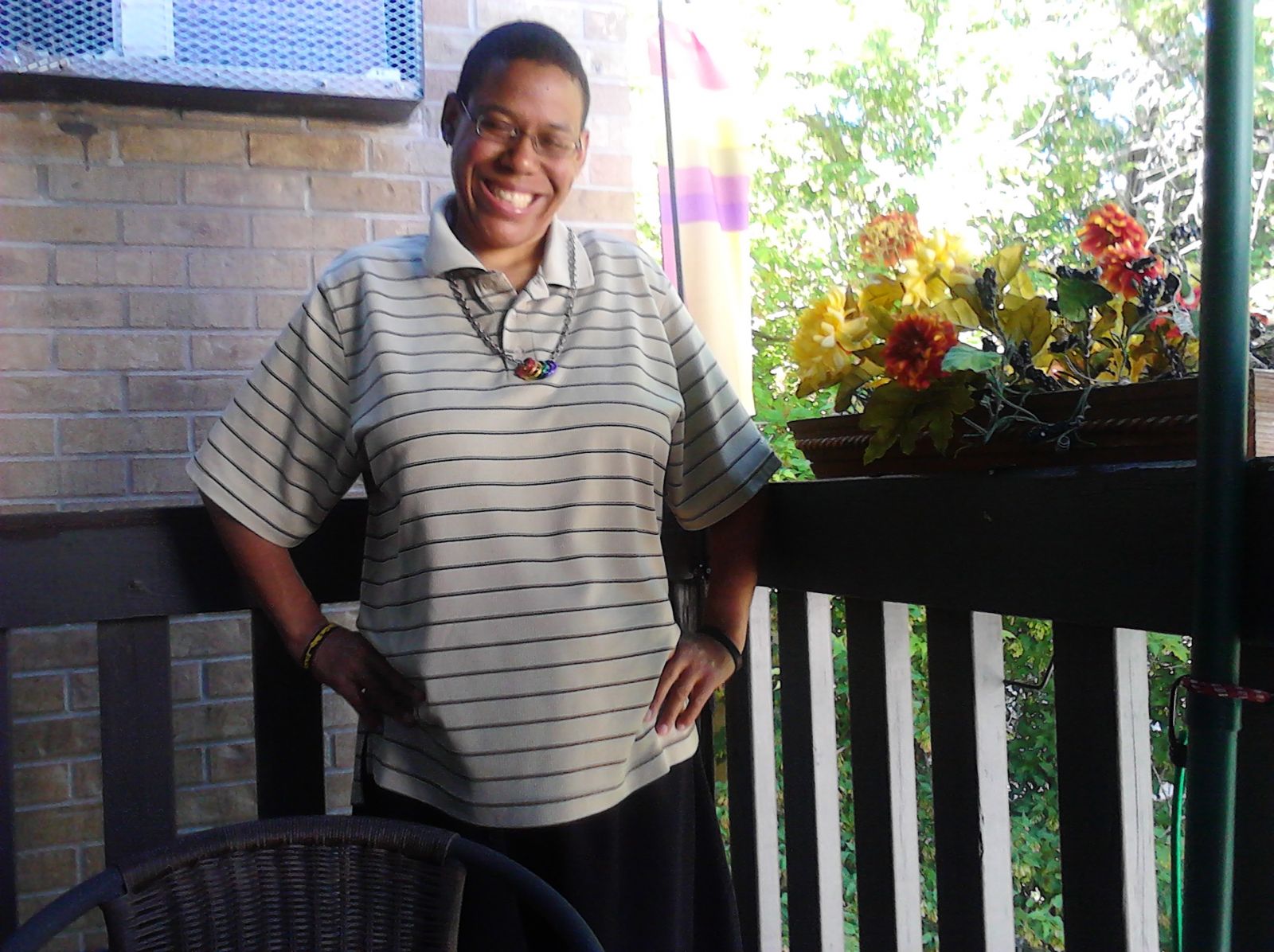
posing On June 17 2012 On balcony

HI THIS IS ME ON MY CONDO BALCONY ON FATHER'S DAY 2012 AND PRIDEFEST DAY, DENVER - CO


I WAS GIDDY AND VERY HAPPY THAT DAY, MY MOM TOOK THIS PIC.


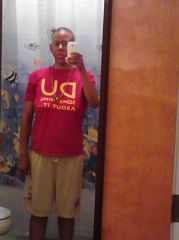
I LOOK LIKE THIS NOW IN THE FACE BUT 60 POUNDS HEAVIER, YIKES I KNOW. CURRENTLY WORKING TOWARDS FITNESS GOAL 155 LBS. OF MUSCLE


From the album:

Life and Looks of Stephanie

· 2 images

Photo Information

  • Taken with HUAWEI M865
  • Focal Length 4.3 mm

Account

Navigation

Search

Search

Configure browser push notifications

Chrome (Android)
  1. Tap the lock icon next to the address bar.
  2. Tap Permissions → Notifications.
  3. Adjust your preference.
Chrome (Desktop)
  1. Click the padlock icon in the address bar.
  2. Select Site settings.
  3. Find Notifications and adjust your preference.