




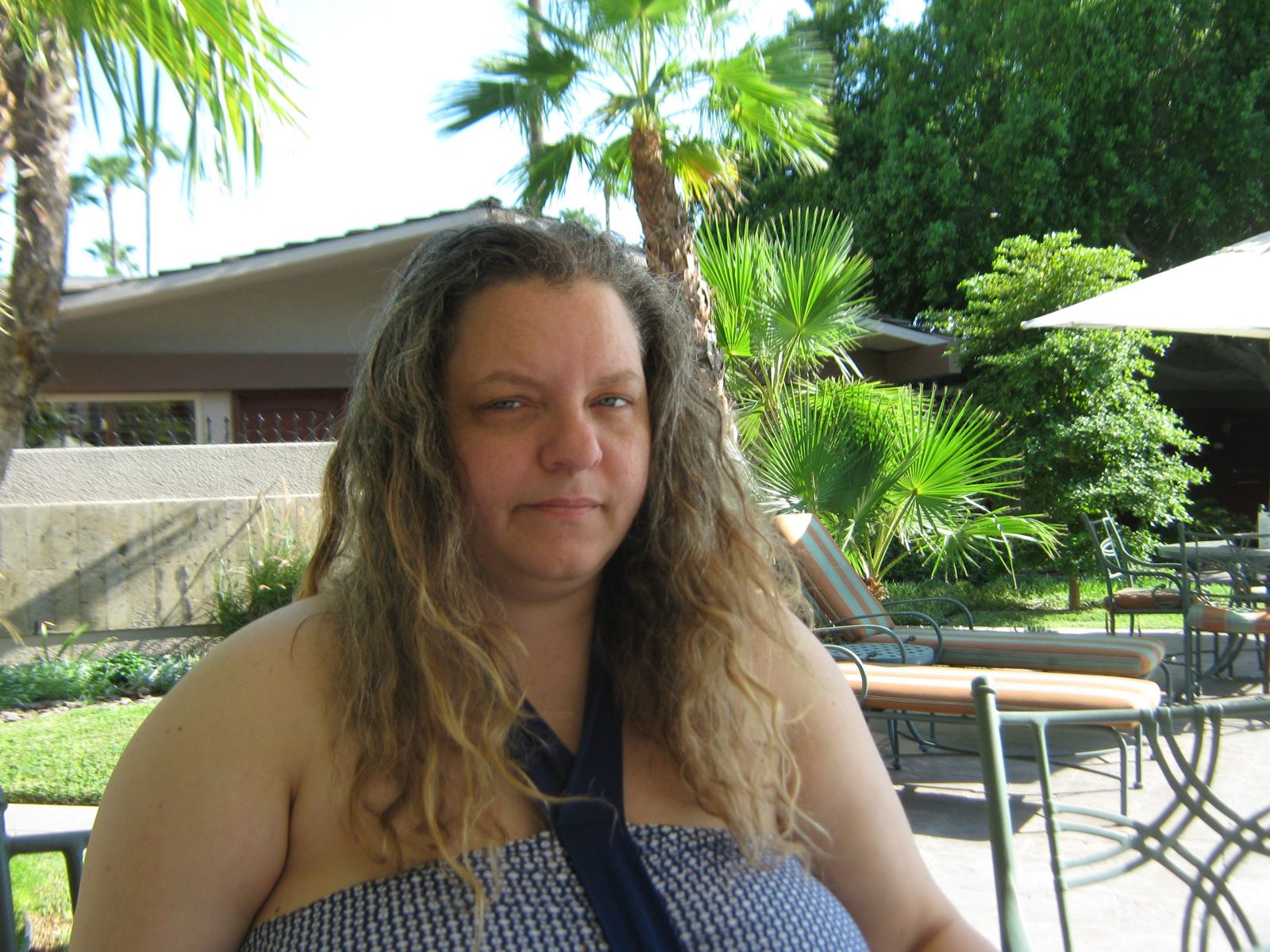



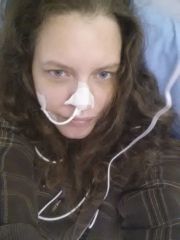

before the change

By AnaBanana
- 1,352 views
- View AnaBanana's images
chillin' in mexico the day before surgery. depressed.. (i mean gosh look at my hair i don't think i had bathed in a month i barely moved i felt so shitty). i was hot as hell and thought i was going to faint in the heat, and terrified i'd end up dead from surgery and rolled up in a rug somewhere in an alley.
that was the last day of my old life.
the hospital was clean and the staff were impeccable. the doctors were amazing and my surgery was less painful than expected but i felt so uncomfortable after.. which is to be expected. 3 years later i can drink whole sips again, eat tiny meals that feel like my old 3 platefuls (that oh so awesome feeling of fullness that i could never seem to get when i was bigger). and most importantly NO more blood sugar problems, NO more high blood pressure, NO more ulcers & gastritis, NO more high cholesterol, and NO more feeling like i'm going to roll over and die when i wake up in the morning.
thank the heavens for surgical intervention, i never would have done it without the help of my team of doctors and the support i recieved on this board.
<3 ana
Recommended Comments
Join the conversation
You can post now and register later. If you have an account, sign in now to post with your account.