










Strong & Lean
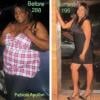
By MsFab1988
- 916 views
- View MsFab1988's images
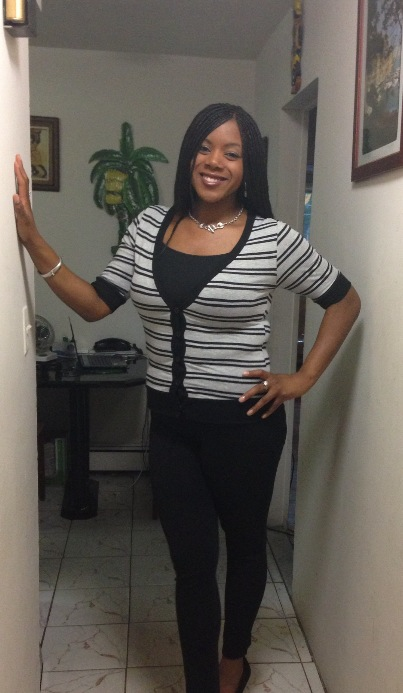
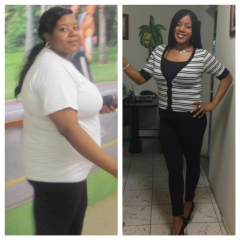
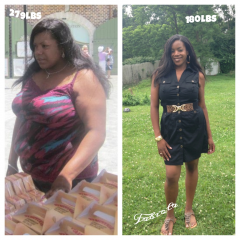
A few changes that I've made for the month of sept
1. Enroll with Gaglione Strength- Strength training 3 times a week. I have a Fab Am coach who pushes me to the MAX! Like seriously, I don't get away with **** lmao...Eyes are always on me and he provides me with a lot of positive feedback. Lifting weights will not make u bulky, u will get toned and have a nice ass if u squat 
2. Learning how to say "No" to unhealthy foods. Everytime u say no, u have the potential to lose weight. Every food choice we make brings us closer to, or further away from our goals! Remember you want to be sexy, strong, & lean! :-D
3. Focus on protein & clean eating. I know some people prob think I'm nuts or something with my protein/food post but if you focus on ur protein intake (60-80 a day) you will lose weight. It's better than focusing on carbs :-)
Recommended Comments
Join the conversation
You can post now and register later. If you have an account, sign in now to post with your account.