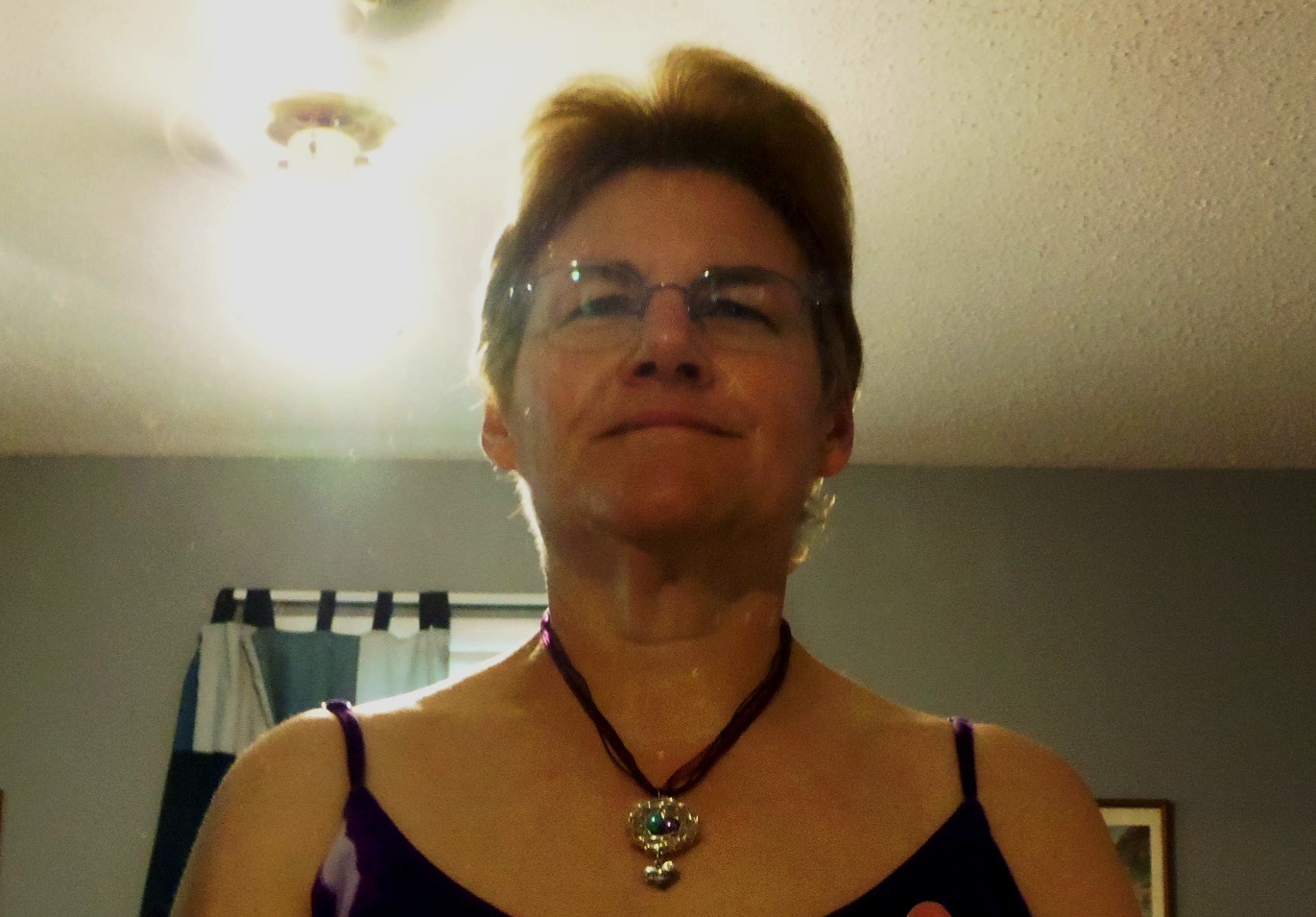
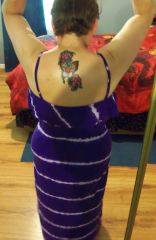
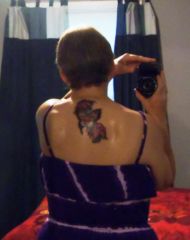
The new me is a much happier person! Share https://www.bariatricpal.com/gallery/image/66013-the-new-me-is-a-much-happier-person/ Share via email Share on Facebook Share on X Share on Reddit More sharing options... Followers The new me is so much happier within myself, and so much more confident! I actually feel like I look good, and I haven't felt that way in such a LONG time! Not to my goal yet, but very happy with how far I HAVE come!










Recommended Comments
Join the conversation
You can post now and register later. If you have an account, sign in now to post with your account.