
Skip to content
View in the app

A better way to browse. Learn more.

BariatricPal

A full-screen app on your home screen with push notifications, badges and more.

To install this app on iOS and iPadOS
  1. Tap the Share icon in Safari
  2. Scroll the menu and tap Add to Home Screen.
  3. Tap Add in the top-right corner.
To install this app on Android
  1. Tap the 3-dot menu (⋮) in the top-right corner of the browser.
  2. Tap Add to Home screen or Install app.
  3. Confirm by tapping Install.
  • Appearance

Before Surgery date 2/22
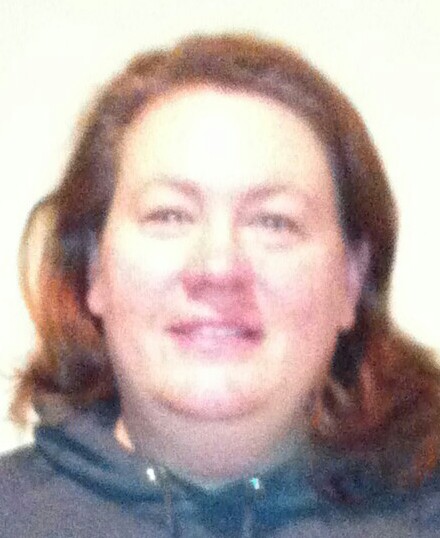
my 11 year old daughter took the 'before' picture of me the morning I was leaving for the hospital/surgery. That morning, I was so scared, it really felt like an out of body experiance looking back on it, I completely forgot she took a photo of me! Just the other day, she told me I looked great-I said, I think I am making good progress, but I have a long way to go. She reminded me that she had a before photo, and that I really needed to see it just so "I could really see for myself, how much I've changed in the past 4 months". I cried when I looked at the photo, I couldnt believe how bad I looked. I took the "after" picture of myself, just to see if there really was a huge difference. Then, the tears of joy came. I still have a long way to go (I am at 65 LBS lost, still need 65LBS to lose all the excess weight) but at least now, I can see the girl I once was slowing coming back.

From the album:

First Before and After photos

· 2 images

Account

Navigation

Search

Search

Configure browser push notifications

Chrome (Android)
  1. Tap the lock icon next to the address bar.
  2. Tap Permissions → Notifications.
  3. Adjust your preference.
Chrome (Desktop)
  1. Click the padlock icon in the address bar.
  2. Select Site settings.
  3. Find Notifications and adjust your preference.