







By nalasmom
- 328 views
- View nalasmom's images
I was fortunate to get a new grad nursing job even before graduating nursing school! In this economy, I could not be more thankful.
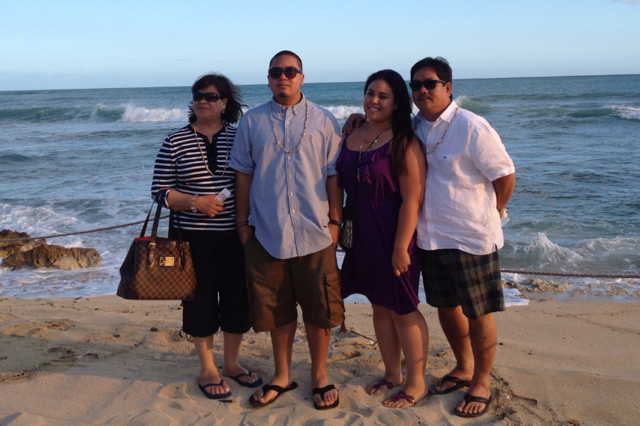
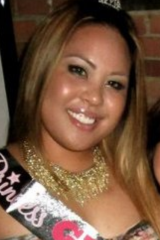
I wanted to show my family how much I appreciate their love, support, and money. My mom have hardly any savings, retirement funds, and how several thousands to a few people. I paid, in part, for them to go to Hawaii! My parents first time ever=D I never thought I'd come back to hawaii looking like this. I bought baggy dresses and it took me 3 hours to shop for a bathing suit. And even then, I was popping out of it! Freaking water. Somehow it shrinks the bathing suits! I wouldn't even take pictures. To this day, for the past 3 years, their are only tens of pictures of me. I'd say like 50. I don't ever want to remember myself like this. I don't want my kids to ever look at my pictures and see their mom this big.
Recommended Comments
Join the conversation
You can post now and register later. If you have an account, sign in now to post with your account.