





Skip to content
View in the app

A better way to browse. Learn more.

BariatricPal

A full-screen app on your home screen with push notifications, badges and more.

To install this app on iOS and iPadOS
  1. Tap the Share icon in Safari
  2. Scroll the menu and tap Add to Home Screen.
  3. Tap Add in the top-right corner.
To install this app on Android
  1. Tap the 3-dot menu (⋮) in the top-right corner of the browser.
  2. Tap Add to Home screen or Install app.
  3. Confirm by tapping Install.

June 25 2012

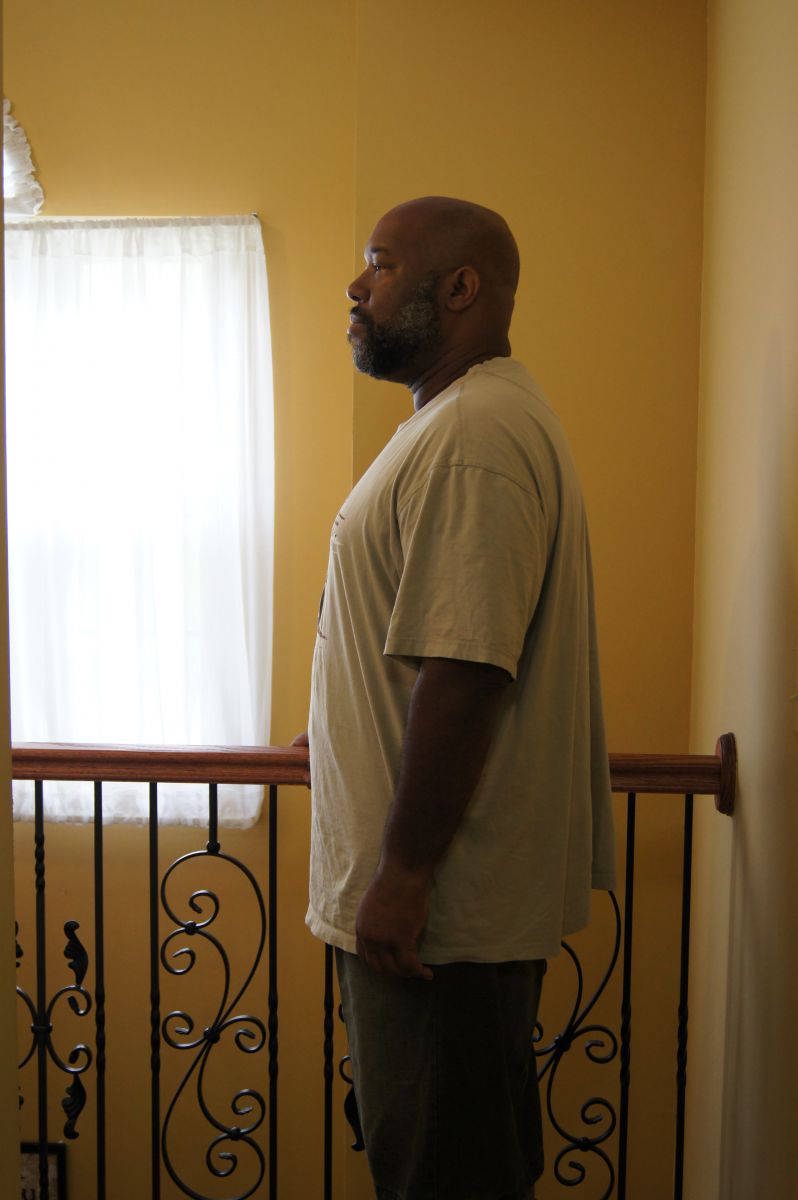
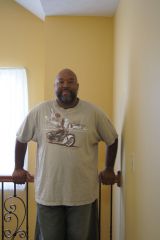
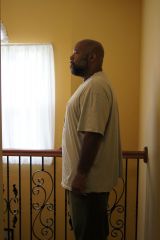
First 2 picture posting since my surgery down to 282 had a little back slide this weekend was 280, but I'll get it back. LOL This is the same clothing I had on before my surgery and everything is loose. I probably won't be able to wear them in my next posting, while I hope not. Down 36 and 67 to go can't want till the doctor say I can workout with weights. Smile and stay focus bandsters

  • From the album:

    Wewash1

    · 3 images

    Account

    Navigation

    Search

    Search

    Configure browser push notifications

    Chrome (Android)
    1. Tap the lock icon next to the address bar.
    2. Tap Permissions → Notifications.
    3. Adjust your preference.
    Chrome (Desktop)
    1. Click the padlock icon in the address bar.
    2. Select Site settings.
    3. Find Notifications and adjust your preference.