Grrrrr. Don't I look tough? lol. This is me before I am going to work out in my personal gym. aka my living room. People keep asking if I have excess skin. Yup. I sure do, but it is not as dramatic as I thought it would be. Weight training has helped that a lot.




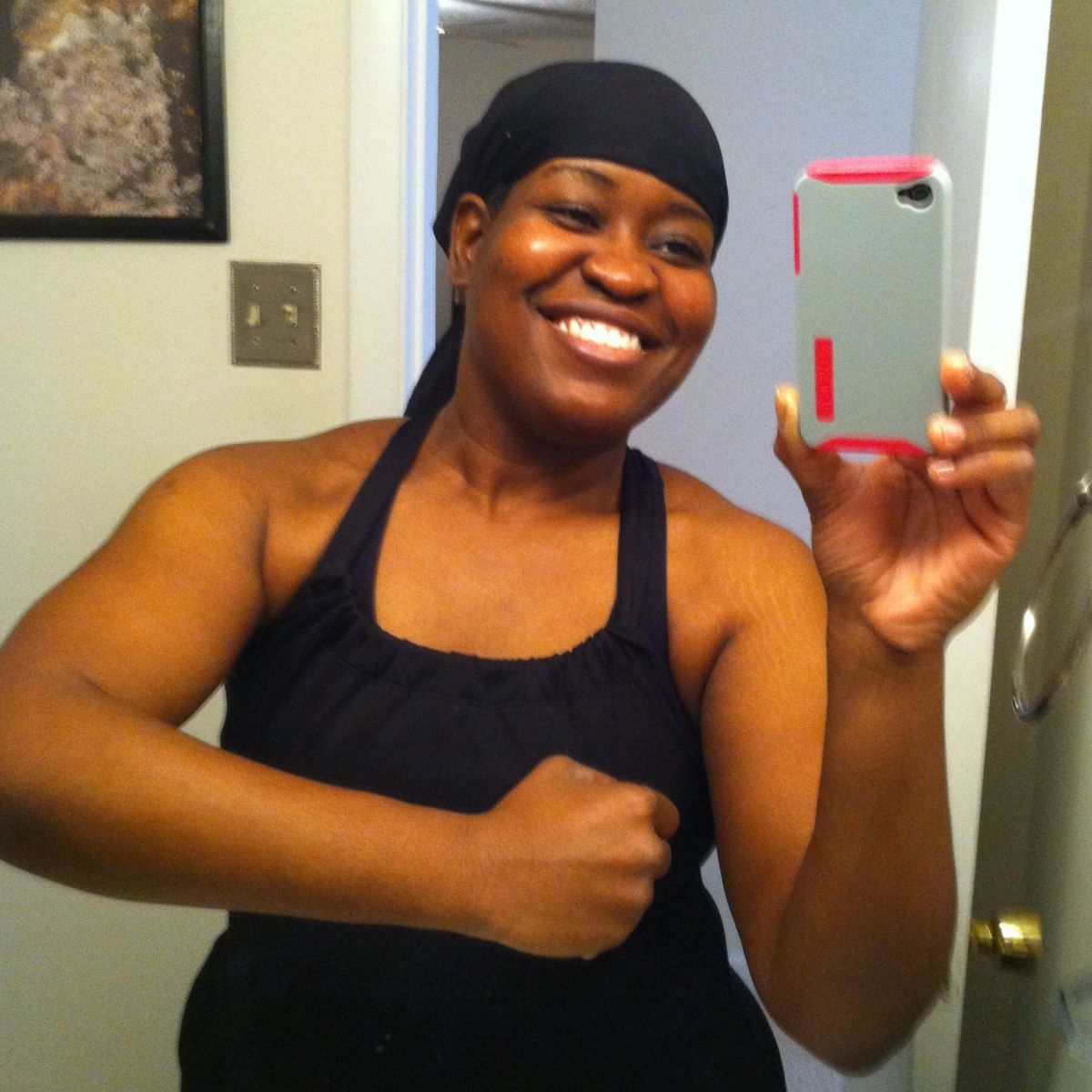










 People keep asking if I have excess skin. Yup. I sure do, but it is not as dramatic as I thought it would be. Weight training has helped that a lot.
Recommended Comments
Join the conversation
You can post now and register later. If you have an account, sign in now to post with your account.