







Skip to content
View in the app

A better way to browse. Learn more.

BariatricPal

A full-screen app on your home screen with push notifications, badges and more.

To install this app on iOS and iPadOS
  1. Tap the Share icon in Safari
  2. Scroll the menu and tap Add to Home Screen.
  3. Tap Add in the top-right corner.
To install this app on Android
  1. Tap the 3-dot menu (⋮) in the top-right corner of the browser.
  2. Tap Add to Home screen or Install app.
  3. Confirm by tapping Install.

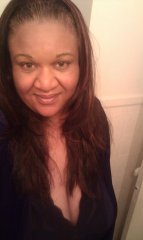
Another Pic Up Close

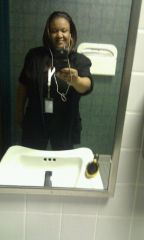
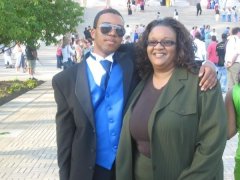
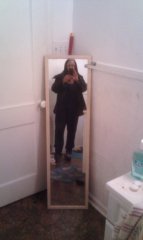
Ok yall I don't care I am feeling so good so sexy to myself but i must add I am very disciplin to my workout I work out 6 days a week now i am on the tread for a mile 6 days a week I can finally jog a little now LOL .... Also i am working on on the elliptical rider for 25 mins and then toning up with weights in the weigth room I do have a personal trainer at the YMCA I plan on being in 1 ONDERLAND BY JUNE 9TH MY BIRTHDAY I WILL KEEP YOU GUYS POSTED

  • From the album:

    1 month post op

    · 6 images

    Account

    Navigation

    Search

    Search

    Configure browser push notifications

    Chrome (Android)
    1. Tap the lock icon next to the address bar.
    2. Tap Permissions → Notifications.
    3. Adjust your preference.
    Chrome (Desktop)
    1. Click the padlock icon in the address bar.
    2. Select Site settings.
    3. Find Notifications and adjust your preference.