




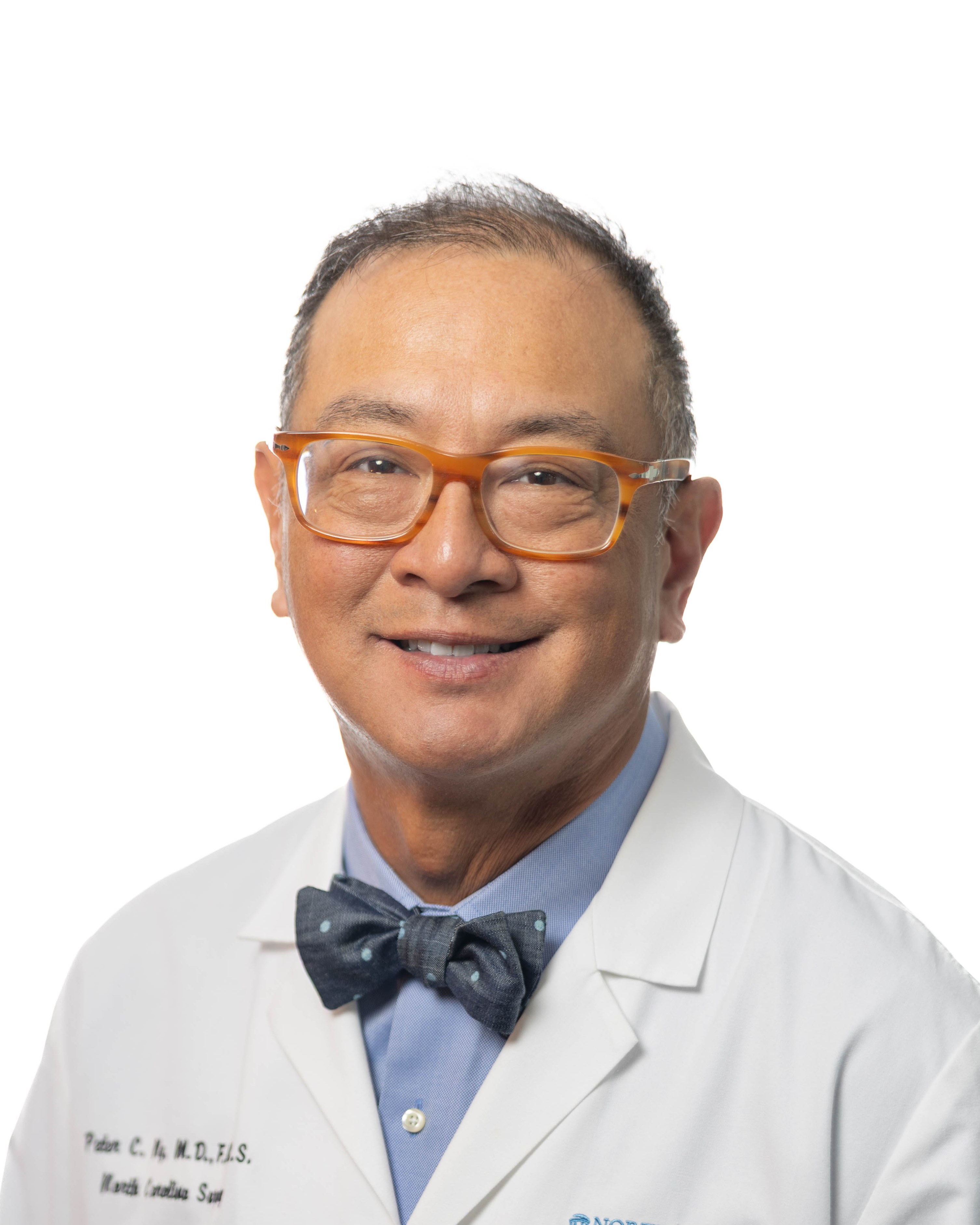
Peter Ng, MD, FACS, FASMBS
22 Patients
6 Reviews
About Peter Ng
Dr. Ng, a Raleigh native, received his undergraduate degree from Davidson College. He attended medical school and surgical residency at the East Carolina University Brody School of Medicine, where he also completed specialty post-graduate training in laparoscopic bariatric surgery.
Dr. Ng is a Diplomate of the American Board of Surgery, Fellow of the American College of Surgeons, and a Fellow of the American Society of Metabolic and Bariatric Surgery. His areas of special interest include bariatric surgery, advanced laparoscopic surgery and single incision/hidden scar surgery, laparoscopic colorectal surgery, and laparoscopic hernia repair.
Dr. Ng is an expert in Minimally Invasive Surgery and serves a national preceptor teaching techniques in single incision and hidden scar laparoscopic surgery.
Dr. Ng is a Diplomate of the American Board of Surgery, Fellow of the American College of Surgeons, and a Fellow of the American Society of Metabolic and Bariatric Surgery. His areas of special interest include bariatric surgery, advanced laparoscopic surgery and single incision/hidden scar surgery, laparoscopic colorectal surgery, and laparoscopic hernia repair.
Dr. Ng is an expert in Minimally Invasive Surgery and serves a national preceptor teaching techniques in single incision and hidden scar laparoscopic surgery.
Credentials and training
- NPI
- 1063412377 An NPI identifies a US provider. It does not establish current credentials or clinical quality.
- Medical School Attended
- Brody School of Medicine - Greenville, NC<br/>MD, 1996
- Residency
- East Carolina University - Greenville, NC Internship, Residency, and Chief Resident in General Surgery
View listed training (1)
-
East Carolina Univeristy
Post-graduate Training in Bariatric Surgery
Listed procedures
- Adjustable Gastric Band
- Duodenal Switch
- Gastric Bypass
- Revision Surgery
- Sleeve Gastrectomy
- Gastric Plication
Group Memberships
- ACS
- ASMBS
- LAP-BAND
- SRC
Practice and contact
-
Raleigh, North CarolinaGet directions
-
Phone 919-784-7874
-
Browse surgeons by location
-
Website Visit Dr. Ng's website
BEFORE YOU CONTACT THE PRACTICE
Prepare for a consultation with Peter Ng
Use these questions to compare the practice with your needs. Your clinical team can explain which treatment options fit your health history.
- Which procedures do you currently offer, and what experience do you have with each?
- Where do consultations and surgery take place?
- Does my specific insurance plan cover the surgeon and the hospital?
- What does the full cost include?
- Who provides care after surgery, and how do I contact the team with a concern?
About this directory profile
What does a directory listing mean?
A listing helps you find practice information and member experiences. It does not establish clinical quality, current credentials, or availability.
How do I use member reviews?
Read the date and the details of each experience. Reviews are personal accounts. They do not predict your results or replace a clinical consultation.
What if a detail is missing or outdated?
Ask the practice for current information. Use “Suggest an update” on the surgeon profile to report a correction to BariatricPal.
Explore the bariatric surgery guides · Compare other surgeons