firefighter3158
Gastric Bypass Patients
-
Joined
-
Last visited
Everything posted by firefighter3158
-
Thank you so much!!
-
Thank you so much!!
-
Thank you so much and your very welcome [emoji4]
-
Thank you so much!!
-
You are very welcome. You can...just work hard and never give up!
-
Thank you so much!! I’m 42.
-
Congrats brother! Keep it up!!
-
Thank you so much!!
-
Thank you so much! No I’ve never done P90 but I do stay in the gym!
-
Thank you! At times it has been a struggle but I determined to never become the old me again.
-
Thank you so much! I do an hour of cardio...treadmill, sit ups, push ups and rowing machine and then an hour of weight training.
-
Thank you so much for the compliment! I feel amazing! I wish you all the best with your journey! You can do it!
-
Thank you so much!!
-
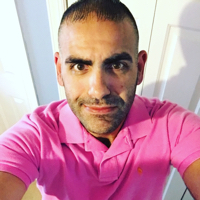
Hello my name is William and I had RNY Gastric Bypass on April 5, 2012. Starting weight: 382 lbs, Goal Weight: 230 lbs, Lowest Weight: 196 lbs and my Current Weight: 200 lbs. I went from a size 56 waist to a 34 waist. I also had a lot of medical issues like diabetes and high blood pressure, but since surgery all of them are gone and I’m on no medications. I’m the happiest I have ever been in my life and I’m positive that my weight loss surgery saved my life.