Skip to content
View in the app

A better way to browse. Learn more.

BariatricPal

A full-screen app on your home screen with push notifications, badges and more.

To install this app on iOS and iPadOS
  1. Tap the Share icon in Safari
  2. Scroll the menu and tap Add to Home Screen.
  3. Tap Add in the top-right corner.
To install this app on Android
  1. Tap the 3-dot menu (⋮) in the top-right corner of the browser.
  2. Tap Add to Home screen or Install app.
  3. Confirm by tapping Install.
  • Appearance

Join BariatricPal free

  • Ask your own questions
  • Reply and follow topics
  • Message other members
  • No cost, no spam

ABTexas1984

Pre Op
  • Joined

  • Last visited

Everything posted by ABTexas1984

  1. No problem thank yall as well
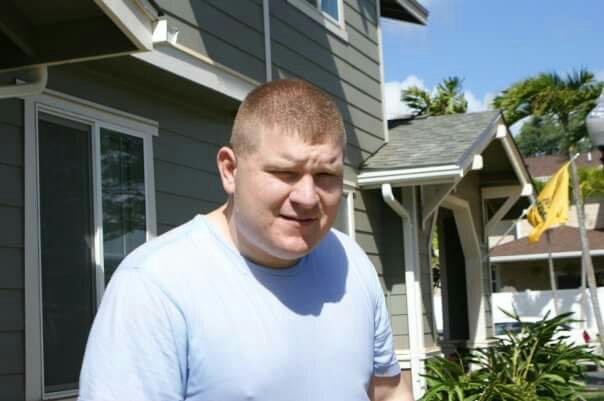
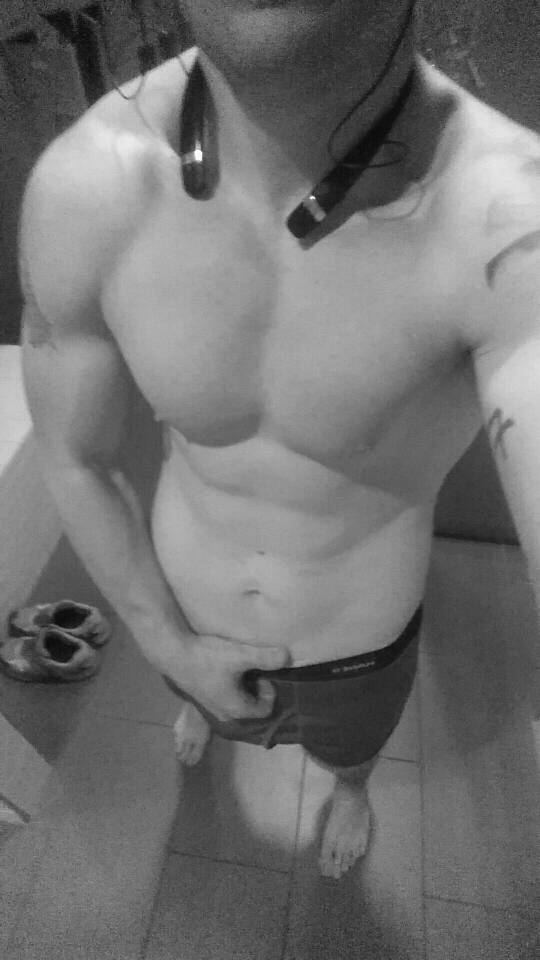
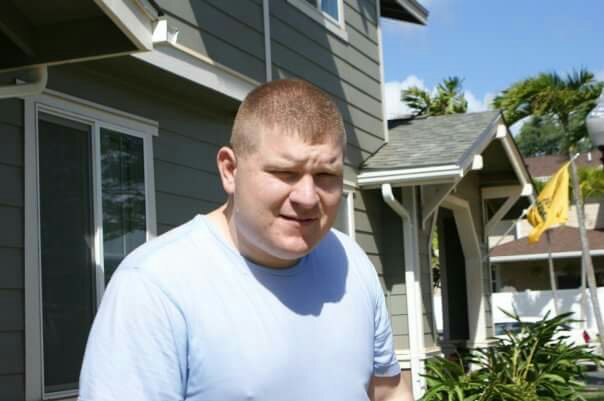
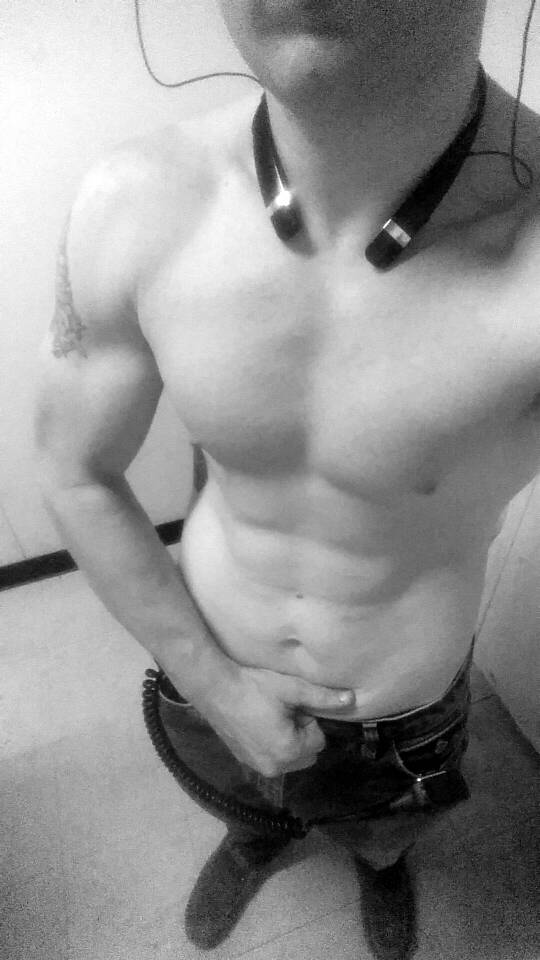
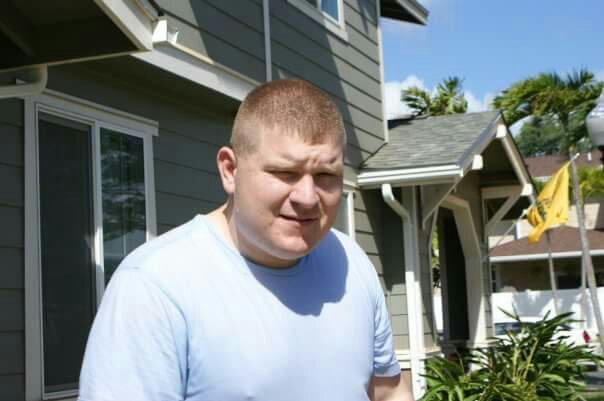
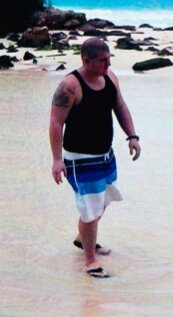
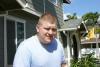
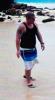
  2. Well it's been 3 years since I posted, and thought I'd share my experience with those beginning their journey. My surgery was October 31, 2012, and I was 305 pounds. Now I'm 190 pounds. I can eat pretty much as a normal person, but with a small little governor on my stomach. I still avoid breads and starches, because they fill me up so fast. I have completely embraced the healthy fitness oriented lifestyle. Everything in my life is better than before. My piece of wisdom after all this, is that the sleeve will provide a good jump start, but if you don't take ownership of your body, success will be short lived. Good luck to everyone. The first two pics are from 2011, the last is from this week.
Account

Navigation

Search

Search

Configure browser push notifications

Chrome (Android)
  1. Tap the lock icon next to the address bar.
  2. Tap Permissions → Notifications.
  3. Adjust your preference.
Chrome (Desktop)
  1. Click the padlock icon in the address bar.
  2. Select Site settings.
  3. Find Notifications and adjust your preference.