





Skip to content
View in the app

A better way to browse. Learn more.

BariatricPal

A full-screen app on your home screen with push notifications, badges and more.

To install this app on iOS and iPadOS
  1. Tap the Share icon in Safari
  2. Scroll the menu and tap Add to Home Screen.
  3. Tap Add in the top-right corner.
To install this app on Android
  1. Tap the 3-dot menu (⋮) in the top-right corner of the browser.
  2. Tap Add to Home screen or Install app.
  3. Confirm by tapping Install.
  • Appearance

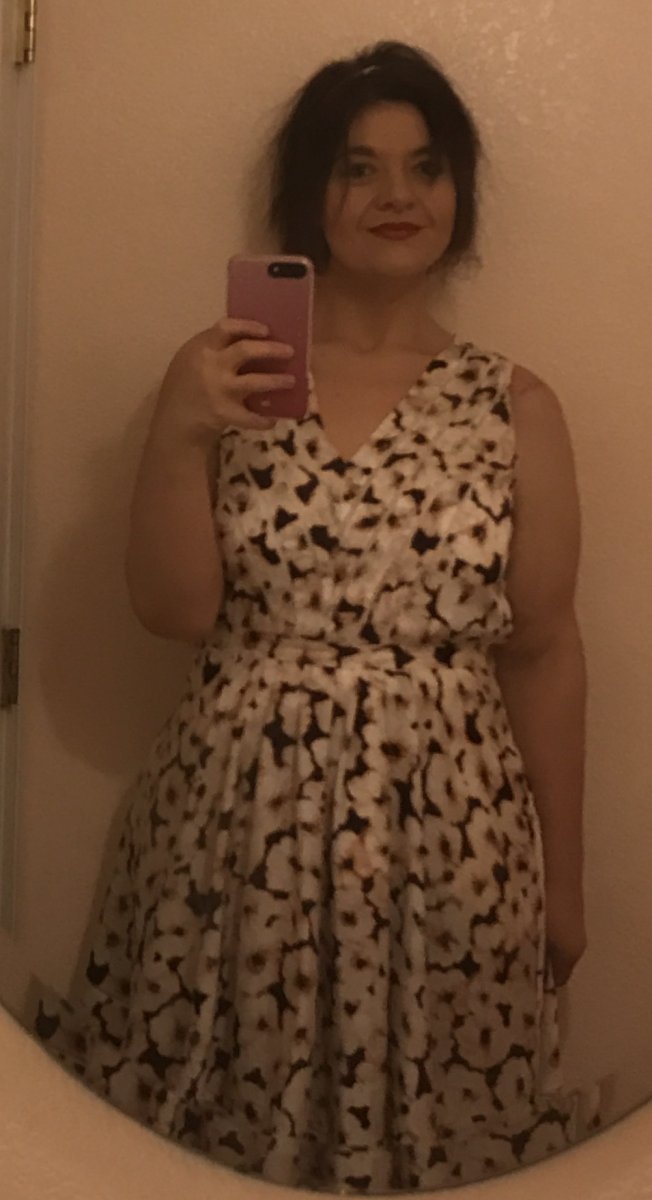
IMG_0435.JPG

This is me within the past month. Having started at over 429lbs, finally reaching 197lbs has been an amazing victory and I am so blessed to have been able to take this journey. It hasn't been an easy way out by any means, but I am a stronger, confident woman now! 
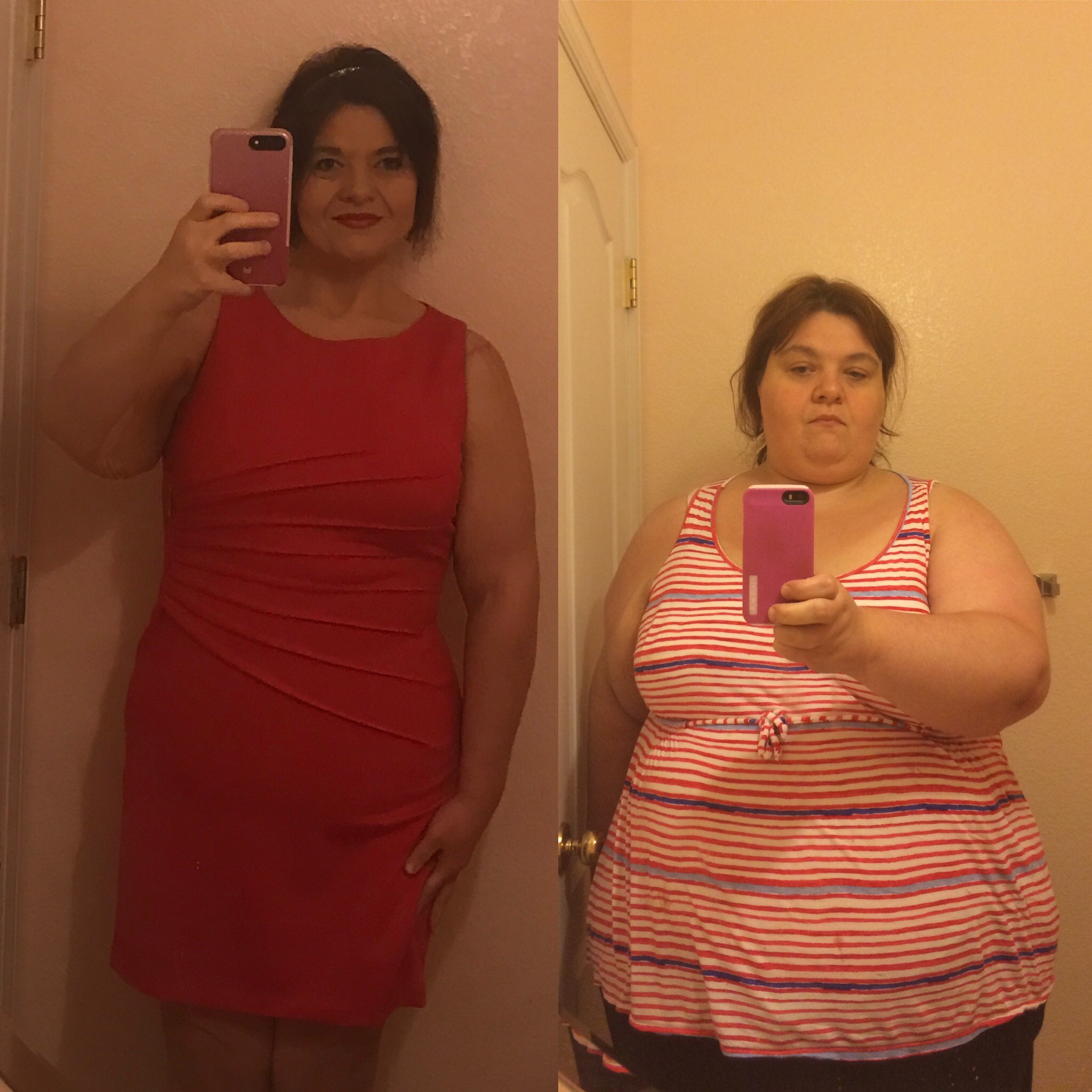
EC9B4811-D36E-4436-9575-8173720F6970.jpg

Credit

All images taken by me

Copyright

© No reproduction without written permission

From the category:

Member Photo Gallery

· 63,413 images

Photo Information

  • Taken with Apple iPhone 7 Plus
  • Focal Length 4 mm
  • Exposure Time 1/15
  • Aperture f/1.8
  • ISO Speed 50

Account

Navigation

Search

Search

Configure browser push notifications

Chrome (Android)
  1. Tap the lock icon next to the address bar.
  2. Tap Permissions → Notifications.
  3. Adjust your preference.
Chrome (Desktop)
  1. Click the padlock icon in the address bar.
  2. Select Site settings.
  3. Find Notifications and adjust your preference.