




Skip to content
View in the app

A better way to browse. Learn more.

BariatricPal

A full-screen app on your home screen with push notifications, badges and more.

To install this app on iOS and iPadOS
  1. Tap the Share icon in Safari
  2. Scroll the menu and tap Add to Home Screen.
  3. Tap Add in the top-right corner.
To install this app on Android
  1. Tap the 3-dot menu (⋮) in the top-right corner of the browser.
  2. Tap Add to Home screen or Install app.
  3. Confirm by tapping Install.
  • Appearance

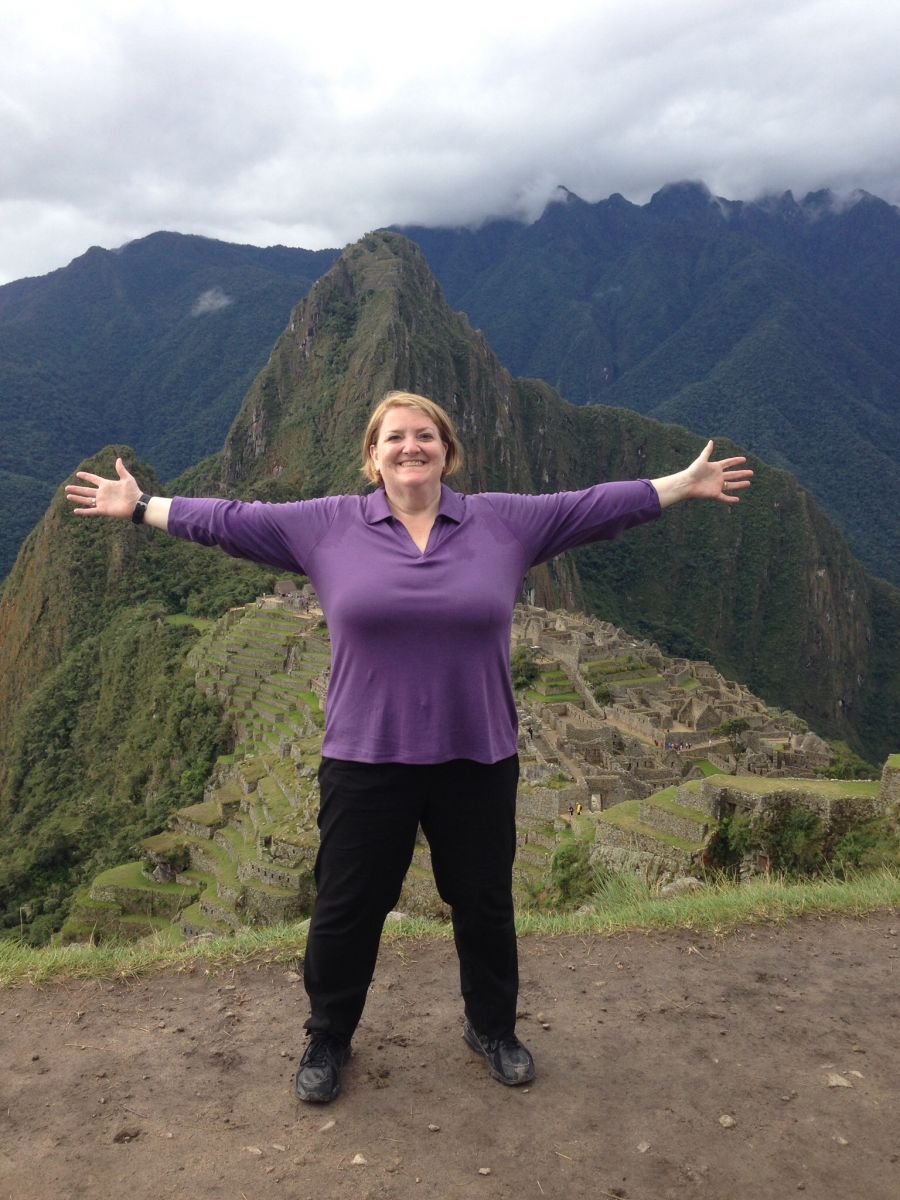
Machu Picchu

While on vacation in Peru, I hit the halfway point in my WLS journey. 80 pounds lost, 80 pounds to go. I celebrated at the top of Machu Picchu, which involved 16,000 steps and 208 flights of stairs (presumably 104 up and 104 down).


Iam just 3.5 months post-RNY and have never been so thankful for anything in my life.

From the album:

Milestones

· 1 image

Account

Navigation

Search

Search

Configure browser push notifications

Chrome (Android)
  1. Tap the lock icon next to the address bar.
  2. Tap Permissions → Notifications.
  3. Adjust your preference.
Chrome (Desktop)
  1. Click the padlock icon in the address bar.
  2. Select Site settings.
  3. Find Notifications and adjust your preference.