Skip to content
View in the app

A better way to browse. Learn more.

BariatricPal

A full-screen app on your home screen with push notifications, badges and more.

To install this app on iOS and iPadOS
  1. Tap the Share icon in Safari
  2. Scroll the menu and tap Add to Home Screen.
  3. Tap Add in the top-right corner.
To install this app on Android
  1. Tap the 3-dot menu (⋮) in the top-right corner of the browser.
  2. Tap Add to Home screen or Install app.
  3. Confirm by tapping Install.
  • Appearance

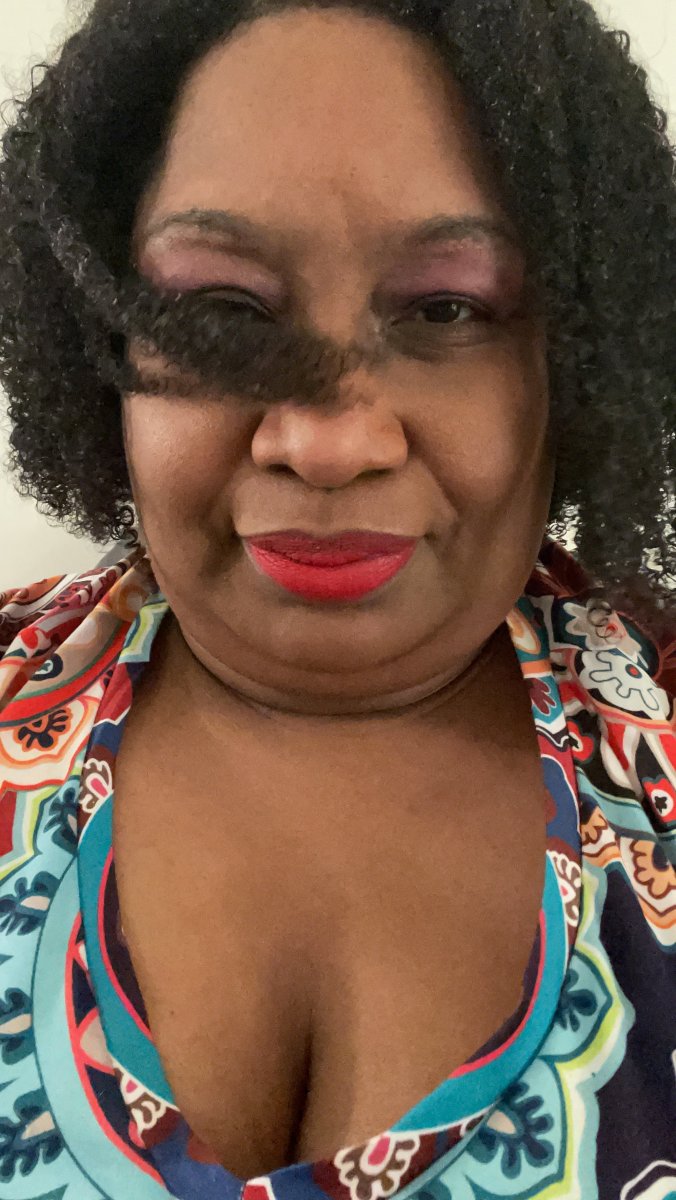
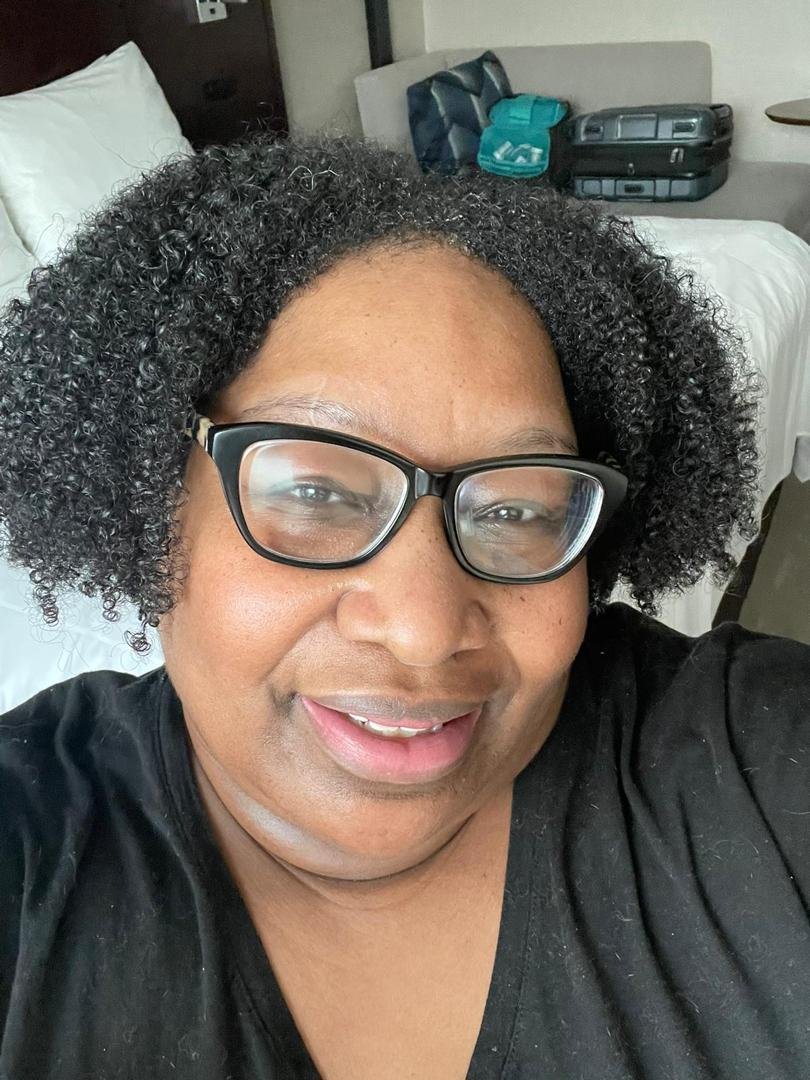
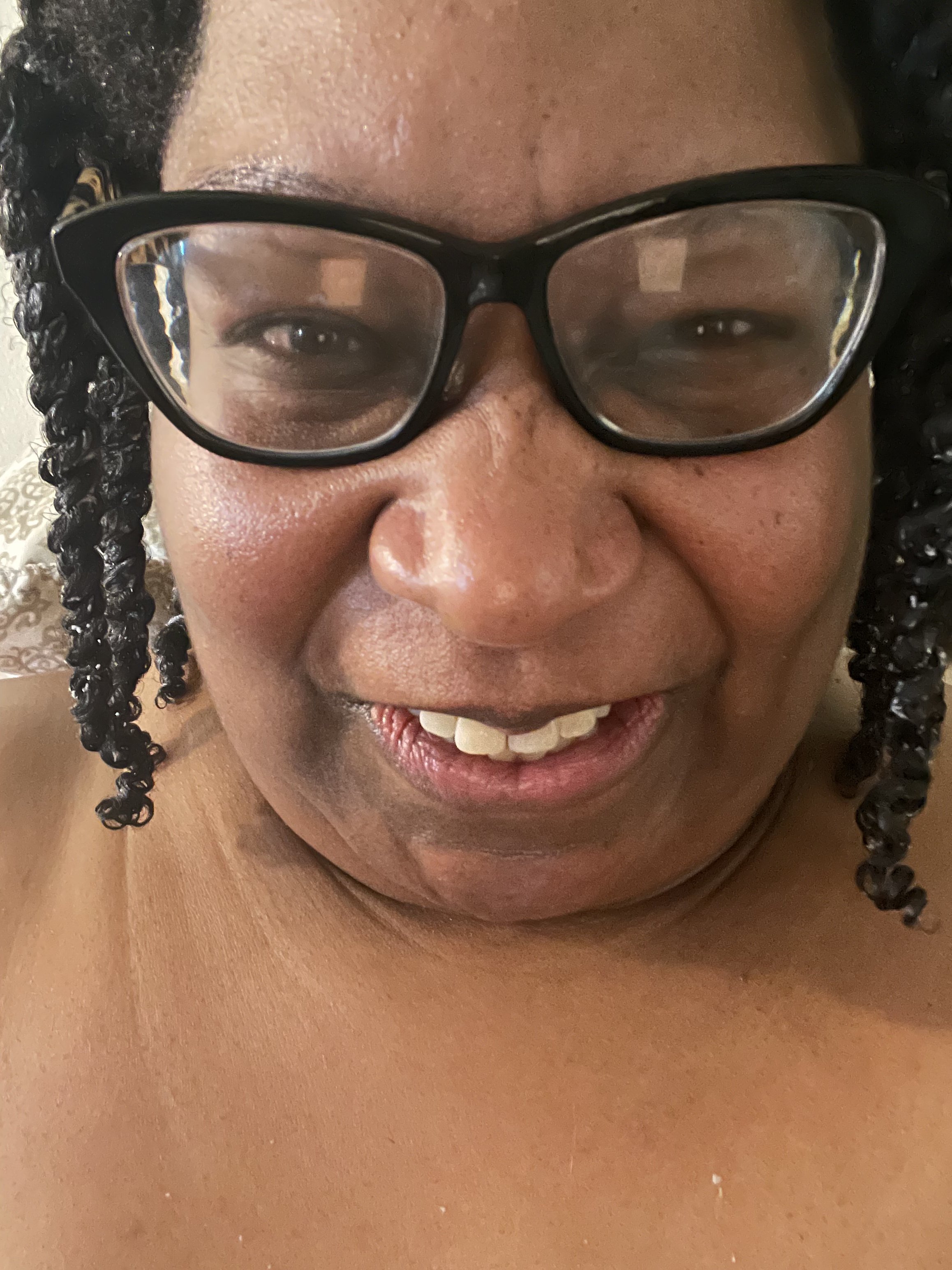
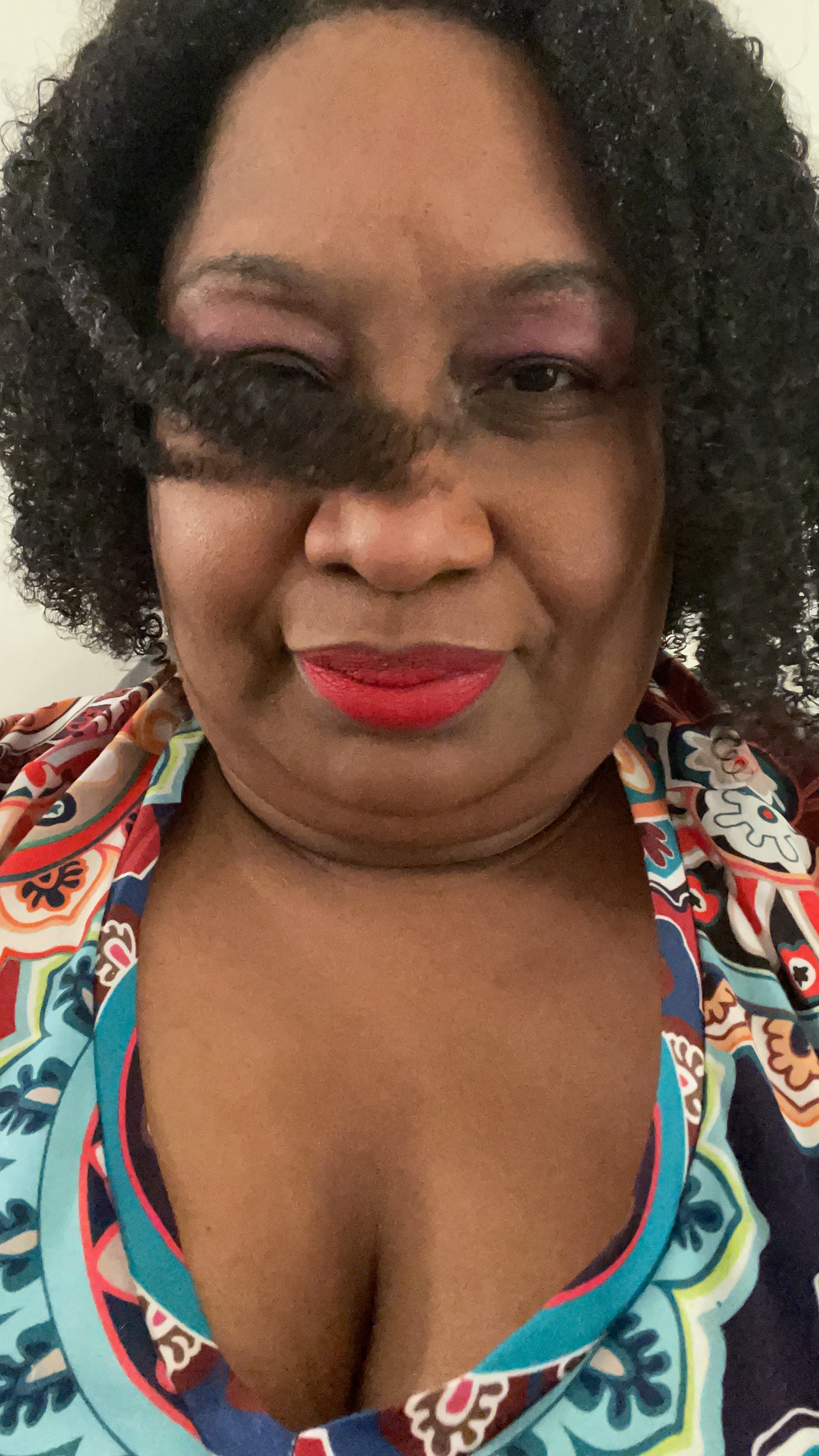
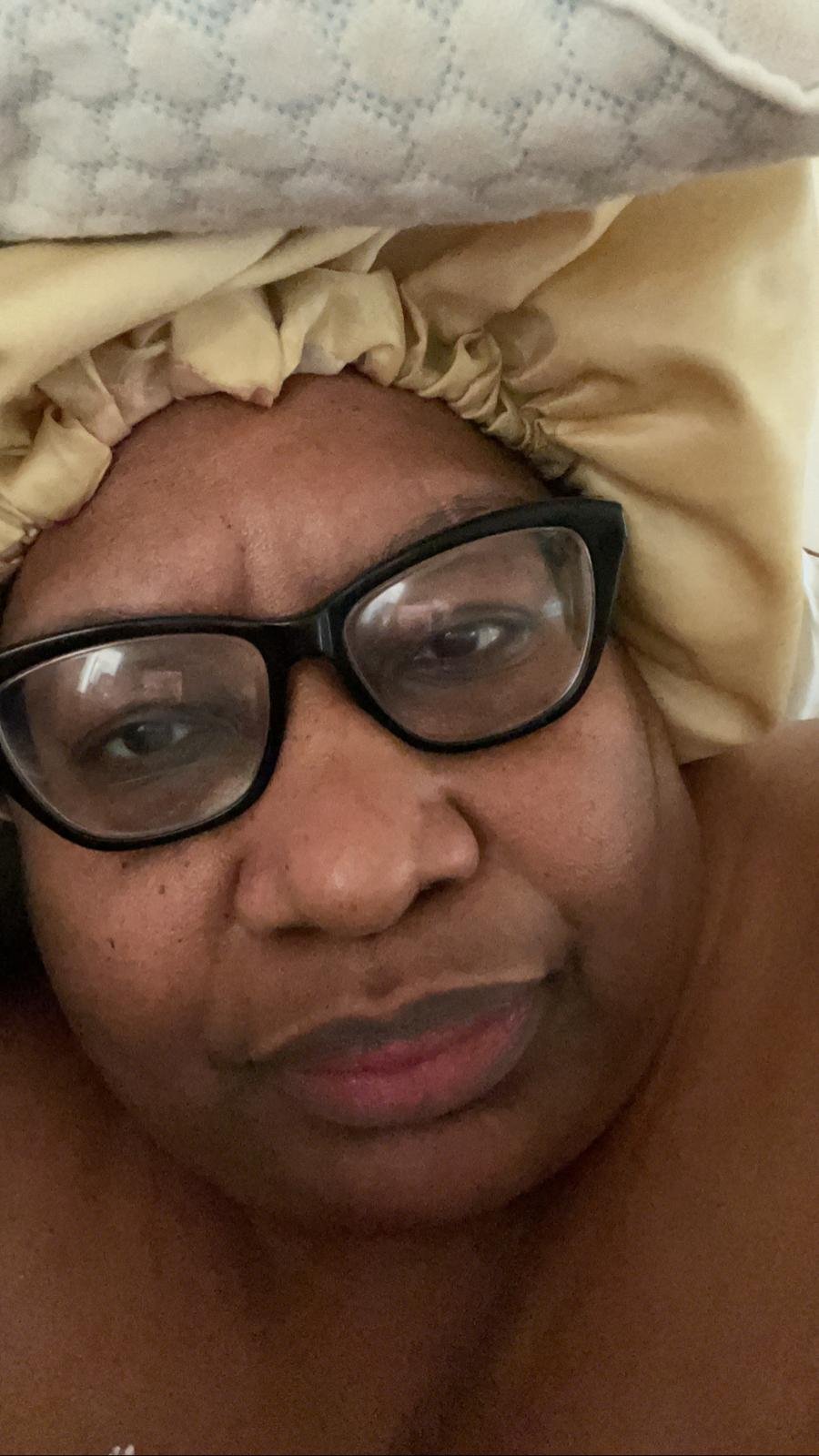
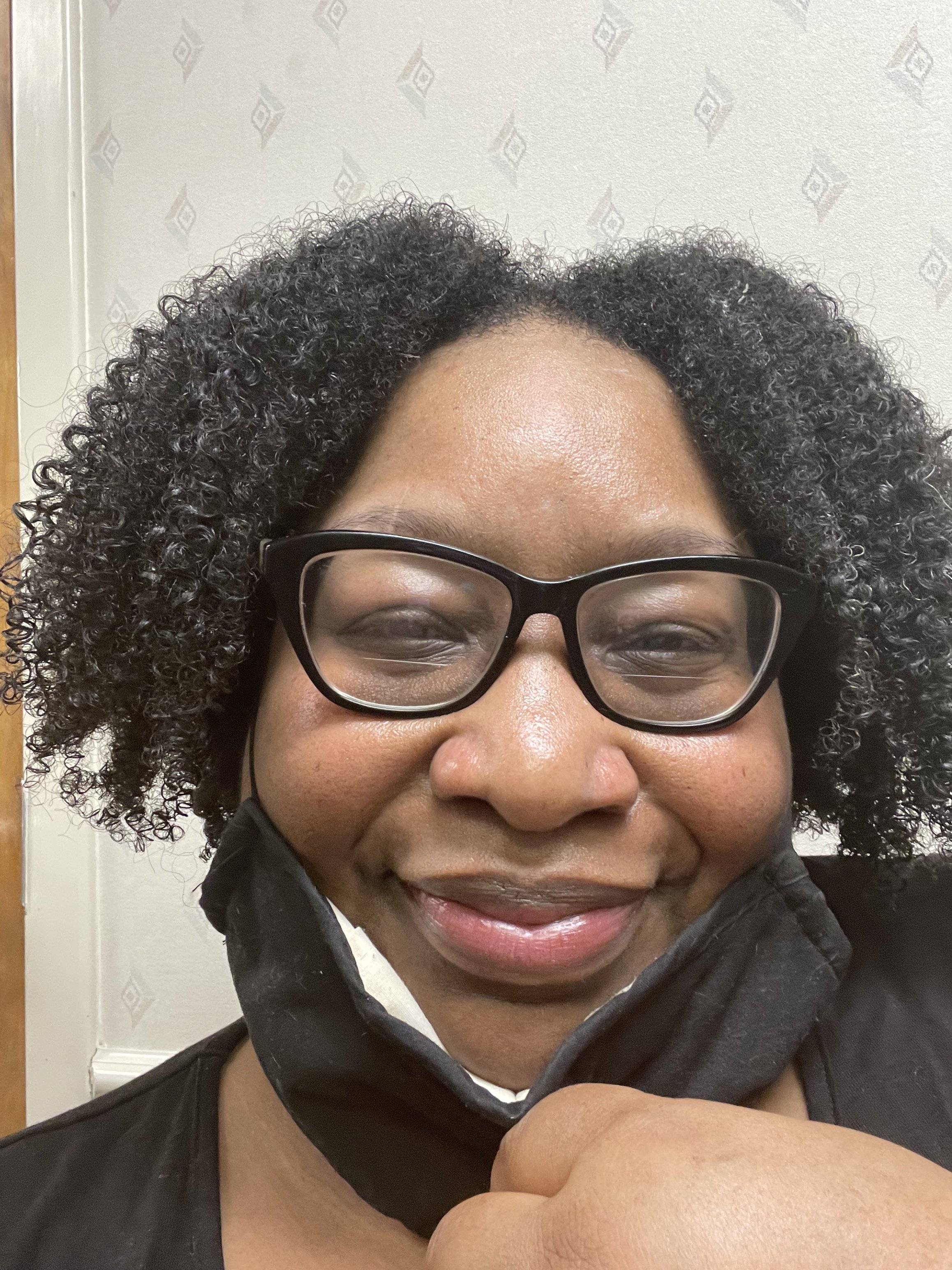
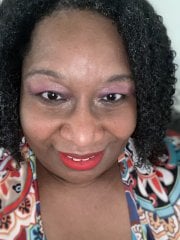
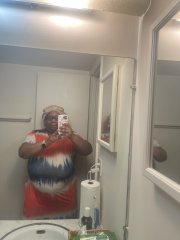
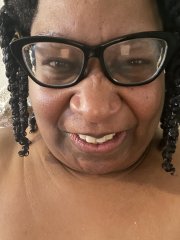
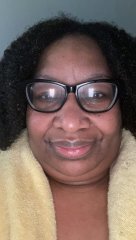
Before

Before

Album created by LalaTaylor · Updated

BD0480CB-5BC2-4AFF-9981-36FE71750879.jpeg

A737743D-594A-45FA-BB35-D7EF8D1914F6.jpeg

EF818BB8-38C6-447E-8A1F-2169D94244C8.jpeg

AD8EF241-D581-4AB9-B2E9-E9F3D903BAC0.jpeg

BB0F436F-4F66-4879-8A3C-E970AB1B8204.jpeg

A43184E1-7779-4A6C-85C0-EFE7D0954C88.jpeg

F7D2B991-DFE3-43E1-81E9-1E9EC8145003.jpeg

5E5E95E3-0CC2-44C3-AAF0-1D57DDBEE80C.jpeg

There are no comments to display.

Join the conversation

You can post now and register later. If you have an account, sign in now to post with your account.

Guest
Add a comment...

Gallery Statistics

  • Images 91.8k
  • Comments 29.7k
  • Albums 21.2k

Images

Albums

Account

Navigation

Search

Search

Configure browser push notifications

Chrome (Android)
  1. Tap the lock icon next to the address bar.
  2. Tap Permissions → Notifications.
  3. Adjust your preference.
Chrome (Desktop)
  1. Click the padlock icon in the address bar.
  2. Select Site settings.
  3. Find Notifications and adjust your preference.