




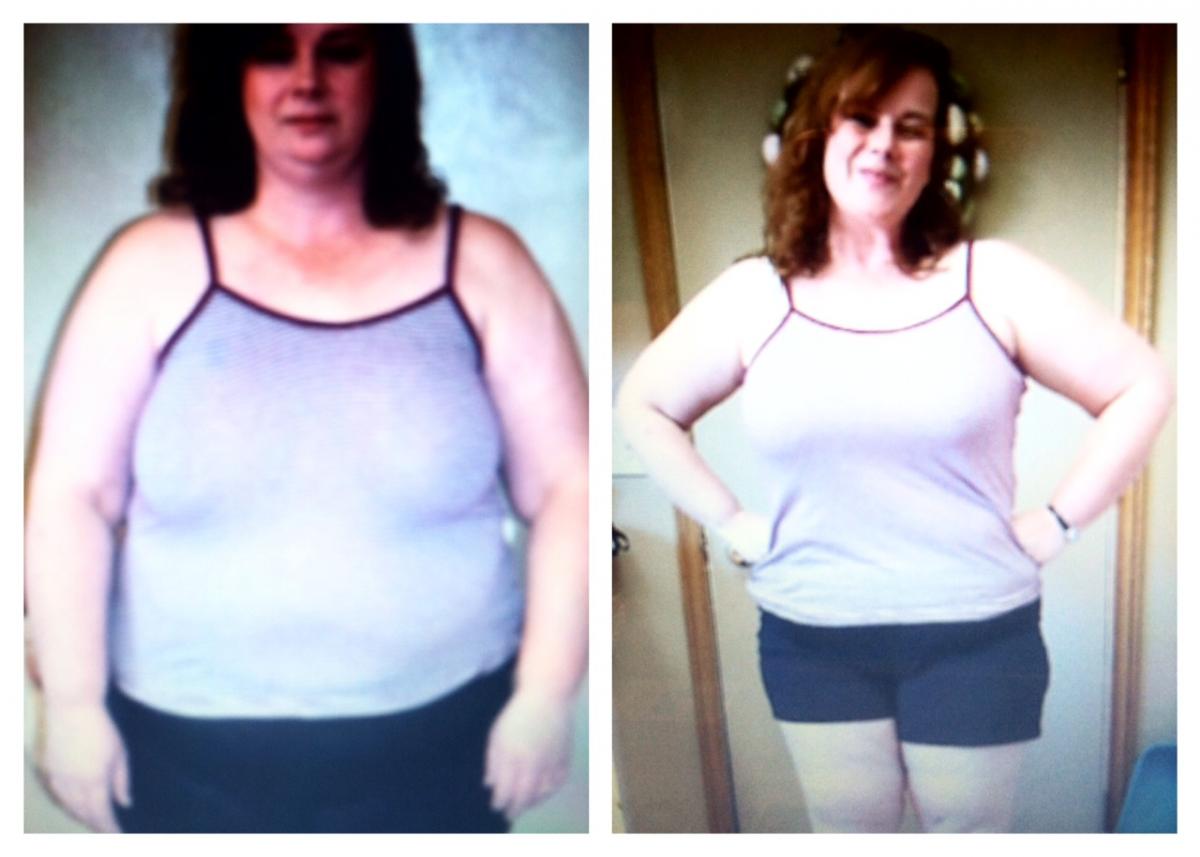
 Hello Everyone! I just wanted to share my before and now progress photos and a little bit about my journey so far! I am about 9 weeks post-op. I am 5'3 and my starting weight was 243. I currently weigh 203. I am feeling a lot better already! I no longer have high blood pressure and I'm no longer pre-diabetic. I also have not had any issues with my Acid Reflux since surgery. Everything is much easier to do already!
  I felt like I was losing weight slowly. Maybe it was because I had a 3 week stall but, I'm averaging more than 4 lbs. a week loss even with that! That's not too shabby! It's true what they say. You can lose inches without losing weight! I have lost over 4 feet of inches from all over my body! I cannot wait to see what the future brings! Now that food is not controlling my life, I feel this can be done and I can actually go all the way! The surgery was not easy but the surgery has made it do-able for me! What goes up, Must come down! Ha,Ha! Finally!
- josiek1988, jnt1, L. Knight and 22 others and 22 more...
-
 25
25