Skip to content
View in the app

A better way to browse. Learn more.

BariatricPal

A full-screen app on your home screen with push notifications, badges and more.

To install this app on iOS and iPadOS
  1. Tap the Share icon in Safari
  2. Scroll the menu and tap Add to Home Screen.
  3. Tap Add in the top-right corner.
To install this app on Android
  1. Tap the 3-dot menu (⋮) in the top-right corner of the browser.
  2. Tap Add to Home screen or Install app.
  3. Confirm by tapping Install.

Beljer72

Gastric Bypass Patients
  • Joined

  • Last visited

Everything posted by Beljer72

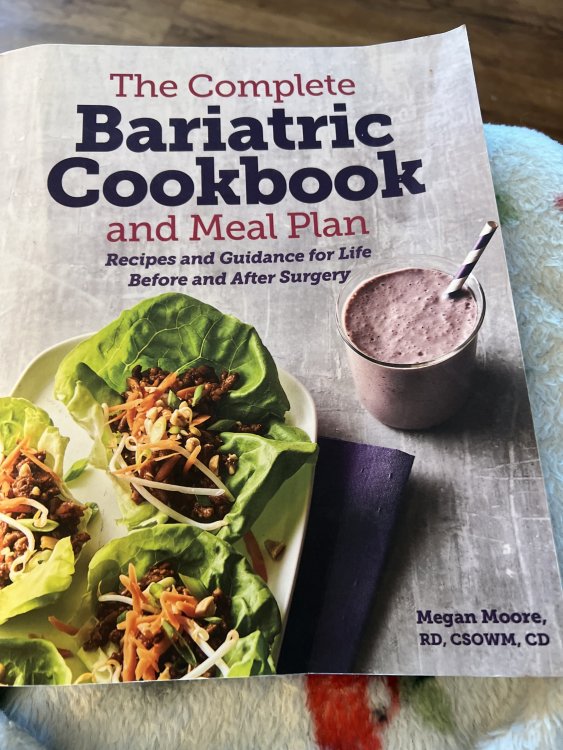
  1. My surgery was Feb 27th. I began at 217 and now am 177. Your posts describes my roller coaster ride from the beginning. I am working on real food and what causes issues and what doesn’t. I know anything greasy is a no (I now rinse any grease off, if used). I go back to shakes for a day if I have problems to settle things down. As long as I keep the portions very small at a meal, I can eat most things. I bought a Bariatric cookbook. It has some very tasty recipes. I cook them for my husband and even guests. No complaints!
Trending Products

PatchAid Vitamin Patches

Account

Navigation

Search

Search

Configure browser push notifications

Chrome (Android)
  1. Tap the lock icon next to the address bar.
  2. Tap Permissions → Notifications.
  3. Adjust your preference.
Chrome (Desktop)
  1. Click the padlock icon in the address bar.
  2. Select Site settings.
  3. Find Notifications and adjust your preference.