AlbaGuBrath
Gastric Sleeve Patients
-
Joined
-
Last visited
Everything posted by AlbaGuBrath
-
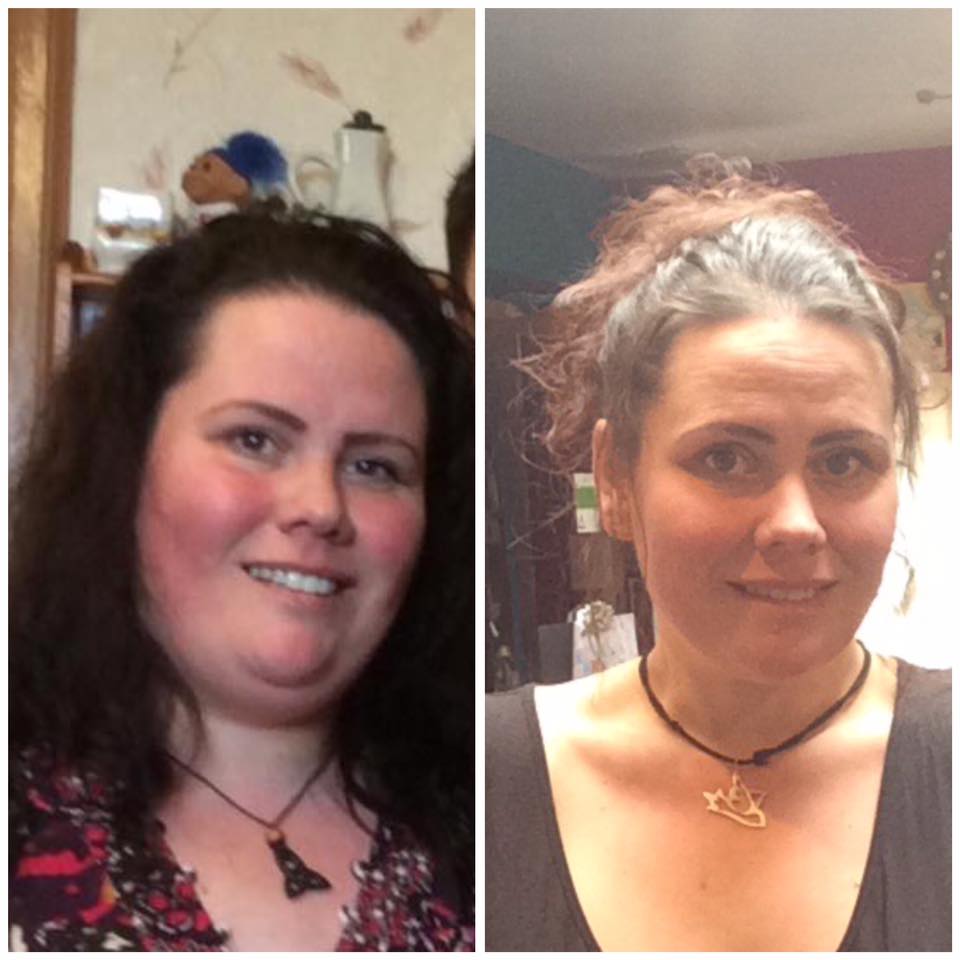
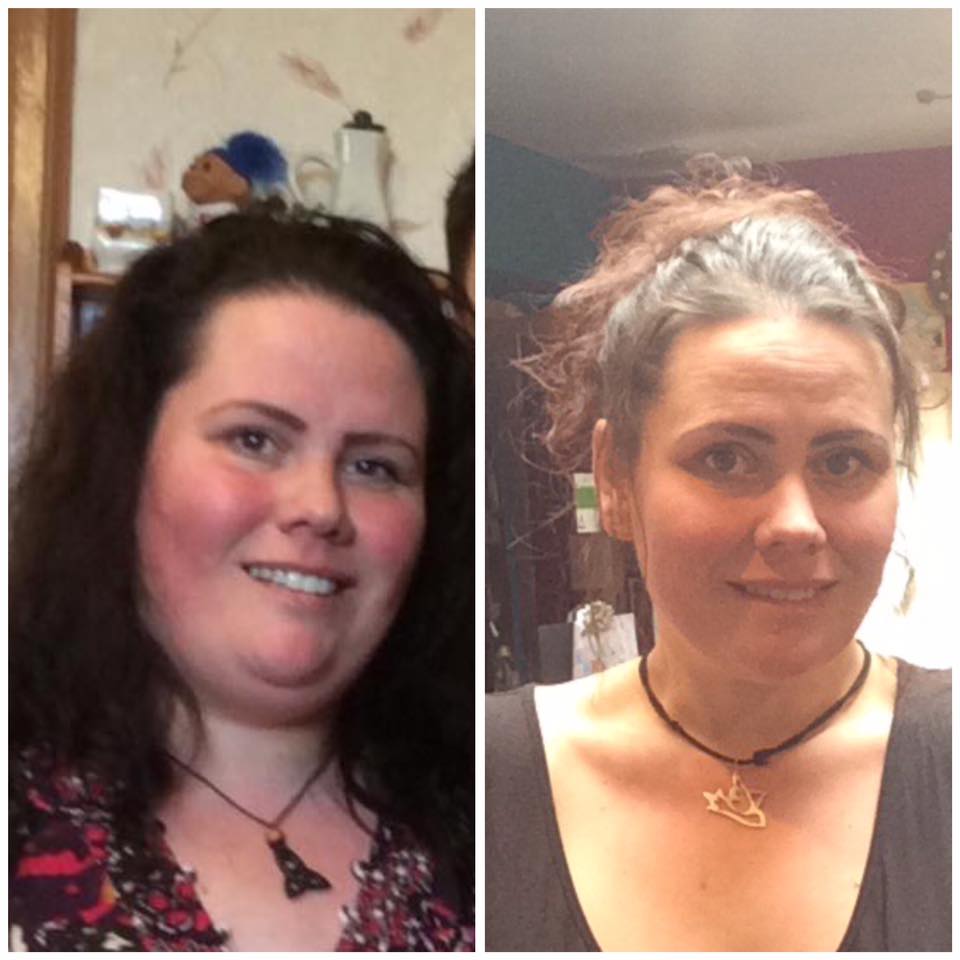
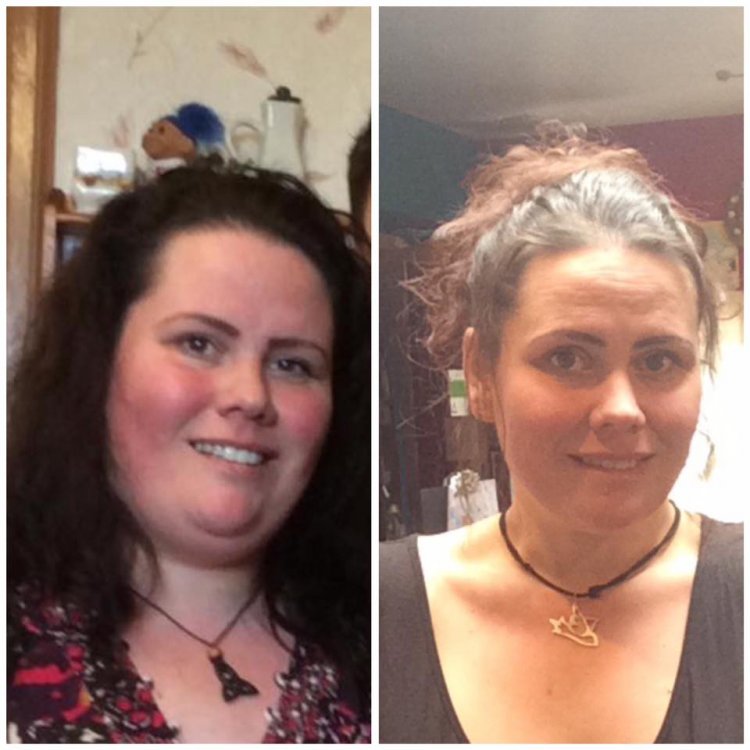
Almost 11 months out... I had NO IDEA I was that fat before the op...the before pic just popped up on my faceboook memories from last year at a family gathering. Everything in my life has changed for the better...I am back to original me and loving it!
-
Almost 11 months out... I had NO IDEA I was that fat before the op...the before pic just popped up on my faceboook memories from last year at a family gathering. Everything in my life has changed for the better...I am back to original me and loving it!
-
I had my sleeve in September last year and, for the past 2 days, have been in absolute tatters with stomach pain. generally sore but with severe acute pain at least hourly. I've always had dumping with refined carbs, fats and too much sugar, but the past 2 days, it seems anything triggers it off. My surgeon is far away and, living rurally, the experience base of our local GP on gastric sleeve is slim to none so I thought I'd have a wee check on here to see if anyone had experienced similar or had suggestions of things to try before having to travel in this state to go see my surgeon. Thanks
-
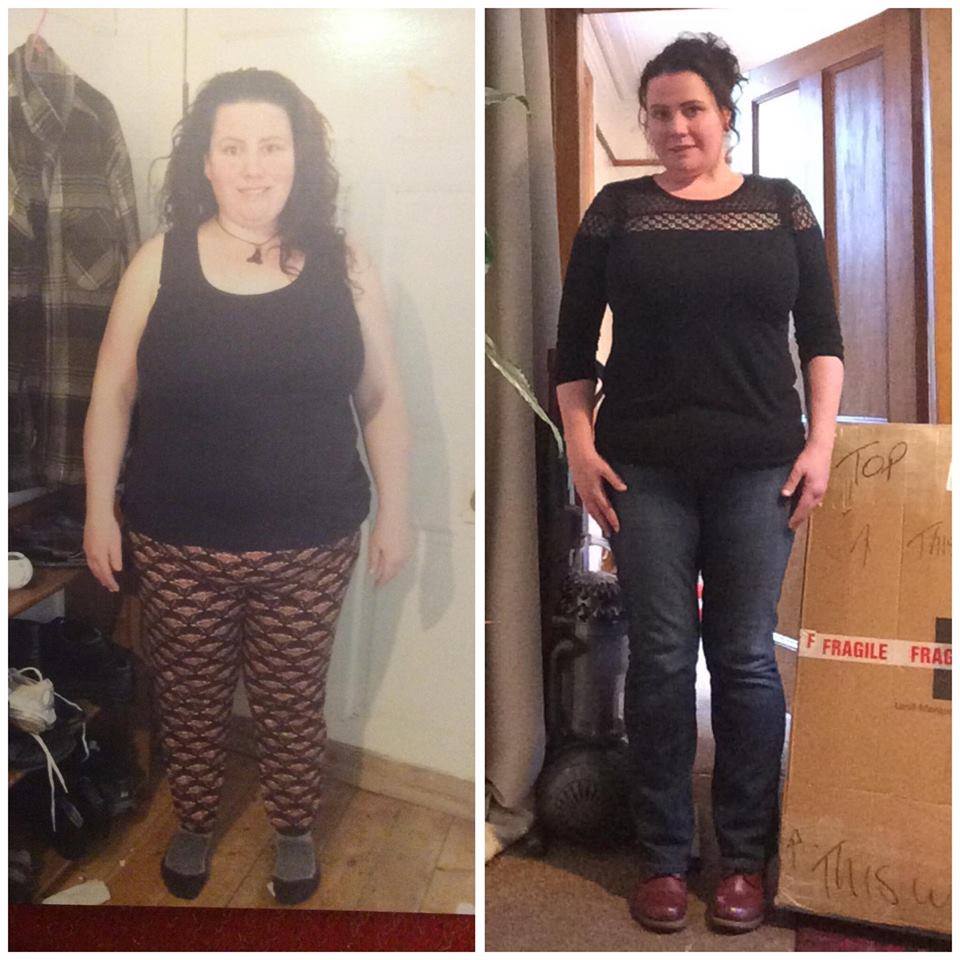
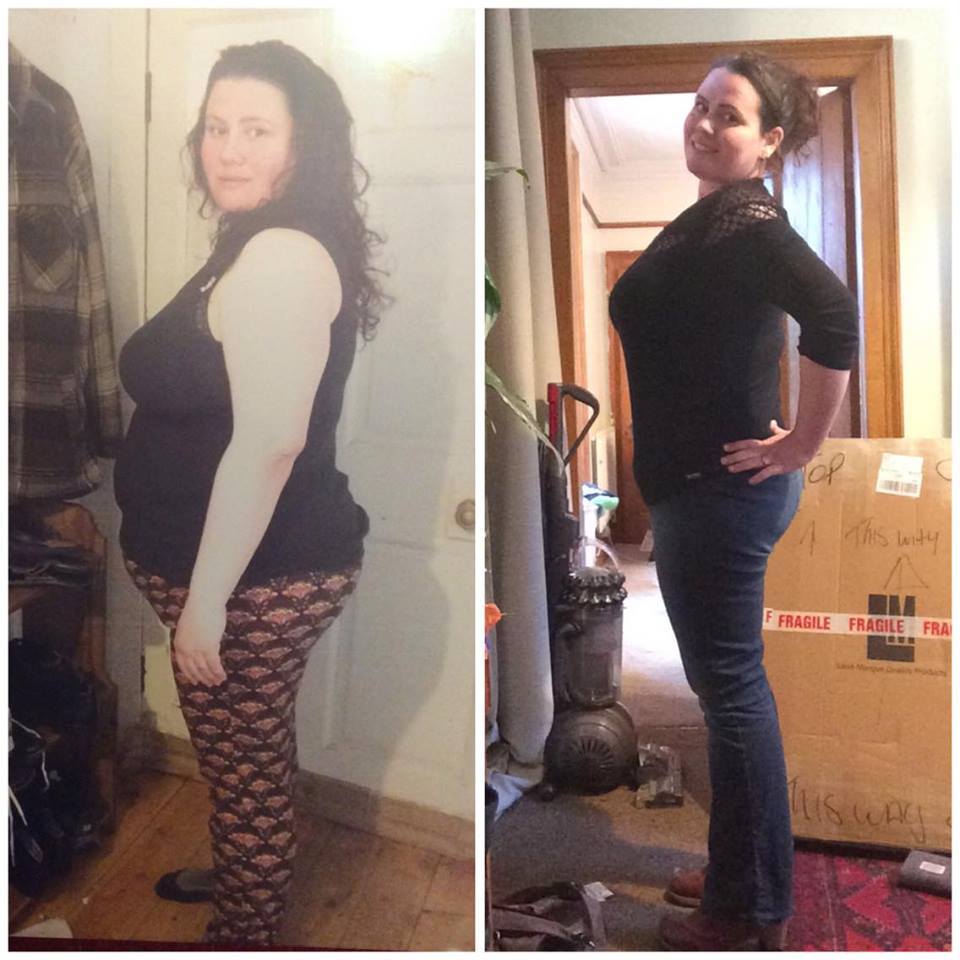
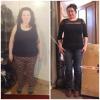
So...4 months out and (almost) 4 stones down...the before and after photos are at 3 stone off, I look SO different again, just need to take a pic. I have lost 12 inches off my waist and 14 off my 'mum tum' (its flabby flap has gone from 3 inches of sag to under 1/2) I am lighter than my other half...therefore no longer the heaviest in the house *high 5* I have lost the combined weight of my 4 year old, the cat and 2 of our hens I buy a UK size 16 off the peg (previously a 22) I have just applied for and got a job which I wouldn't have dreamed of even applying for 5 months ago...start tomorrow eek! My 4 teens are super proud of my new look and (though they aren't consciously doing it) are actively spending more time with me around their friends...and my 4 year old is thrilled with my new energy levels. I'm away to take climbing instruction and have joined 2 groups to learn that and ukulele...and am involved with sorting a 20yr reunion for my high school (a stark contrast from my previous very anti-social self) I have legs...really nice ones...I have always totally viewed them as my worst asset and had no idea that these shapely beings existed beneath my previous tree trunks. My boobs are no longer my best asset...this really worried me pre-op as I was massively defined by them...you know what??? I don't care (and neither does he)! I can go buy vintage clothes...and they fit...and they look amazing (hand knitted 70s dress from a charity shop is my absolute favourite buy) The skin looseness is nothing like I thought it would be Learning that food is fuel and not enjoyable is hard and the mental process behind it isn't a nice one...but the feeling of accomplishment helps more than I could have ever believed! I love yoga! This is the best investment I have ever made in myself...I am just so, so happy! yes...there are negatives, but they are far outweighed by all the zillions of good stuff :D

-
Hi sleeve twin...I was the 20th September too It's not about the losses just now, but a year and a half down the line she will start to regain the weight while you, with your changed habits will keep it off. Keep that in mind when she 'shows off' about eating all the crap that got her fat first time round...it will do the same again, she just doesn't realise it yet. I am having MASSIVE stalls, but losing inches. Dig out your tape measure! Xx
-
I am only 2lbs away from being the lightest I have been since I was 20 (16 years ago)....I have been at this point many times before, but always began to self-sabotage and regained all I had lost and then some. I have no idea what my mental barrier was with the 15 stone mark, but self-sabotage is a non-option this time. It's a really scary thought entering into this unchartered territory...I have no clue what I will look like and it just seems so abstract that I am having bother processing it just now. I knew this was coming, but didn't realise quite how big an abyss the number 14 at the beginning of my weight feels. Anyone experienced similar? Pats on the head and being told it will all be okay will also be greatly appreciated!
-
7 weeks out...my current favourites... Fastening up my DMs properly My partner coming home from 4 weeks away and going in at usual width for a bosie...only to have to totally adjust where his arms were. Buying and using a hula hoop Seeing a gorgeous winter coat, thinking 'no way' and it fitting like a dream Running to do something urgent Starting belly dancing classes Losing the weight of my 4 year old Getting off a train and my other half not recognise me as my figure profile has changed so much The delight on my 12 year olds face when I suggested we went a long walk together (she is one of 5, so 1:1 time is prized) and we ended up going 11 miles, I couldn't have managed 1 before. Now just 2lbs off the lightest I have been as an adult!!!
-
I have dumping with the sleeve...it feels as though the end of life is upon me and the only thing I can do is lie down and hope it passes. I get a wave of cold sweat, followed by nausea, shivers and generally feeling unimaginably awful. Sometimes diahorrea, sometimes sickness (both of which come within about a minute of the first symptoms and are unstoppable), sometimes neither and I just have to ride it out. It is completely debilitating and I usually lose at least 2 hours until I can begin to function even slightly after it. It's horrific and unmistakeable. I get it with any fatty foods, including egg yolk, fresh fruit juices, any more than a very small amount of refined sugars and if I overeat even slightly.
-
32lbs off and 31 inches all over. From a start on op-day of 249, I'm delighted. Favourite NSVs so far... I can do up my DMs properly I bought clothes off the peg in a vintage shop I fit a supermarket bra I got 11 miles worth of 1:1 time with my 12 year old today
-
Yes, able2cope...what gave it away I wonder?! I'm doing well thanks, felt much better once I ditched the pain meds on day 1 and got discharged day 2. It's nice to be home, I'm keeping fluids up but it's a scunner that I can't seem to swallow anything thicker than Water. All in good time I guess...at least there is no hunger there though!! How are you finding maintenence? SaveSave
-
Out of surgery about 5, all went well and I'm feeling okay. was up and about a bit earlier and back into my own PJs, so feeling bette for that too. Thank you all for your well wishes
-
Sat here all gowned, stockinged and pre-opped....see you on the other side
-
This is my first post here and I can only apologise for it being a bit of a weird one... I am in for VSG on Tuesday (20th) and have been heavily indulging myself in the pre and post op photos to try and distract my brain with positivity rather than the current morbid fear that it will be the last time I wave my kids off to school (ridiculous I know) Thing is, I am seeing lots of people on my start weight who are tiny...like, really wee. I haven't been under 15 some in as many years (37 now) and haven't seen myself below 12 stone since i was 18. Does the speed of physical change come as a shock? Is it hard to accept? most importantly...do you still feel yourself, or do you have to learn to be a new you??? I hope this makes some sense.