Skip to content
View in the app

A better way to browse. Learn more.

BariatricPal

A full-screen app on your home screen with push notifications, badges and more.

To install this app on iOS and iPadOS
  1. Tap the Share icon in Safari
  2. Scroll the menu and tap Add to Home Screen.
  3. Tap Add in the top-right corner.
To install this app on Android
  1. Tap the 3-dot menu (⋮) in the top-right corner of the browser.
  2. Tap Add to Home screen or Install app.
  3. Confirm by tapping Install.

dlappjr

Gastric Sleeve Patients
  • Joined

  • Last visited

  1.    icstarz6 reacted to a post in a topic: I Want To See Before & After Pics! (Cont'd)
  2.    Eaumond reacted to a post in a topic: I Want To See Before & After Pics! (Cont'd)
  3.    Syaniya reacted to a post in a topic: I Want To See Before & After Pics! (Cont'd)
  4.    ginabee38 reacted to a post in a topic: I Want To See Before & After Pics! (Cont'd)
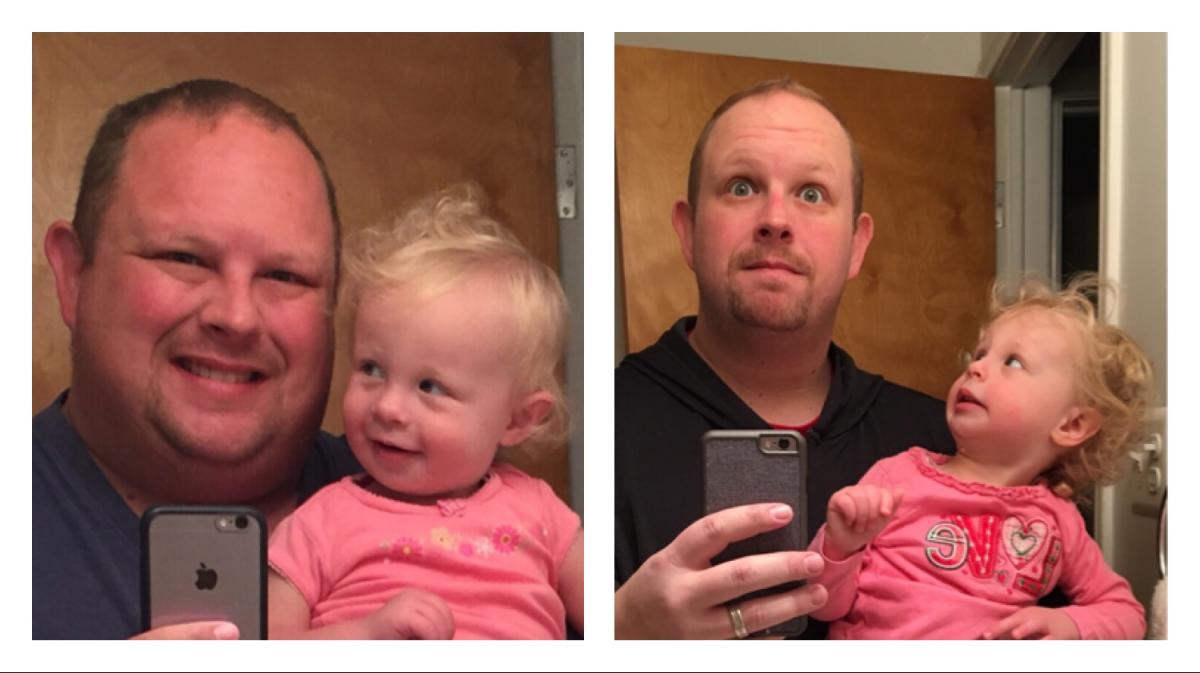
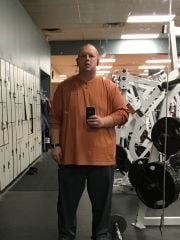
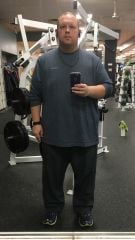
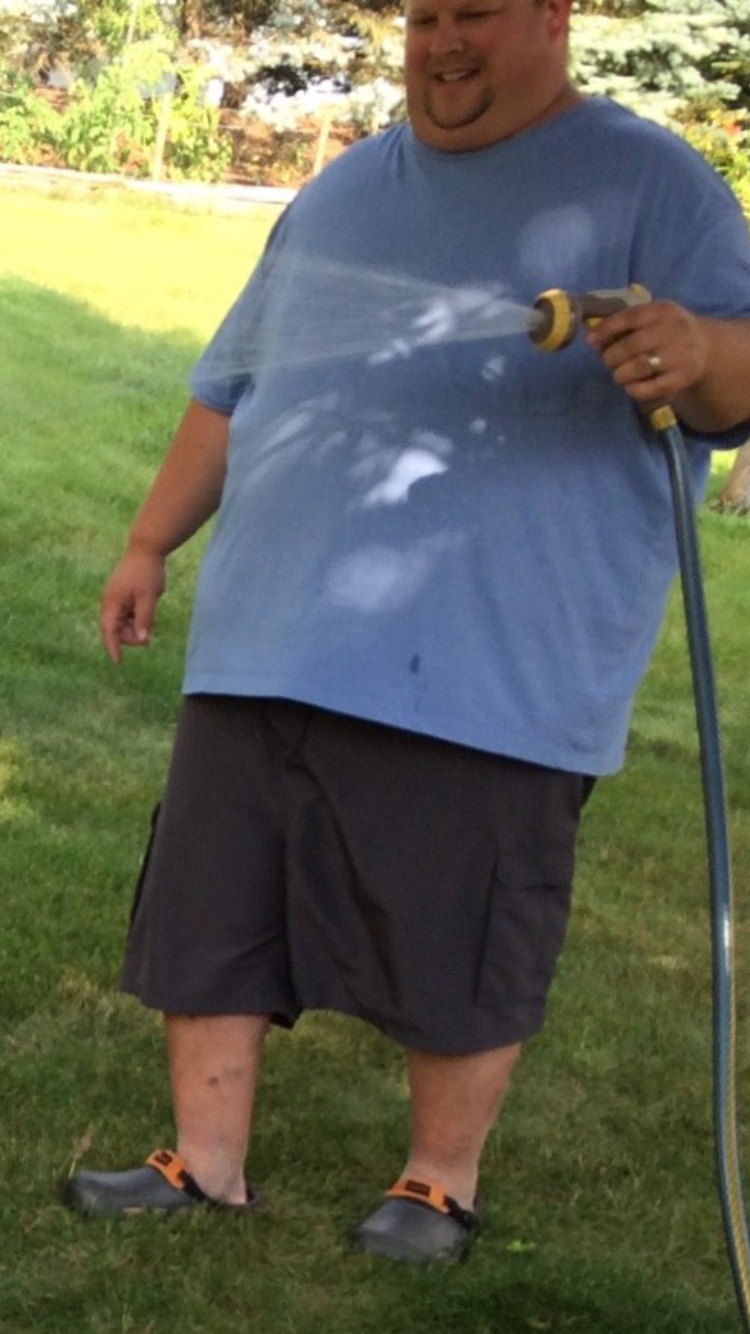
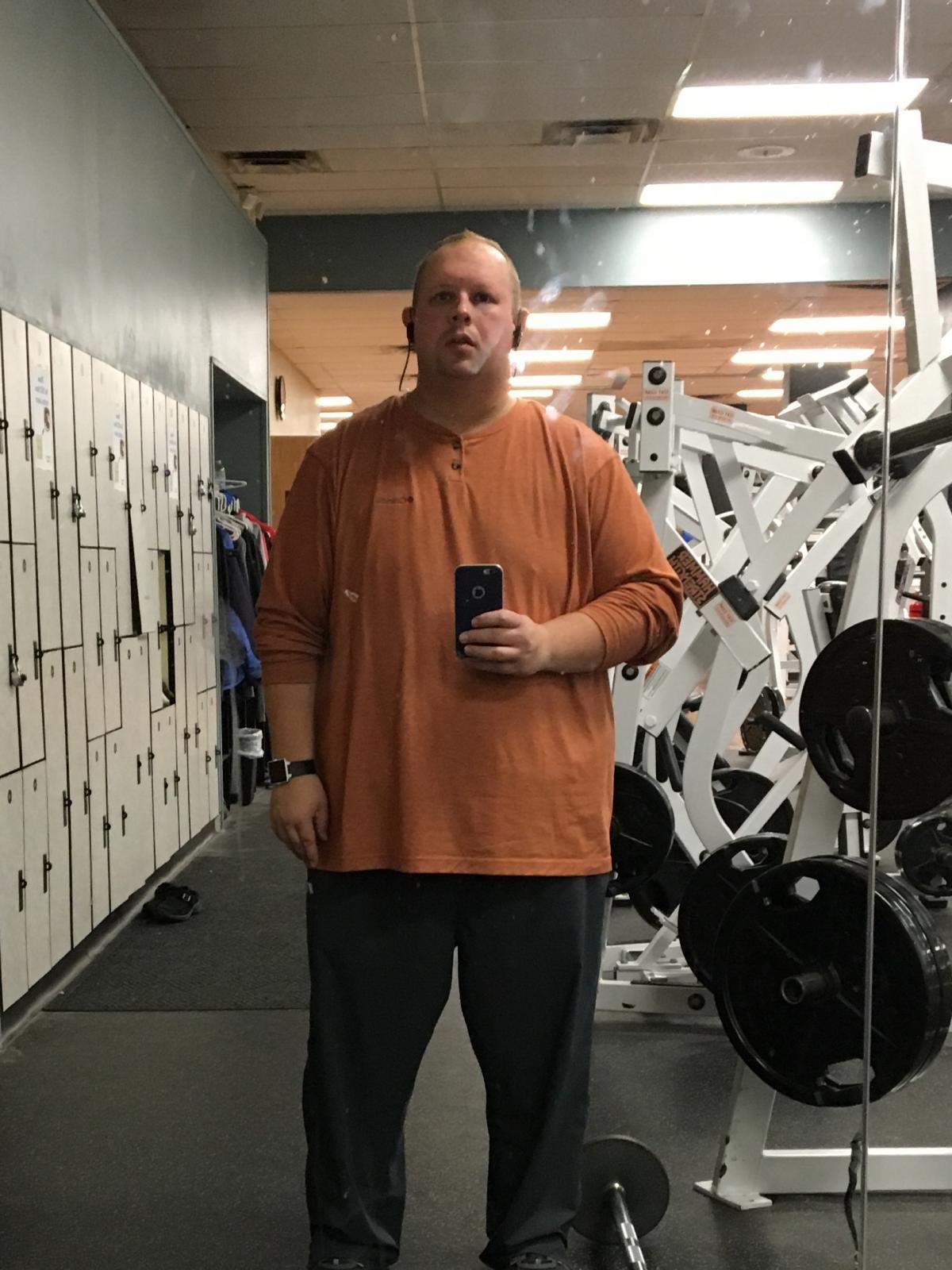
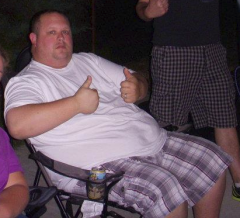
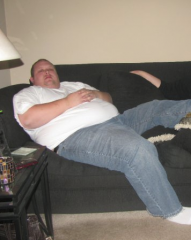
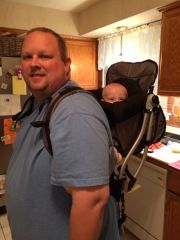
  5. Here is an update. The pic on the left is from June 24th 2015, and on the right is minus 130lbs. today, March 29th 2016.

  6.    dlappjr reacted to a post in a topic: I Want To See Before & After Pics! (Cont'd)
  7.    dlappjr reacted to a post in a topic: I Want To See Before & After Pics! (Cont'd)
  8.    dlappjr reacted to a post in a topic: I Want To See Before & After Pics! (Cont'd)
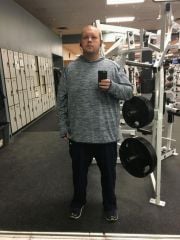
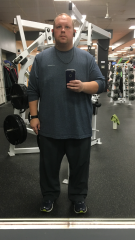
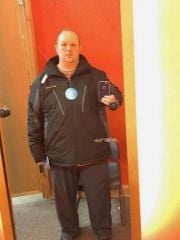
  9. I am 3.5 months post op. I started the Pre-Op Diet on August 16th, Sleeved on August 26th. Today is 4 months since I was 380lbs. In that 4 months I have lost 95 pounds, about 8 inches off my waist, and gone from a 5xl shirt, to 2-3xl. I could barely walk 2 miles over the course of a day. If I was on my feet too long, I had to sit and elevate them. Now, I run 6mph for 20 minutes on an Elliptical, then 30-35 minutes of Weight Lifting, and that happens before 6am. I am still good to go the rest of the day. Might not look like it yet, but I FEEL like a million bucks!

Trending Products

PatchAid Vitamin Patches

Account

Navigation

Search

Search

Configure browser push notifications

Chrome (Android)
  1. Tap the lock icon next to the address bar.
  2. Tap Permissions → Notifications.
  3. Adjust your preference.
Chrome (Desktop)
  1. Click the padlock icon in the address bar.
  2. Select Site settings.
  3. Find Notifications and adjust your preference.