Skip to content
View in the app

A better way to browse. Learn more.

BariatricPal

A full-screen app on your home screen with push notifications, badges and more.

To install this app on iOS and iPadOS
  1. Tap the Share icon in Safari
  2. Scroll the menu and tap Add to Home Screen.
  3. Tap Add in the top-right corner.
To install this app on Android
  1. Tap the 3-dot menu (⋮) in the top-right corner of the browser.
  2. Tap Add to Home screen or Install app.
  3. Confirm by tapping Install.

cindi gant

Pre Op
  • Joined

  • Last visited

Everything posted by cindi gant

  1. Congratulations! You look amazing!
  2. I don't exactly meet your specs but I am replying anyway! I hope you don't mind. I am 5'7. SW 350 CW 200. Revised to sleeve December 2013. Still losing but very slowly now. I lost 100 pounds in 6 months.

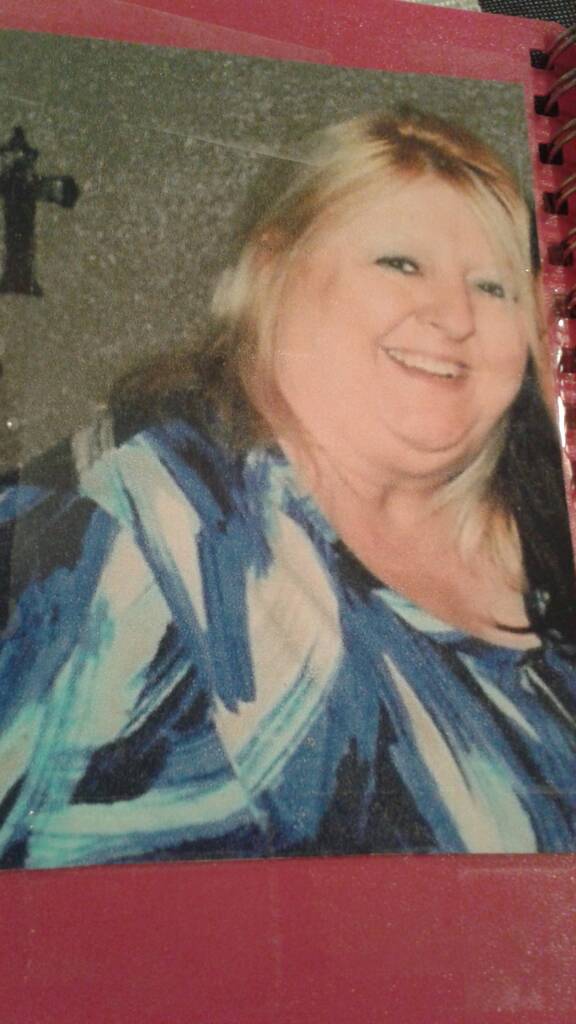
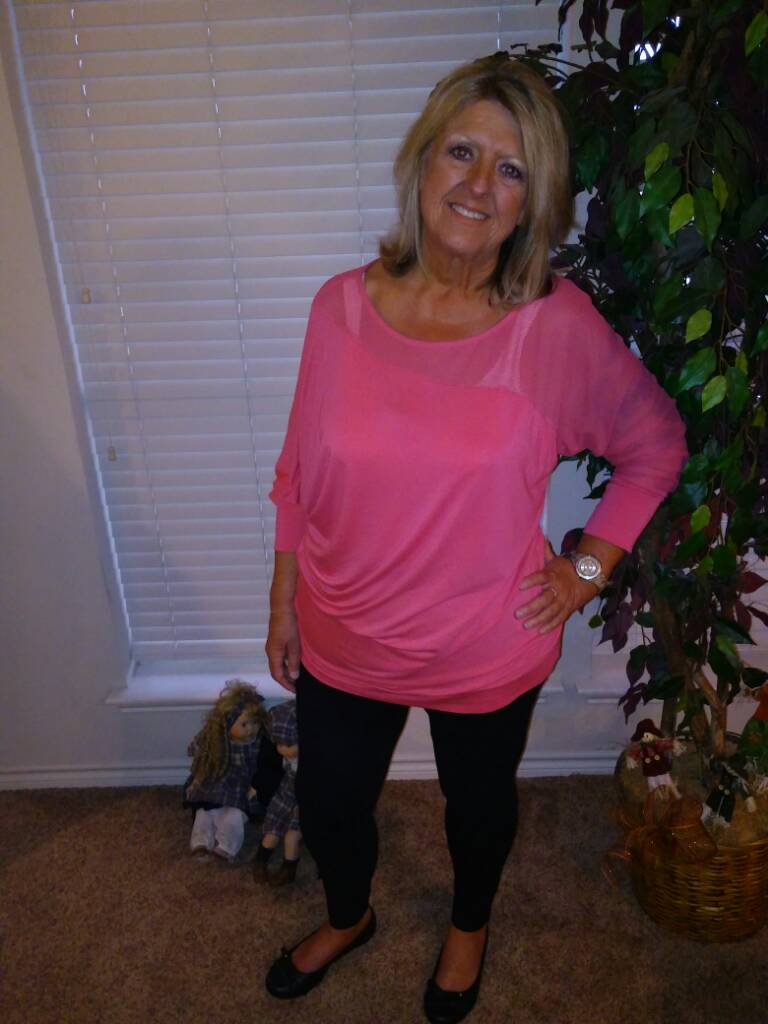
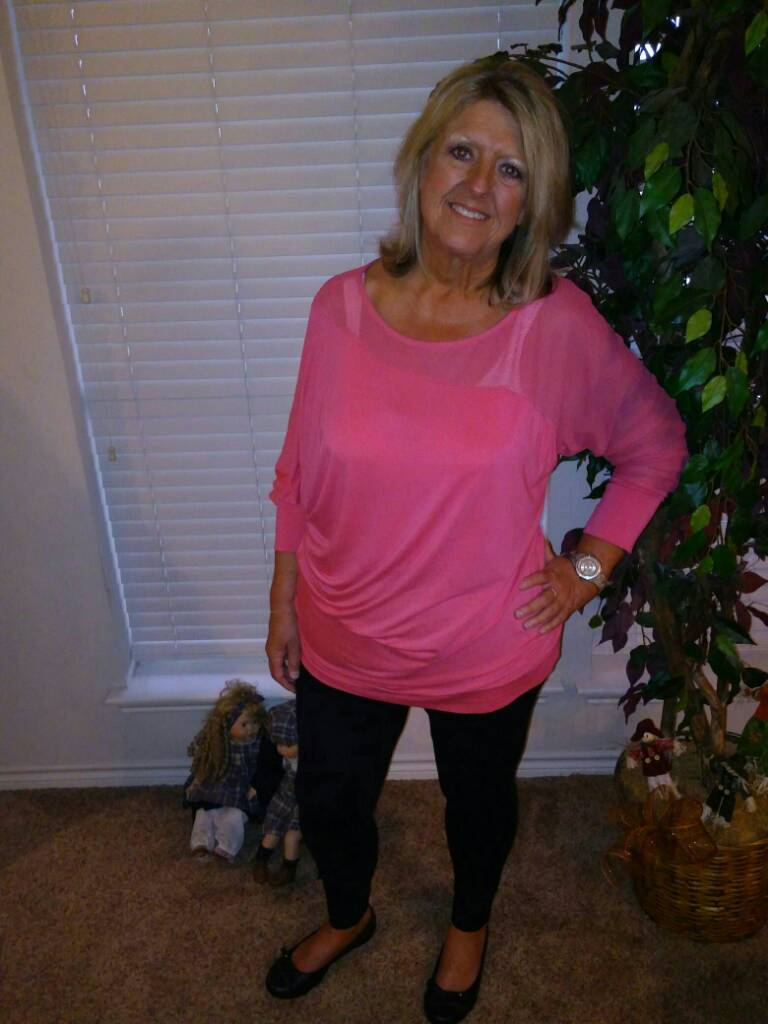
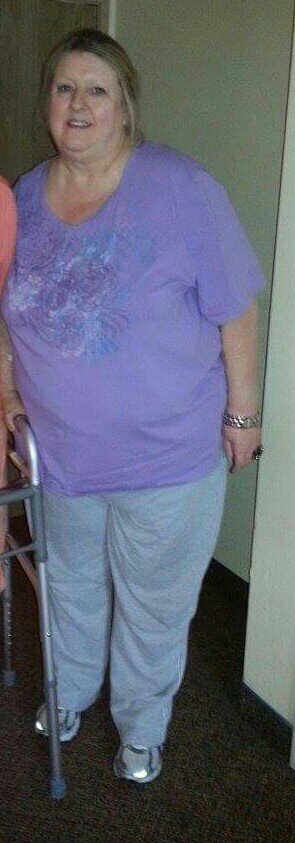
  3. I weighed 350 December 2013. Today I weigh 203. I hope these pics are ok. I had trouble attaching them.
  4. I love this article about Yvonne. I live in Dallas and I am looking for a way to give back to other WLS patients. I am passionate about supporting others on this journey. I am determined to find a way to make this happen.
Trending Products

PatchAid Vitamin Patches

Account

Navigation

Search

Search

Configure browser push notifications

Chrome (Android)
  1. Tap the lock icon next to the address bar.
  2. Tap Permissions → Notifications.
  3. Adjust your preference.
Chrome (Desktop)
  1. Click the padlock icon in the address bar.
  2. Select Site settings.
  3. Find Notifications and adjust your preference.