





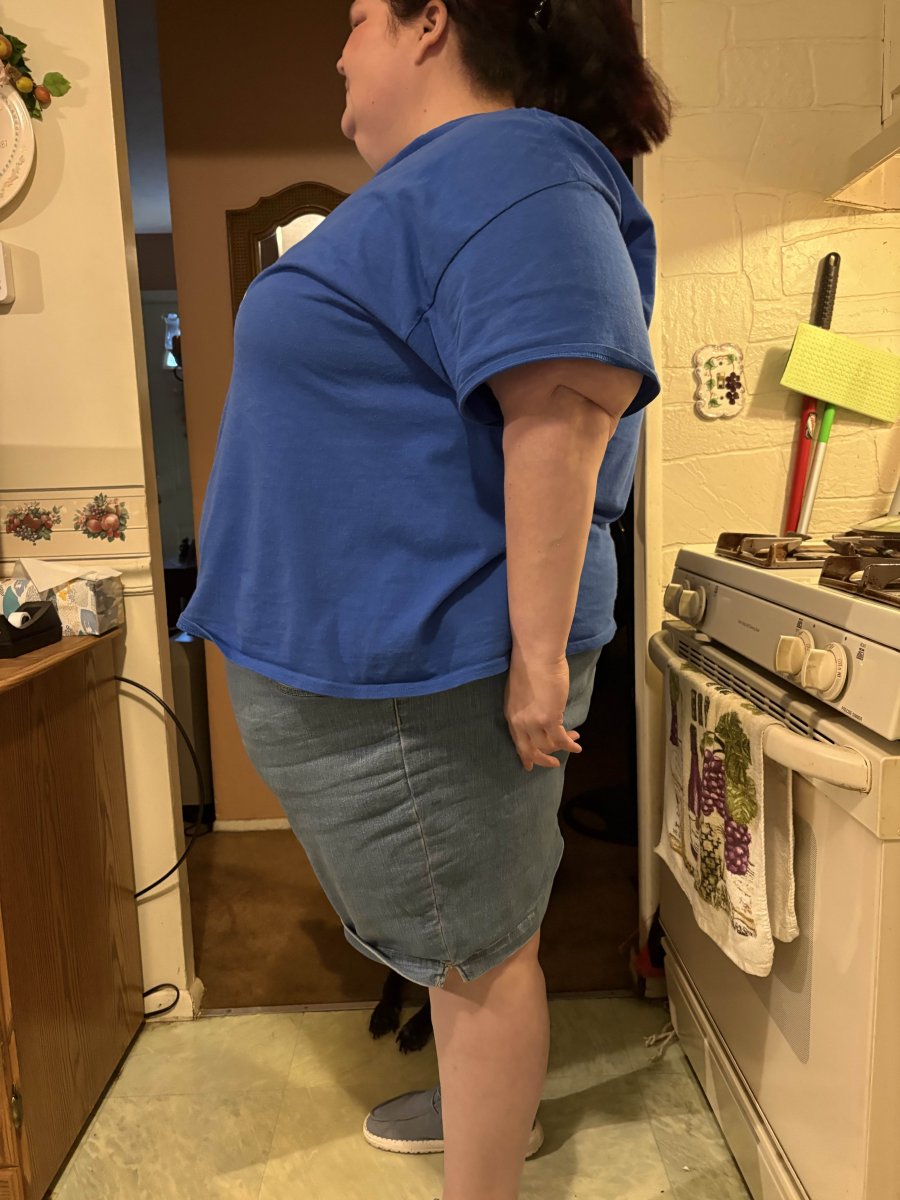
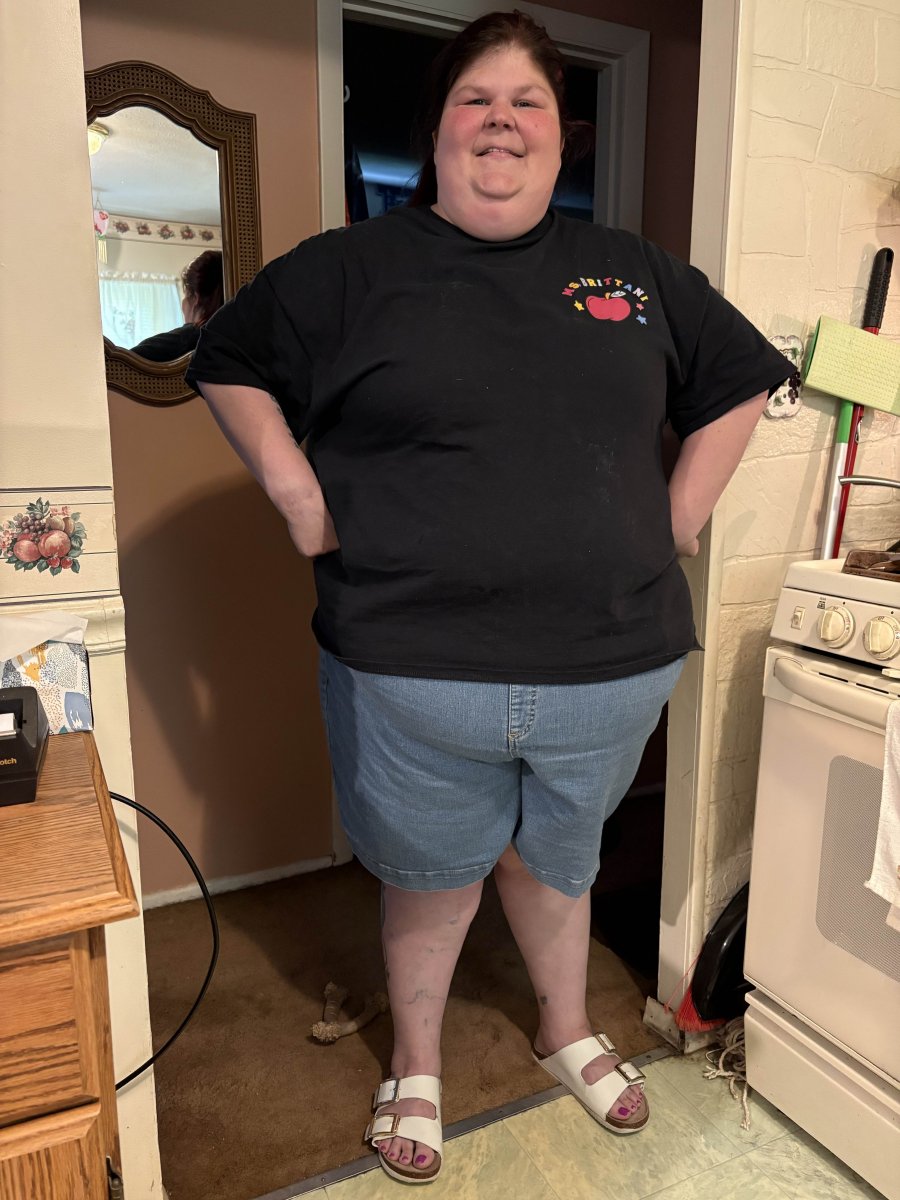
Before Surgery!!! (my current self)
Album created by
Cakb10 ·
Updated
I am almost giving myself an anxiety attack posting full body pictures of myself and pictures that have not been photoshopped at all. I am so used to taking pictures above my head so that you can't see my body or double chin that it is really hard for me to show these to the world. I am glad that I can do this finally since I think of all places online I should feel most comfortable here!
12 images











Gallery Statistics
- Images 91.8k
- Comments 29.7k
- Albums 25.1k
Images







Albums
-
- 3 images
By Alex Brecher -
One Year Post Gastric Bypass
I had my gastric bypass in February of 2025. In December I had 360⁰ lower body lift/tummy tuck, breast reduction/lift/augmentation. I'm still recovering from that surgery, but I'm doing well! I started at over 300 (probably 315?), and today I'm at 191. I'm still 26lbs from my goal weight, but I'm glad to be going slow and getting stronger every day!
- 6 images
By KimBaxleyWilson -
before surgeries
before 2018
- 5 images
By 8yearVETandPacosmom -
Before Gastric Bypass
Before My Gastric Bypass- 2 images
By Brittani87 -
Before Gastric Sleeve
These are my pictures before my liver shrinking diet- 2 images
By Brittani87

0 Album Comments
There are no comments to display.
Join the conversation
You can post now and register later. If you have an account, sign in now to post with your account.